

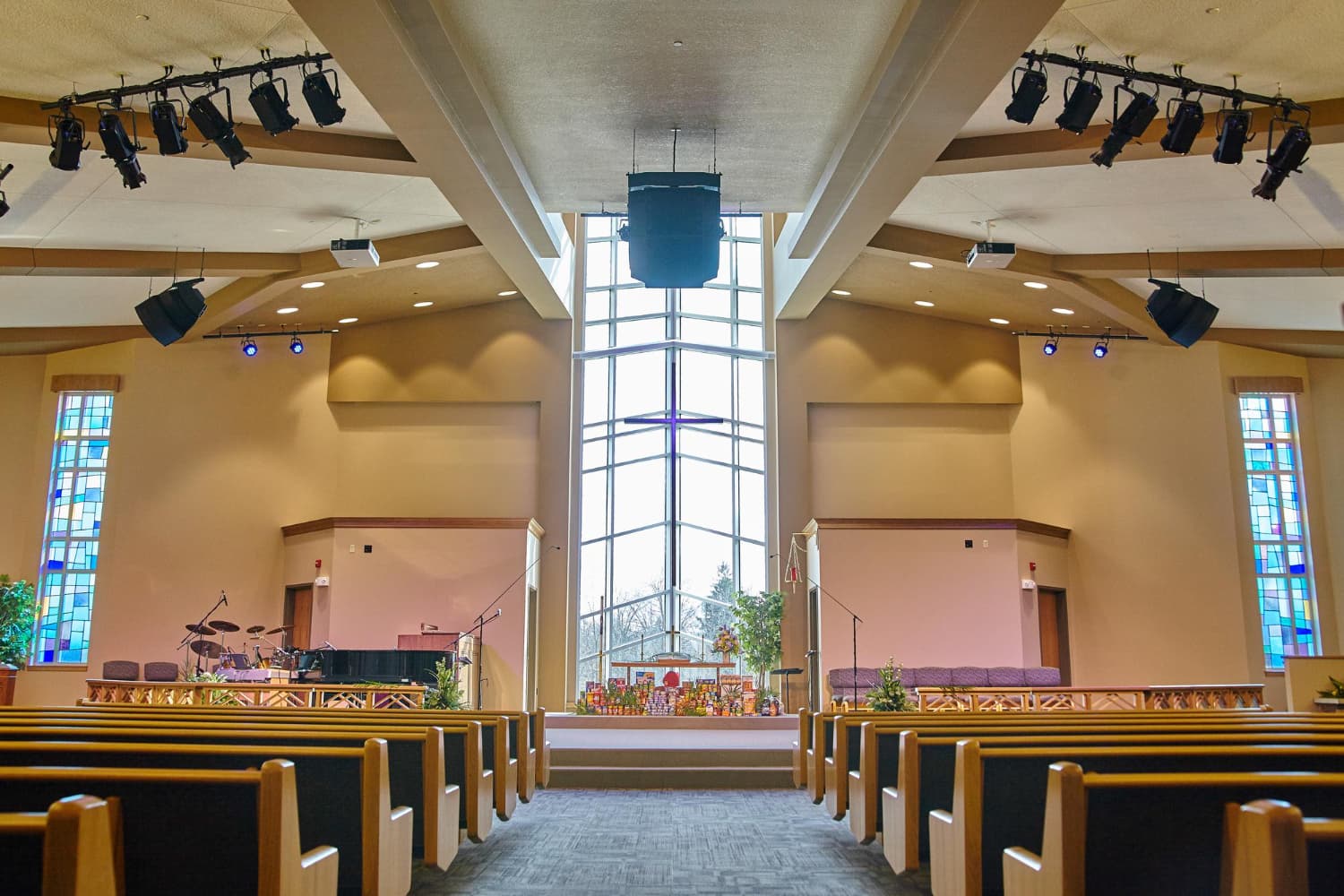
For churches & faith communities
Keep your campus running.Built for the team that keeps the lights on.
Sound familiar?
Facilities knowledge shouldn't leave when people do
Most churches rely on a small team — or a single volunteer — to carry everything in their head. When that person moves on, the history goes with them.
Without iMaintain
- The HVAC company contact is in a former staff member’s phone
- Nobody knows when the church van was last serviced
- The roof repair from 2021 is buried in an old email thread
- New facilities volunteer starts from scratch every time leadership changes
- Congregation members have no easy way to report a maintenance issue
With iMaintain
- Every vendor, service record, and contact attached to the asset they belong to
- Van service history visible to whoever is responsible this year
- Roof repair record — dated, documented, contractor attached — ready in seconds
- New volunteer opens iMaintain and the full history is already there
- QR codes in public spaces let anyone report an issue without an account
See it in action
A quick walkthrough for churches & faith communities
What you manage
Every asset your church depends on, organized in one place
From the main sanctuary to the parking lot, the kitchen to the church van — one connected system for everything your facilities team is responsible for.
Church buildings & campuses
Maintenance schedules, service history, inspection records, and documents for your sanctuary, fellowship hall, classrooms, and any satellite campuses.
Vehicles & transportation
Service history, mileage-based reminders, repair costs, and documents for every van, bus, or ministry vehicle in your fleet.
Rooms & spaces
Tie maintenance tasks, inventory, and notes to specific rooms — sanctuary, kitchen, nursery, gym, offices. Know what has been done where.
Equipment & belongings
Sound systems, AV equipment, kitchen appliances, tools, and furnishings — receipts, warranties, manuals, and replacement value organized by location.
Service providers & vendors
Track every contractor, plumber, electrician, and HVAC company you work with. See their full service history, contact details, past invoices, and notes — all in one place.
Seasonal & recurring maintenance
Pre-season HVAC checks, parking lot inspections, kitchen equipment servicing, and annual safety inspections — scheduled automatically and assigned to the right person.
Service providers
Know who to call — and what they've done before
Churches work with the same vendors for years. iMaintain keeps every service provider's contact details, full service history, invoices, and notes attached to the jobs they've completed — so institutional knowledge about your vendors survives leadership changes.
Provider details tracked
- Company name, contact, phone, and email
- Every job they have completed — dated, with cost and notes
- Invoices and documents attached to each service record
- Which assets they have worked on and when
- Notes about their reliability, pricing, and specialties
Why this matters for churches
When your facilities coordinator moves on, the new person should not have to rebuild your vendor relationships from scratch. iMaintain keeps the history — who you called for the boiler, what it cost last time, and whether the work held up.
QR codes
Let your congregation report issues — without tracking anyone down
Place a QR code in any space and congregation members, visitors, or volunteers can scan it to report a maintenance issue, submit feedback, or flag an incident — no account required. It lands in your Inbox, linked to the space it came from.
How it works
- 1.Generate a QR code for any property or space in iMaintain
- 2.Print and place it in visible locations — bathrooms, fellowship hall, parking lot, nursery
- 3.Anyone scans it and fills out a short form — maintenance issue, incident, or feedback
- 4.They can attach up to three photos directly from their phone
- 5.The message arrives in your iMaintain Inbox, linked to the right space, with urgency flagged
Why churches love this
Congregation members notice things — a dripping faucet, a broken light, a safety concern in the parking lot. Without an easy way to report it, most people say nothing. A QR code removes all friction and keeps your facilities team informed without requiring anyone to track down the right person.
How setup works
Set up your campus in an afternoon
Start with your main building. Add your vehicles, spaces, and equipment. Invite your facilities team. Everything builds from there.
Add your properties and spaces
Enter each building — sanctuary, fellowship hall, education wing, parsonage. Add the rooms and outdoor areas that matter. iMaintain organizes everything under the right address.
Add your vehicles and equipment
Upload a photo of each van or bus and AI prefills make, model, year, and mileage. Add sound equipment, kitchen appliances, and tools as belongings with serial numbers and purchase details.
Add your service providers
Create a record for each contractor, vendor, and service company your church uses. Attach their contact details, past invoices, and notes so the history is already there from day one.
AI builds your maintenance plans
For each property and vehicle, AI suggests a maintenance schedule based on what you have added. Review, approve, or adjust any item. Nothing is added without your confirmation.
Invite your facilities team
Add staff members and key volunteers with role-based access. Assign maintenance tasks so responsibility is clear — and so the records stay when people move on.
Nothing is lost when leadership changes. The history stays with the asset.
Ask Copilot
Your campus records, instantly searchable
When was the HVAC last serviced in the sanctuary?
March 2024 by Martinez Mechanical. Invoice and technician notes are attached. Next service due March 2025.
When is the church van due for an oil change?
Due at 87,400 miles — currently at 86,100. Last service was March 8 at Quick Lane. Invoice attached.
Who have we used for plumbing repairs?
Three vendors on record: Rivera Plumbing (2021, 2023), City Water Services (2022), and Apex Plumbing (2024). All invoices attached with notes.
Is the commercial kitchen range still under warranty?
Yes — purchased April 2022 with a 5-year commercial warranty. Covered until April 2027. Warranty document attached.
What maintenance has been done on the fellowship hall this year?
4 completed tasks: HVAC filter replacement (Jan), fire extinguisher inspection (Feb), roof gutter cleaning (Apr), and kitchen exhaust hood cleaning (Jun). Total cost: $1,840.
What have we spent on the church van this year?
$1,240 across three service visits — oil change, brake inspection, and tire rotation. Full cost history available.
Why it matters
Institutional memory that outlasts any individual
New facilities staff or volunteers get up to speed immediately — the history is already there
Know exactly what every contractor has done, what it cost, and whether to call them again
Never miss a safety inspection, equipment service, or vehicle maintenance interval
Congregation members can report issues instantly via QR code — no friction, no lost information
Be ready for insurance claims with documentation already organized by asset
Understand what your campus has actually cost to maintain over time
Multi-campus churches
Each campus gets its own property record with its own maintenance history, spaces, vendors, and documents — organized the same way, under one account your whole team can access.
Recommended plan
Built for church facilities teams — Business plan
The right plan for team access, multiple buildings, vehicles, and the operational structure your facilities ministry needs — starting at $49/mo.
Business
Starting point — scale with add-ons as your campus grows.
- Up to 5 users (facilities coordinator, staff, key volunteers)
- 10 vehicles, 10 properties, 1,000 assets to start
- Multiple teams — separate facilities, office, and leadership views
- Task assignment with notifications
- Role-based permissions
- Full Copilot access
- Priority support
Add-ons scale with your campus
If the Business defaults are not enough — more buildings, more vehicles, more team members — add-ons let you expand exactly what you need without moving to a different plan.
Smaller congregations
The Essential plan at $9/mo covers up to 2 properties and 2 vehicles with full iMaintain features. A good starting point for smaller churches with a simple facilities setup.
14-day free trial
Start with a 14-day free trial on the Essential plan — no credit card required. Add your buildings, vehicles, and service providers, then upgrade to Business when you are ready.
Built on trust
Your data stays yours.
Four promises that don't change — no matter how you use iMaintain or how long you stay.
Privacy by default
Records kept secure, never sold or shared with advertisers.
Export anytime
Download your full records as a human-readable ZIP. No lock-in.
AI that doesn't train on you
Copilot uses your data to answer questions. It never trains on it.
Controlled sharing
Role-based access. Invite family or teammates with clear permissions.
Get started
Stop keeping it all in your head
One avoided repair easily pays for years of iMaintain. Start free and let your ownership record build itself from day one.
14-day free trial · No credit card · Export your data anytime