


Vehicles in iMaintain
Every vehicle, every service, every cost — all in one place
Family SUV
Next oil change at 72,000 miles · Last task: rotated tires.
What's tracked
Everything connected to your vehicle
From the first oil change to the last repair — all your vehicle records in one place, organized and searchable.
Core details for every vehicle
Maintenance schedules
Oil changes, tire rotations, brake checks — on time, every time.
Service history
Every repair, recall, and service visit with dates and costs.
Documents & files
Registration, insurance cards, warranties, and repair invoices.
Mileage & odometer
Track mileage over time to plan interval-based maintenance.
Rental & fleet context (when you need it)
If a vehicle is configured as a rental or part of a small fleet, you also see revenue, trips, rental days, miles driven, and simple performance reports — alongside its maintenance history and records. It keeps operational context in one place without turning iMaintain into a full accounting system.
What it looks like
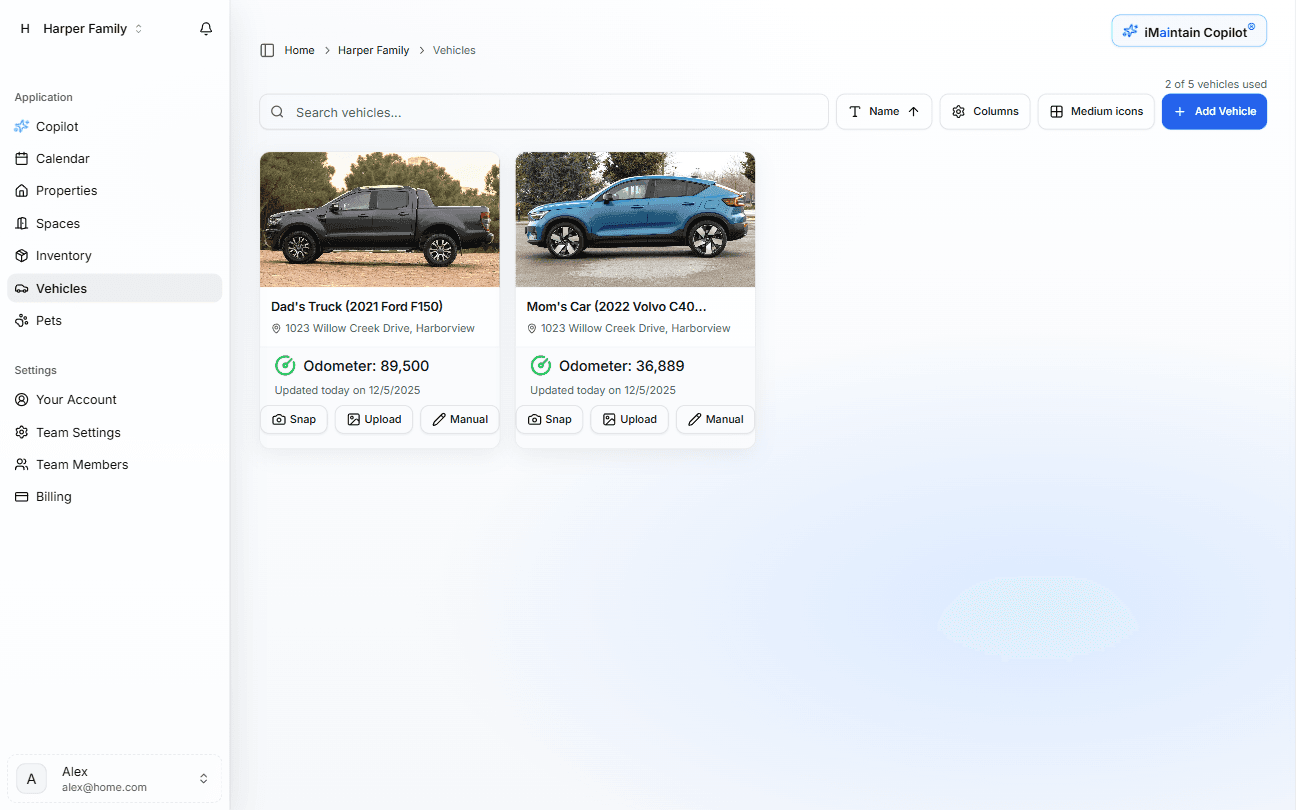
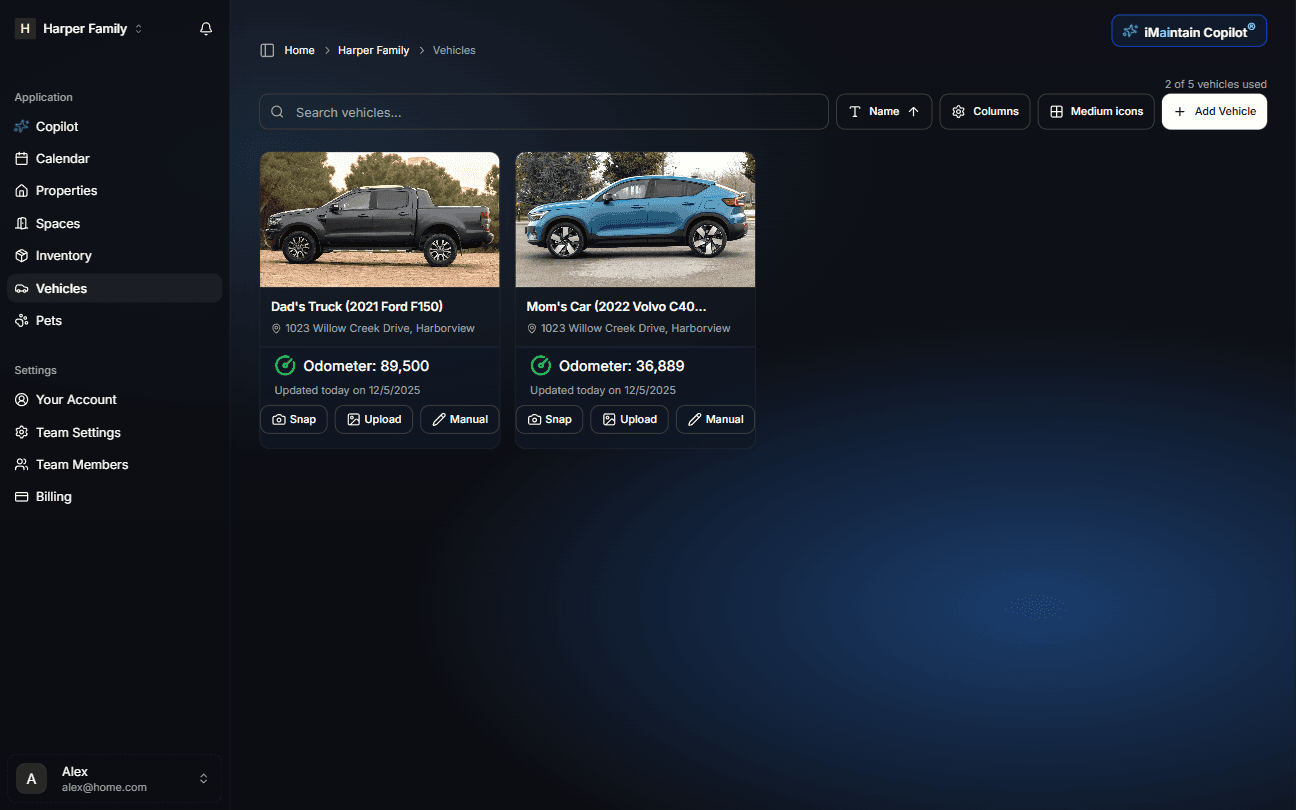
The vehicles workspace shows each vehicle with its status, next service, and recent work. Click into any vehicle to see its full history, documents, and costs in one place.
How setup works
Add a vehicle in minutes
Enter your VIN or basic details and iMaintain does the rest — filling in year, make, model, and recommended maintenance intervals automatically.
Enter your VIN or vehicle details
iMaintain looks up year, make, model, trim, and factory specs from your VIN automatically.
Confirm and refine
Review the pre-filled details and add your current mileage and purchase date.
Add existing service history
Log past work — oil changes, tire rotations, repairs — so your record starts complete.
Only add what you know. Gaps are fine — your history grows over time.
AI suggests your maintenance schedule
Interval-based tasks like oil changes and tire rotations are recommended automatically based on your vehicle and mileage. You review and approve.
Ask Copilot
Questions about your vehicle, answered from your records
Ask in plain language. Copilot searches your actual data — not generic car forums.
When are my tires due for rotation?
Your last rotation was at 42,000 miles in January. At your current pace, rotation is due around 47,000 miles — roughly next month.
Has the timing belt ever been replaced?
Yes — Riverside Auto replaced it in June 2021 at 68,400 miles. Invoice is attached.
Where is my extended warranty information?
Found it — AutoShield Plus coverage, expires 2027 or 90,000 miles, whichever comes first. Document is attached.
How much have I spent on repairs this year?
$2,140 across three visits — brake pad replacement, battery, and a front axle repair in October.
Why it matters
A service record that holds its value
- Never miss a service interval — reminders stay ahead of the schedule
- Know exactly what was done, when, and by whom
- Prove maintenance history when selling — buyers pay more for documented care
- Catch recurring issues before they become expensive failures
- See real ownership costs — not just the last repair bill
Resale value
A documented service history is one of the most effective ways to justify a higher asking price and close a sale faster.
Warranty compliance
Keep proof that scheduled maintenance was done on time — in case a warranty claim ever depends on it.
Insurance claims
When something goes wrong, having your service history and documents organized speeds up the process significantly.
Public message forms
Let anyone report an issue with your vehicle
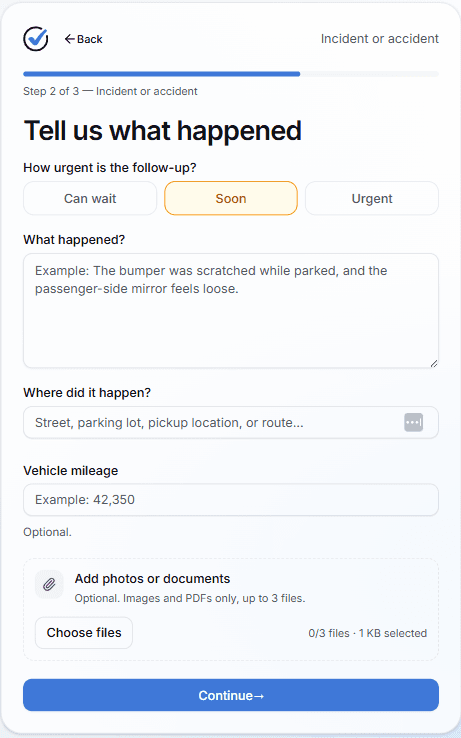
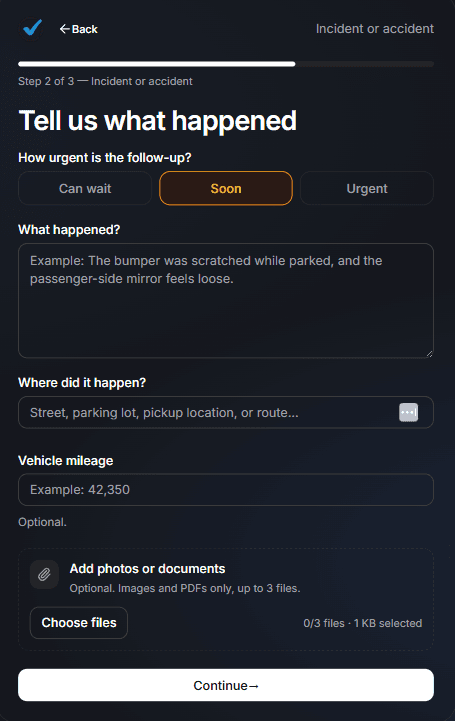
Every vehicle can generate a public QR code that anyone can scan to send you a message — no account required. Whether it's a guest, a family member, or someone who witnessed an incident, they can describe what happened, choose the message type, and attach up to three photos or PDFs on the spot. The message arrives in your Inbox linked to that vehicle, with urgency flagged and everything ready to act on.
Built on trust
Your data stays yours.
Four promises that don't change — no matter how you use iMaintain or how long you stay.
Privacy by default
Records kept secure, never sold or shared with advertisers.
Export anytime
Download your full records as a human-readable ZIP. No lock-in.
AI that doesn't train on you
Copilot uses your data to answer questions. It never trains on it.
Controlled sharing
Role-based access. Invite family or teammates with clear permissions.
Ask external AI
Find out what AI says about iMaintain.
One click opens a prefilled prompt in your favorite AI assistant. Use it to see how independent models describe iMaintain's features and fit.
Get started
Stop keeping it all in your head
One avoided repair easily pays for years of iMaintain. Start free and let your ownership record build itself from day one.
14-day free trial · No credit card · Export your data anytime