


Homes & properties in iMaintain
Every property's full history, organized and ready
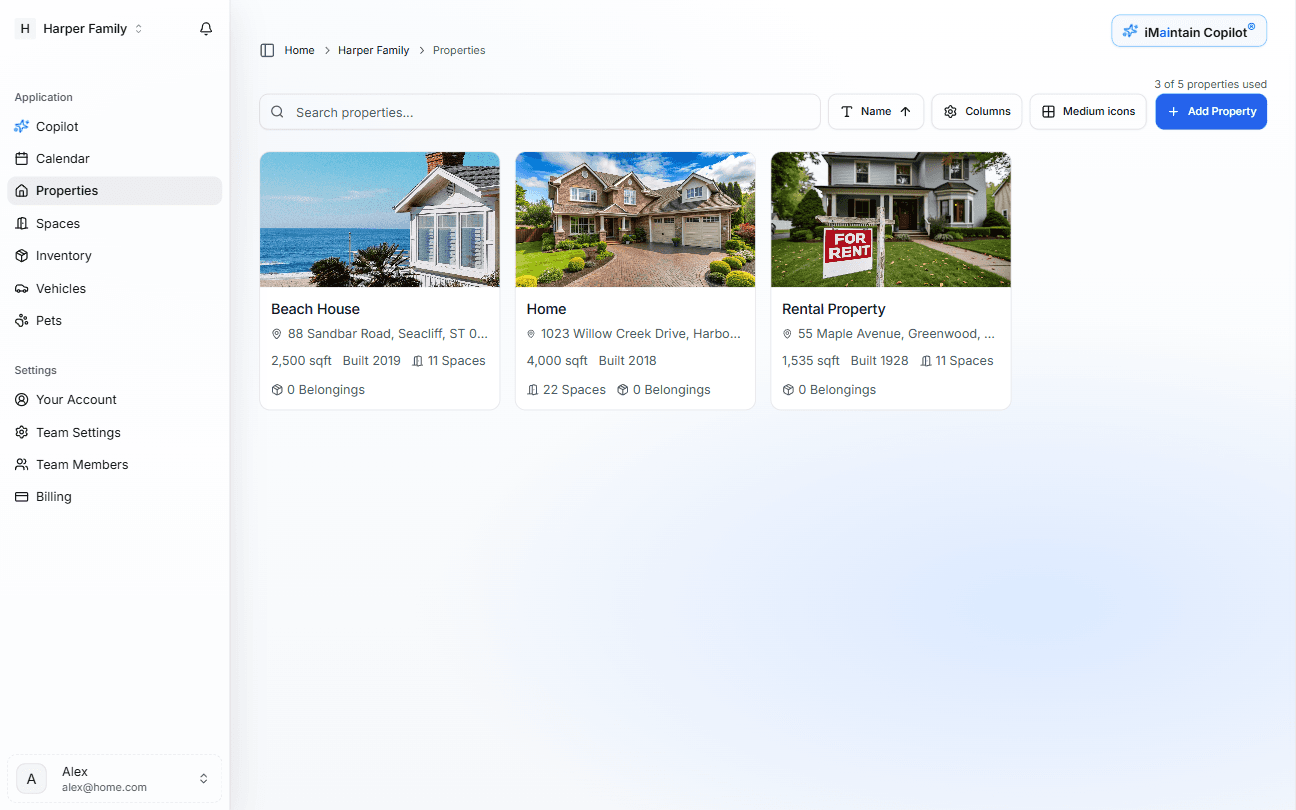
Beach House
3 open tasks · Last task: repaired loose cabinet handle in kitchen.
What's tracked
Everything connected to your property
One property, one source of truth. All the details that matter over time — organized, searchable, and always accessible.
Core pillars for every property
Maintenance schedules
Recurring and one-time tasks that keep your home running.
Service history
A clear record of every repair, upgrade, and service call.
Documents & files
Manuals, warranties, invoices, and inspection reports.
Rooms & spaces
Optional detail that ties work and items to specific areas.
Rental context (when you need it)
If a property is configured as a rental, you also see rental revenue, days booked, platform fees, and booking details alongside its maintenance history — without turning iMaintain into an accounting system.
What it looks like
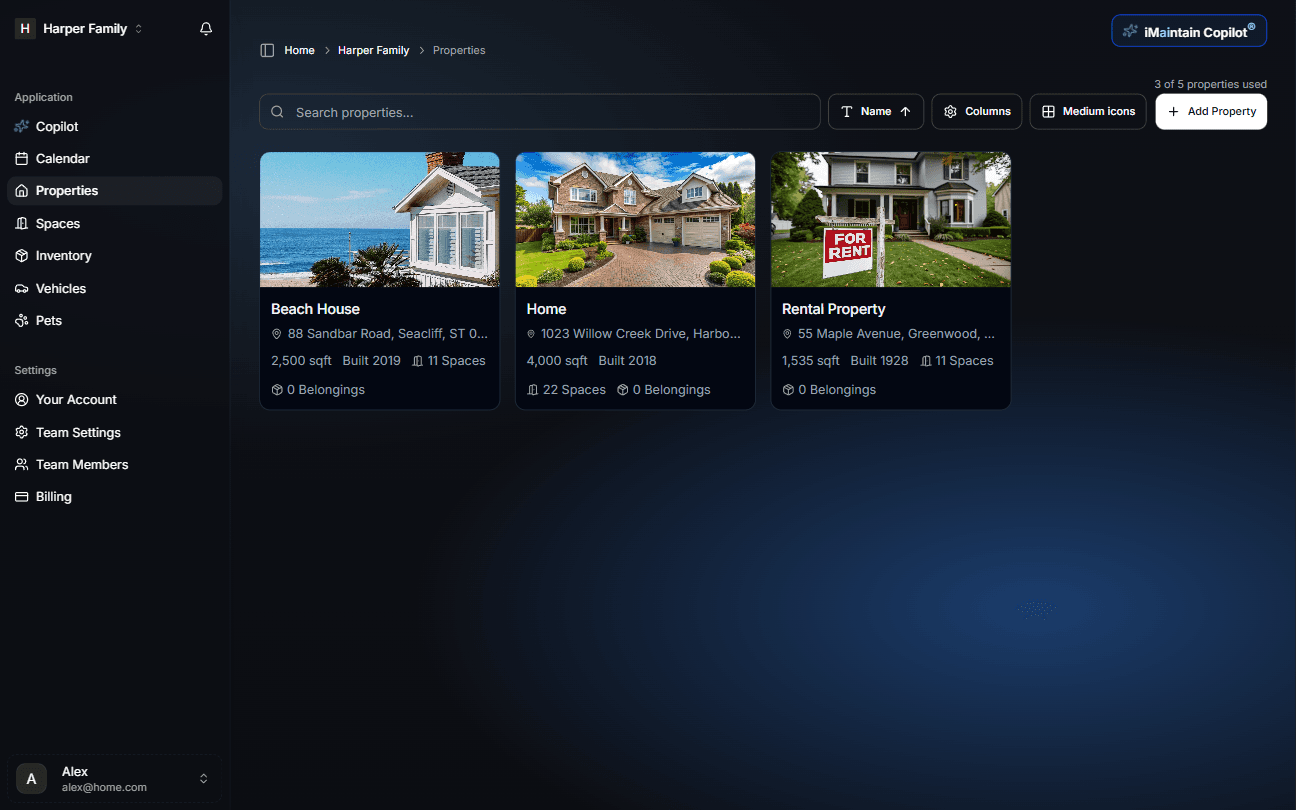
Each property has its own workspace with tabs for overview, schedules, reminders, history, files, and notes — and, when you choose to use it, a rental tab that keeps high-level revenue context alongside maintenance and records.
How setup works
Add a property in minutes
A guided setup designed to capture what matters — without manual research or rework later.
Enter your address
iMaintain analyzes available property data and pre-fills key details automatically.
Review and confirm details
Check bedrooms, bathrooms, year built, and current value. Adjust anything that needs it.
Define your spaces
Add interior, exterior, and outdoor spaces — named the way you think about your home.
AI builds your maintenance plan
Review a suggested schedule based on your property. Approve, adjust, or skip anything. Nothing is added without your confirmation.
Ask Copilot
Questions about your home, answered from your records
Ask in plain language. Copilot searches your actual data — not the internet.
When was the HVAC last serviced?
March 2023 — annual tune-up by Comfort Air. Invoice and technician notes are attached.
Find the plumber invoice from last year.
Found it — Riverside Plumbing, August 2023, $340. Attached to the master bathroom repair record.
What maintenance tasks are overdue right now?
Three tasks: gutter cleaning (2 months overdue), water heater flush (1 month), and dryer vent inspection (due this week).
How much have I spent on the kitchen this year?
$1,840 across four service calls — refrigerator repair, dishwasher replacement, disposal, and countertop reseal.
Why it matters
A property record that pays for itself
- Catch issues early before they become expensive repairs
- Never guess when something was last serviced
- Find any document in seconds — no folder digging
- Prove maintenance history when selling or filing an insurance claim
- Understand real costs over time, not just single invoices
- If you do rent, see rental performance in the same place as maintenance and records — without replacing your accounting system
Resale ready
Buyers want proof. A complete maintenance history adds credibility and can meaningfully increase offer confidence.
Cost clarity
See where your money actually goes — across systems, spaces, and years. Not just the last bill.
Insurance claims
When something goes wrong, documented history and receipts make the claims process significantly faster.
Public message forms
Let anyone reach you about your property
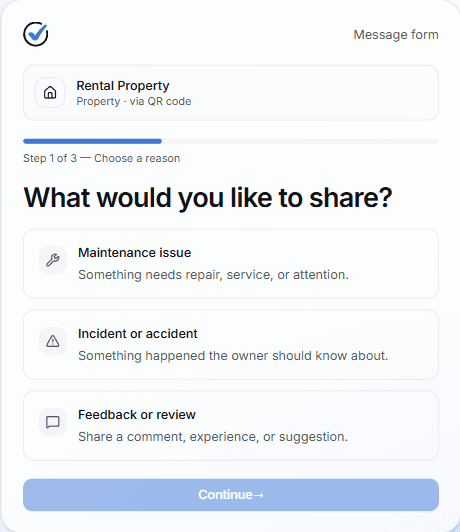
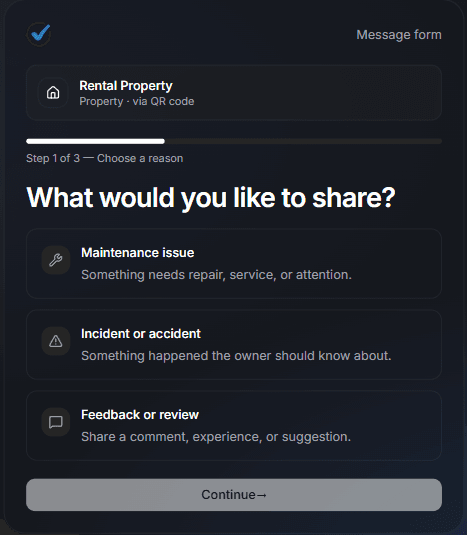
Every property can generate a public QR code that anyone can scan to send you a message — no iMaintain account required. Tenants, guests, contractors, or neighbors fill out a short form and choose what they're sharing: a maintenance issue, an incident, or feedback. They can attach up to three photos or PDFs. The message lands in your Inbox, linked to the property it came from, with urgency flagged and attachments ready to review or save to the property's file library.
Ask external AI
Find out what AI says about iMaintain.
One click opens a prefilled prompt in your favorite AI assistant. Use it to see how independent models describe iMaintain's features and fit.
Built on trust
Your data stays yours.
Four promises that don't change — no matter how you use iMaintain or how long you stay.
Privacy by default
Records kept secure, never sold or shared with advertisers.
Export anytime
Download your full records as a human-readable ZIP. No lock-in.
AI that doesn't train on you
Copilot uses your data to answer questions. It never trains on it.
Controlled sharing
Role-based access. Invite family or teammates with clear permissions.
Get started
Stop keeping it all in your head
One avoided repair easily pays for years of iMaintain. Start free and let your ownership record build itself from day one.
14-day free trial · No credit card · Export your data anytime