


Calendar in iMaintain
Everything due, in one view, before it becomes a problem
What it looks like
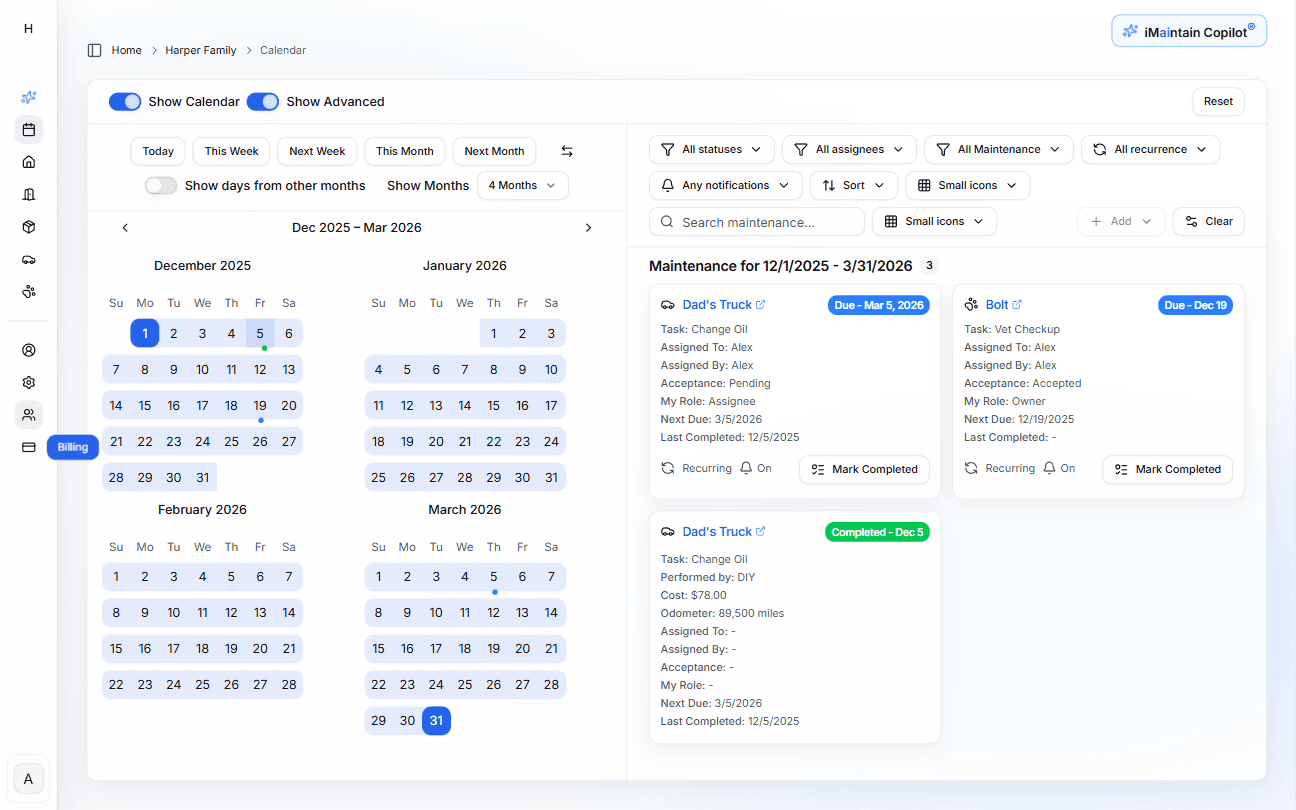
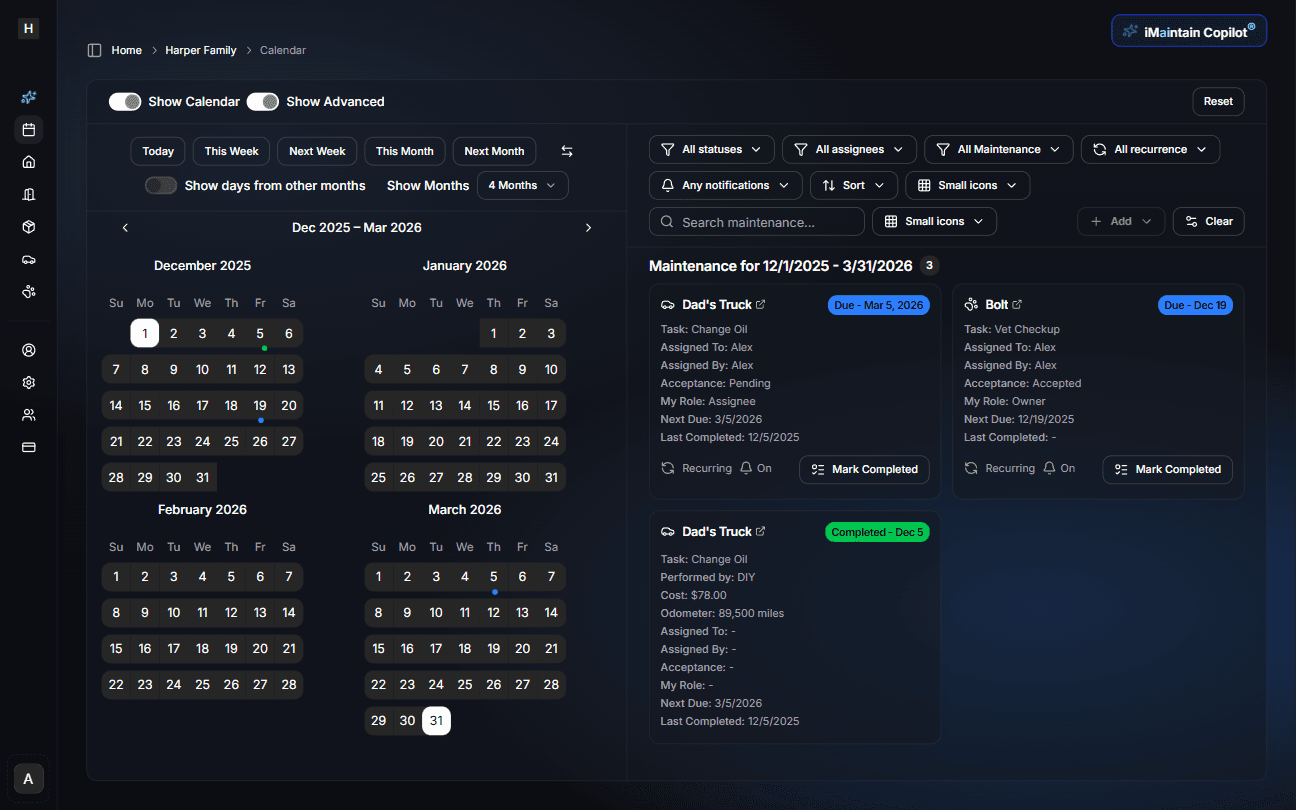
One calendar across everything you manage
Scheduled and completed work sit together in one timeline — tied to the asset they belong to. No separate lists for home, car, and pet.
HVAC filter replacement
123 Maple St · was due Apr 1
Oil change
2019 Honda Civic · due in 800 mi
Bella — rabies booster
Dog · due Apr 28
Roof inspection
123 Maple St · completed Mar 15
Samsung TV warranty check
Belongings · reviewed Mar 10
How it works
See it, do it, record it
The calendar is the full loop — from seeing what is due to completing work and building history.
See what is due
Upcoming and overdue tasks show across all your assets in one view. Overdue items are clearly flagged so nothing quietly slips through.
Create or edit tasks
Add one-time work or recurring schedules directly from the calendar. Adjust frequencies, skip instances, or reassign tasks without leaving the view.
Recurring schedules can be set by time (weekly, monthly, annually) or by usage (mileage, hours).
Mark complete — with details
When work is done, mark it complete. Add cost, provider, receipt, photos, and notes — everything that makes the record useful later.
Review past work
Completed items become part of your history. Filter between upcoming and completed, open receipts, and review notes from previous work.
Nothing is lost — history, files, and notes stay attached to completed tasks permanently.
Views & filters
See it your way — and narrow fast
Three views, flexible filters. Switch between them without losing context.
Calendar view
See upcoming and completed work laid out by date. Best for planning ahead.
Table view
Scan, sort, and filter large sets of tasks. Best for an overview across many assets.
Card view
Focus on individual tasks with full detail. Best for acting on specific items.
Filters
By asset
Show only home, vehicles, pets, or belongings.
By status
Upcoming, overdue, or completed work.
By assignee
See what is assigned to you or a specific family member.
By date range
Focus on this week, this month, or any custom range.
Completing work
Completed tasks become permanent records
Marking something done is the moment a task becomes part of your ownership history. The calendar turns each completion into a rich record — not just a checkbox.
What gets captured
When you complete a task from the calendar, you can add the details that matter later — date, cost, who did the work, and proof. Each field strengthens the record for resale, insurance, or just your own memory.
Date & notes
Record when it was done and what you noticed.
Cost
Attach the amount so spend rolls up over time.
Service provider
Keep track of who did the work for next time.
Receipt or photo
Store proof right on the record instead of your inbox.
Example completion
Task
HVAC filter replacement
123 Maple St · Completed today
- Date
- Today · from calendar
- Cost
- $180 · tagged as maintenance
- Provider
- Maple Heating & Air
- Attachments
- Invoice.pdf · Before/after photos
Every completed task looks like this in the history — easy to reference when you need proof or are planning future work.
Assignments
Assign tasks to the right person
Share tasks with family members or team members — with clear ownership, acceptance confirmation, and notifications so everyone stays aligned.
Assign to anyone
Assign any scheduled task to a family member or teammate. They get notified and can accept or decline.
Acceptance required
Assignees confirm responsibility — no silent assumptions about who's handling what.
Followers stay updated
Add followers to a task so interested parties are notified when work is completed — without making them the owner.
Built on trust
Your data stays yours.
Four promises that don't change — no matter how you use iMaintain or how long you stay.
Privacy by default
Records kept secure, never sold or shared with advertisers.
Export anytime
Download your full records as a human-readable ZIP. No lock-in.
AI that doesn't train on you
Copilot uses your data to answer questions. It never trains on it.
Controlled sharing
Role-based access. Invite family or teammates with clear permissions.
Get started
Stop keeping it all in your head
One avoided repair easily pays for years of iMaintain. Start free and let your ownership record build itself from day one.
14-day free trial · No credit card · Export your data anytime