

Copilot for spaces
Ask questions and plan maintenance using your space context.
Overview
iMaintain Copilot can help you work faster by using your space context—details, schedules, reminders, history, files, and notes—to answer questions and suggest next steps.
This is especially helpful when you want a quick summary without clicking through multiple tabs.
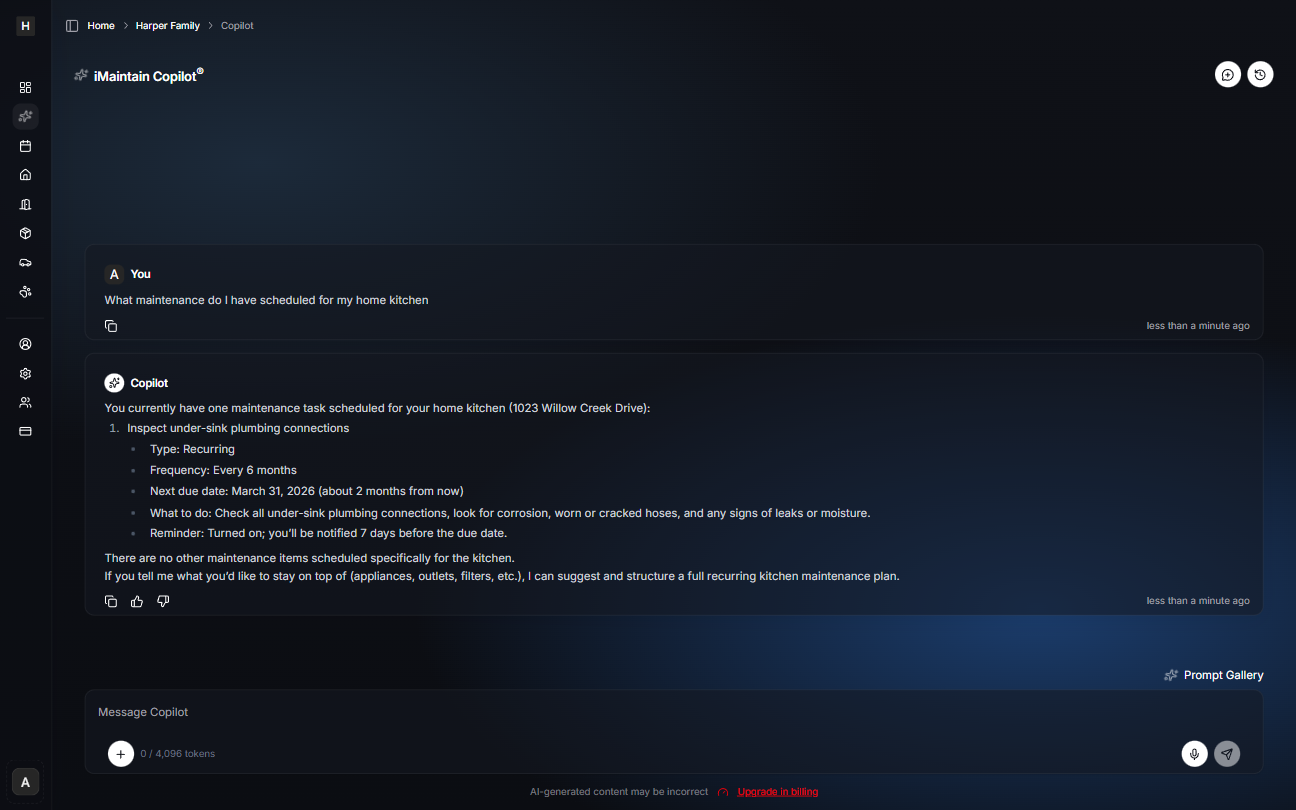
What you can ask Copilot
- Maintenance: “What maintenance do I have scheduled for the kitchen?” or “What’s due soon for this space?”
- Files: “Do we have photos or documents for this room?”
- Notes: “Where is the water shutoff for this space?”
- Planning: “Suggest a recurring kitchen maintenance plan (filters, outlets, plumbing checks).”
Tips for better answers
- Name the space (Kitchen, Garage, Basement) and property when possible.
- Ask for the output you want (a checklist, summary, or next steps).
- If you keep files and notes up to date, Copilot becomes much more useful over time.