

Space files
Store photos and documents with each space so they’re easy to find later.
Overview
Space files keep visual records and documents tied to the places they belong—so you can stop hunting through folders when you need them.
Typical space files include:
- Photos of the room/area (before/after, condition, layout)
- Labels or identifiers (panels, shutoffs, filters)
- Manuals or reference documents for built-in systems (when applicable)
Uploading and organizing files
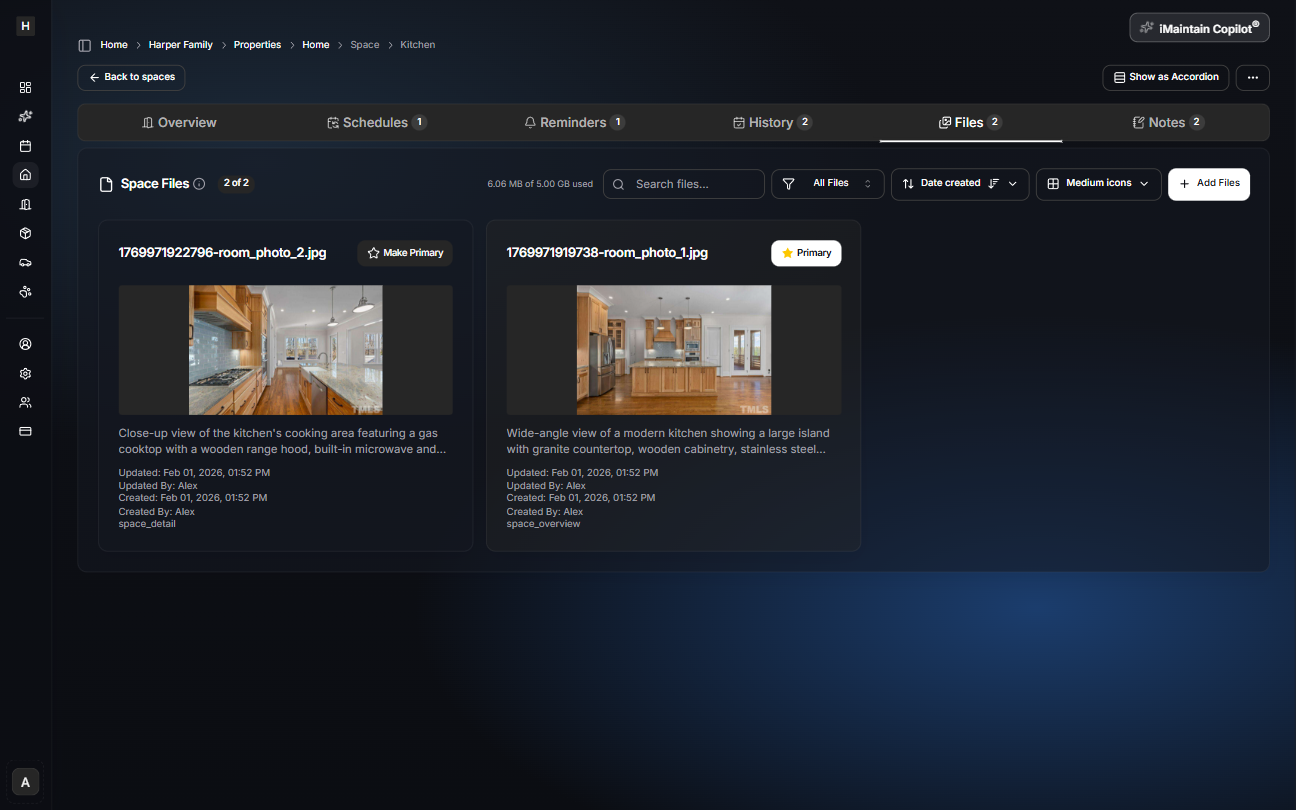
Open a space and go to the Files tab to upload images and documents. You can search, filter, sort, and choose which image should be the primary thumbnail.
Copilot can use your files
iMaintain Copilot can use your space files as context to help you:
- Find the right document quickly
- Summarize what’s in photos and attachments
- Suggest helpful maintenance tasks based on what’s visible