

Space notes
Capture details that matter later (and keep them searchable).
Overview
Notes are for space-specific details that don’t belong in a schedule or a file name—things you’ll want later when troubleshooting, planning a project, or explaining how something works.
Common examples:
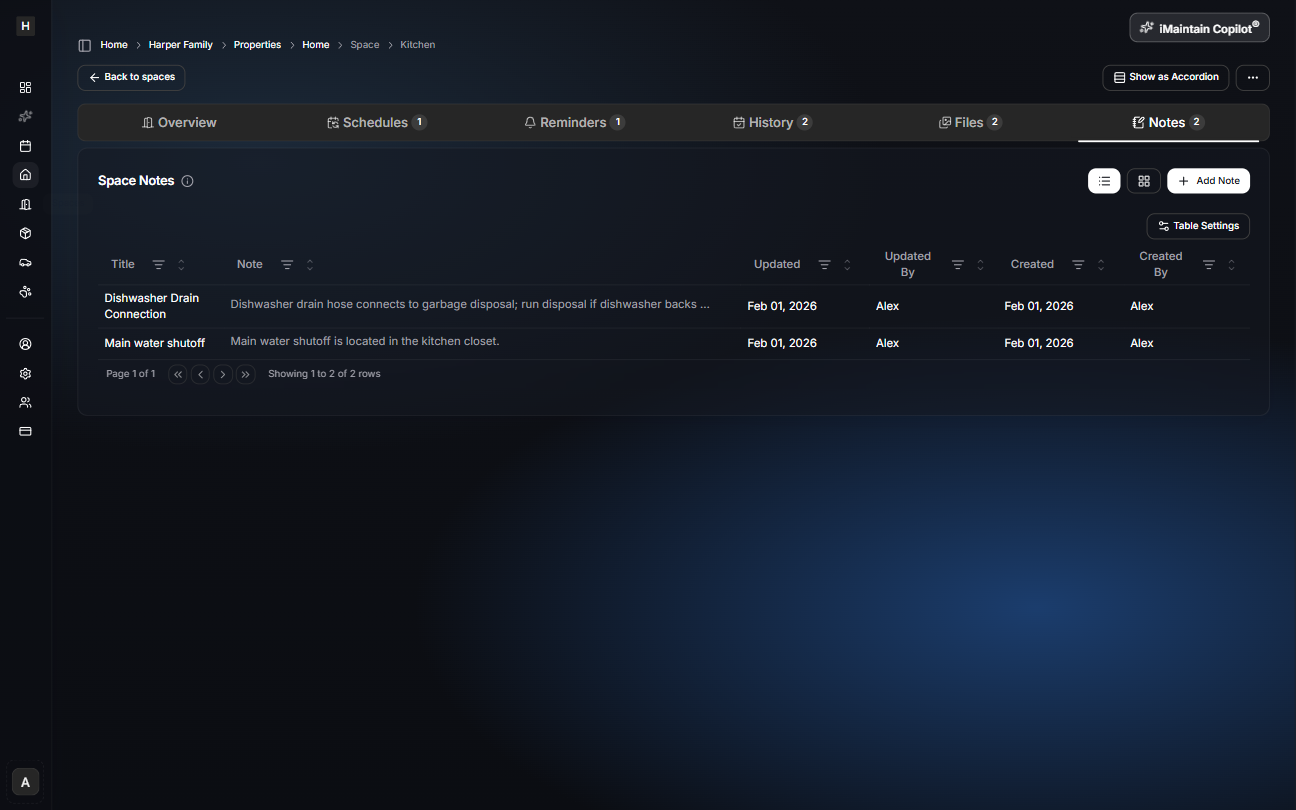
- “Main water shutoff is in the kitchen closet.”
- “Dishwasher drain connects to the garbage disposal—run disposal if it backs up.”
- Paint colors, measurements, part numbers, or quirks you don’t want to forget
Add and manage notes
Open a space and go to the Notes tab. Notes stay attached to the space and remain searchable.
Copilot can use your notes
iMaintain Copilot can use your space notes as context to help you:
- Answer questions faster (“Where is the shutoff for the kitchen?”)
- Summarize known details before you start a project
- Turn notes into a maintenance plan or checklist