

Belonging maintenance
Use schedules, reminders, and history to care for items over time—from appliances to equipment.
Overview
Belongings aren’t just static inventory. Many items need recurring care—filters, batteries, inspections, cleanings, and service. iMaintain helps you plan that work with schedules and reminders, and then keeps a clear history of what was done (including notes and attachments).
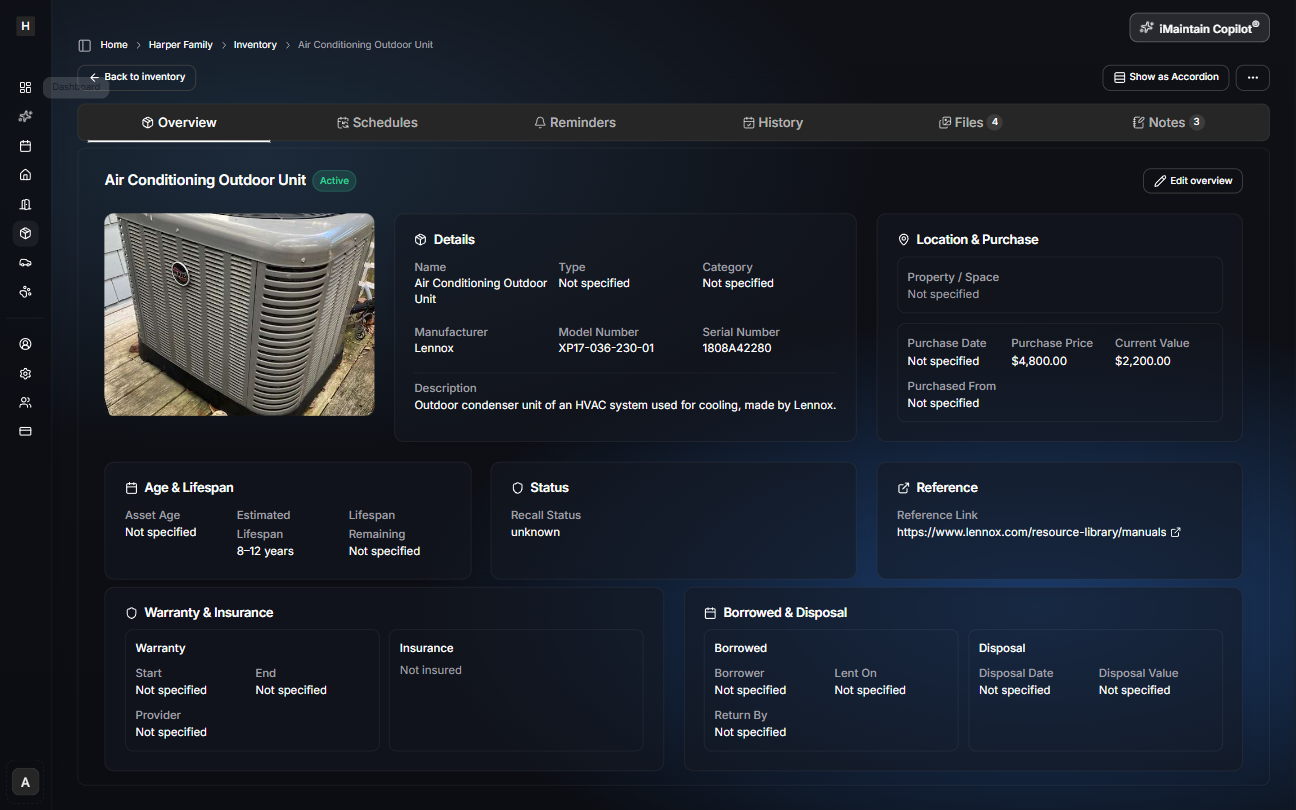
Schedules (recurring or one-time)
Use schedules when you want maintenance to repeat automatically, or when you want a single task tracked with a due date.
Examples:
- Replace a water filter every 6 months
- Clean dryer vent annually
- Service a generator every 50 hours
- Replace smoke detector batteries twice a year
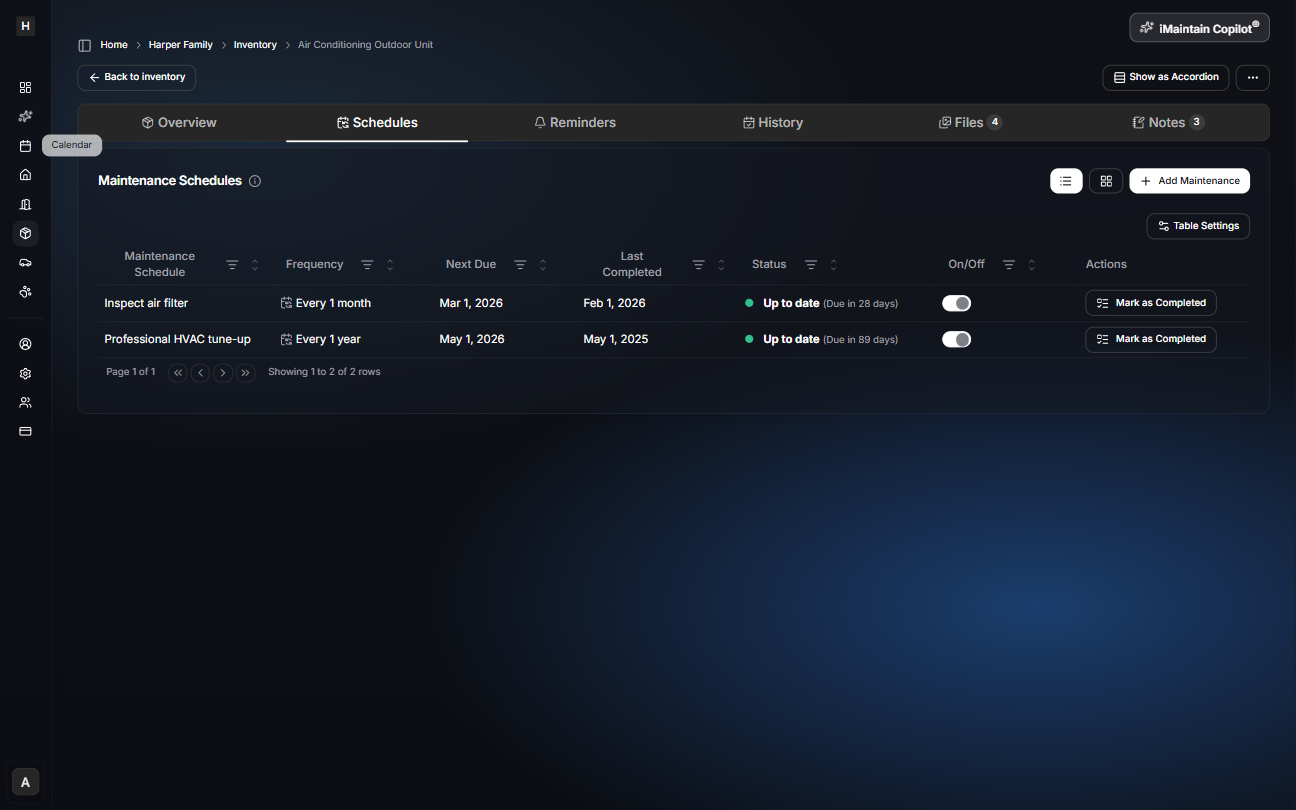
Reminders
Reminders help you stay ahead of due dates. You can tune cadence, due dates, and notifications to match your routine.
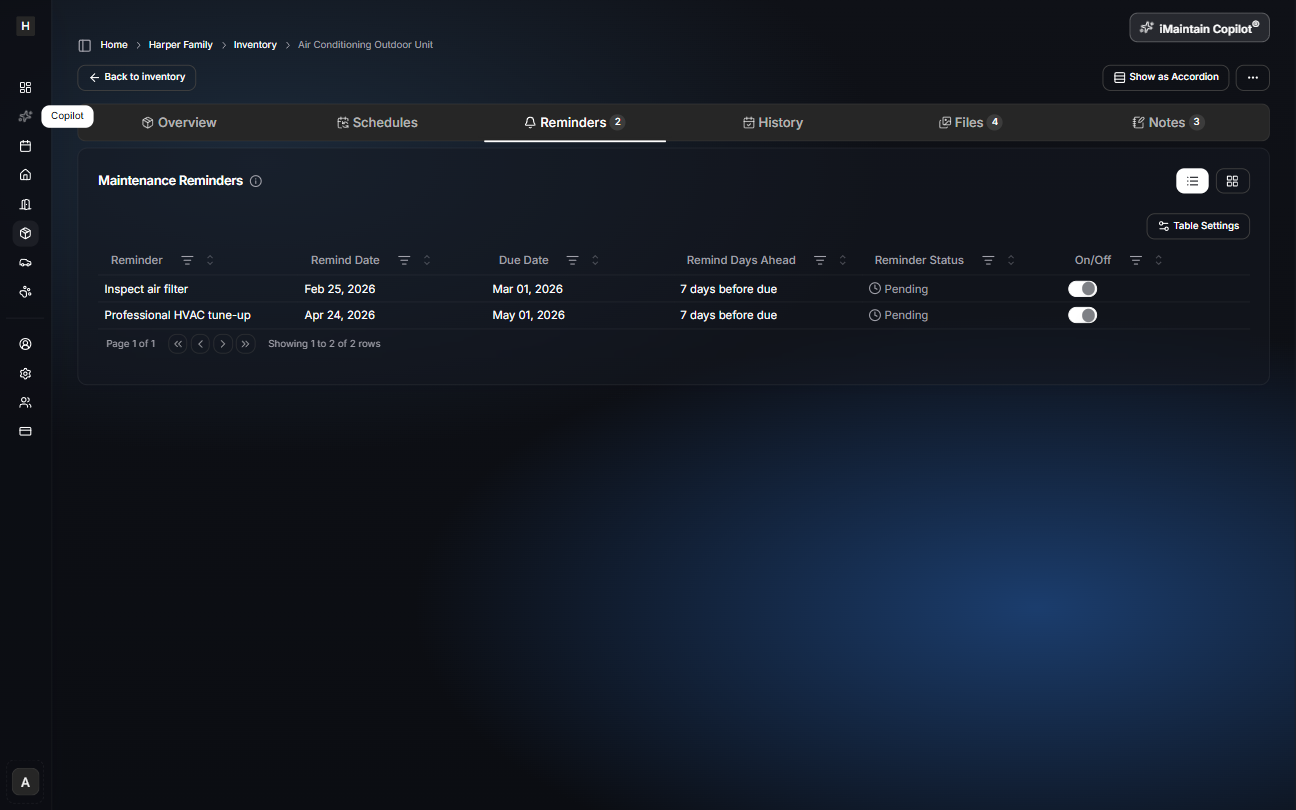
History
History is your record of completed care over time. It’s useful for:
- warranty claims
- resale
- troubleshooting
- proving upkeep for rentals or shared assets
You can also open tasks to add notes, costs, and attachments.
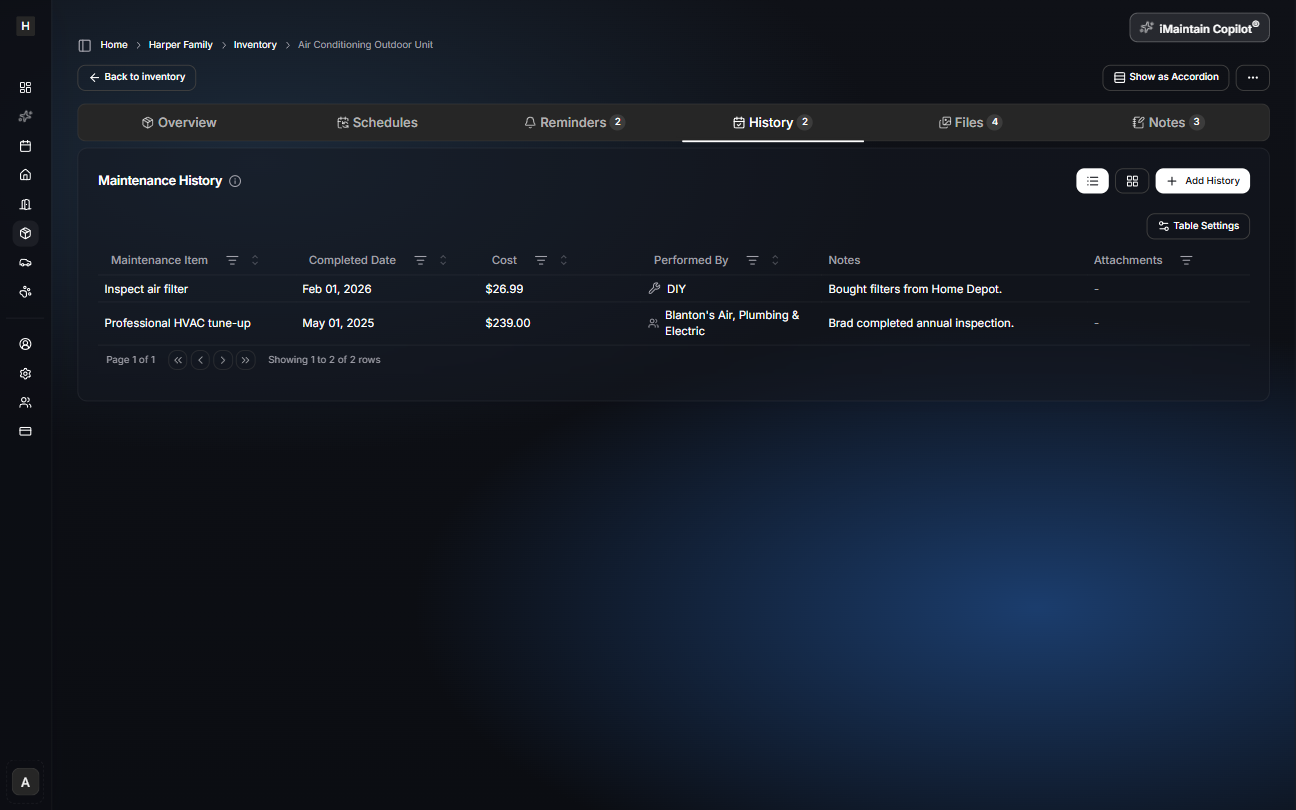
Everything rolls up to the calendar
Belonging-level schedules and reminders show up alongside property, vehicle, and pet maintenance—so you can see what’s coming next in one place.