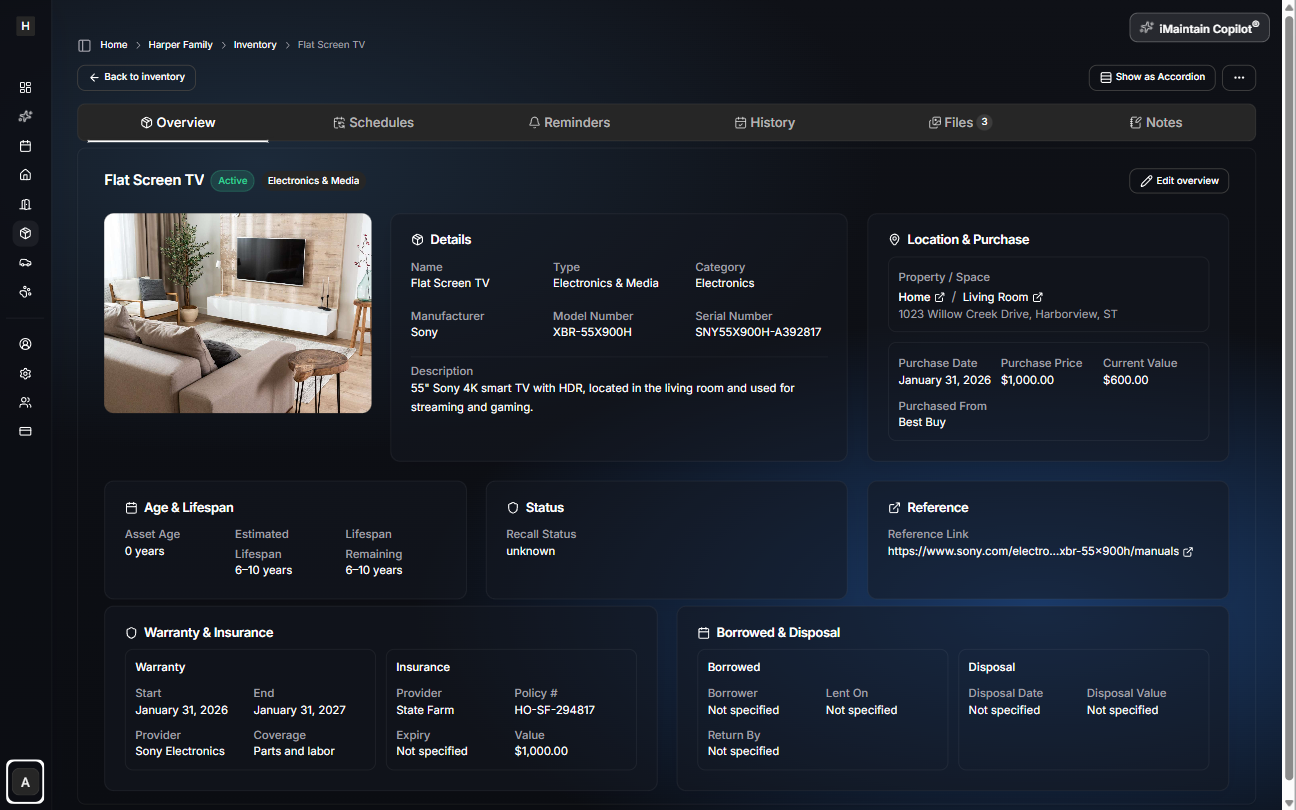
Overview
Inventory is easiest when you can answer simple questions quickly:
- What do I own?
- Where is it?
- What’s it worth?
- What needs attention soon?
iMaintain gives you multiple ways to view belongings so you can stay organized—whether you’re doing a quick scan on your phone or an audit on desktop.
Where you can view belongings
- All Inventory: see everything across all properties.
- A single Property: focus on one home or rental.
- A specific Space: zoom in on a room or area (Kitchen, Garage, Shed).
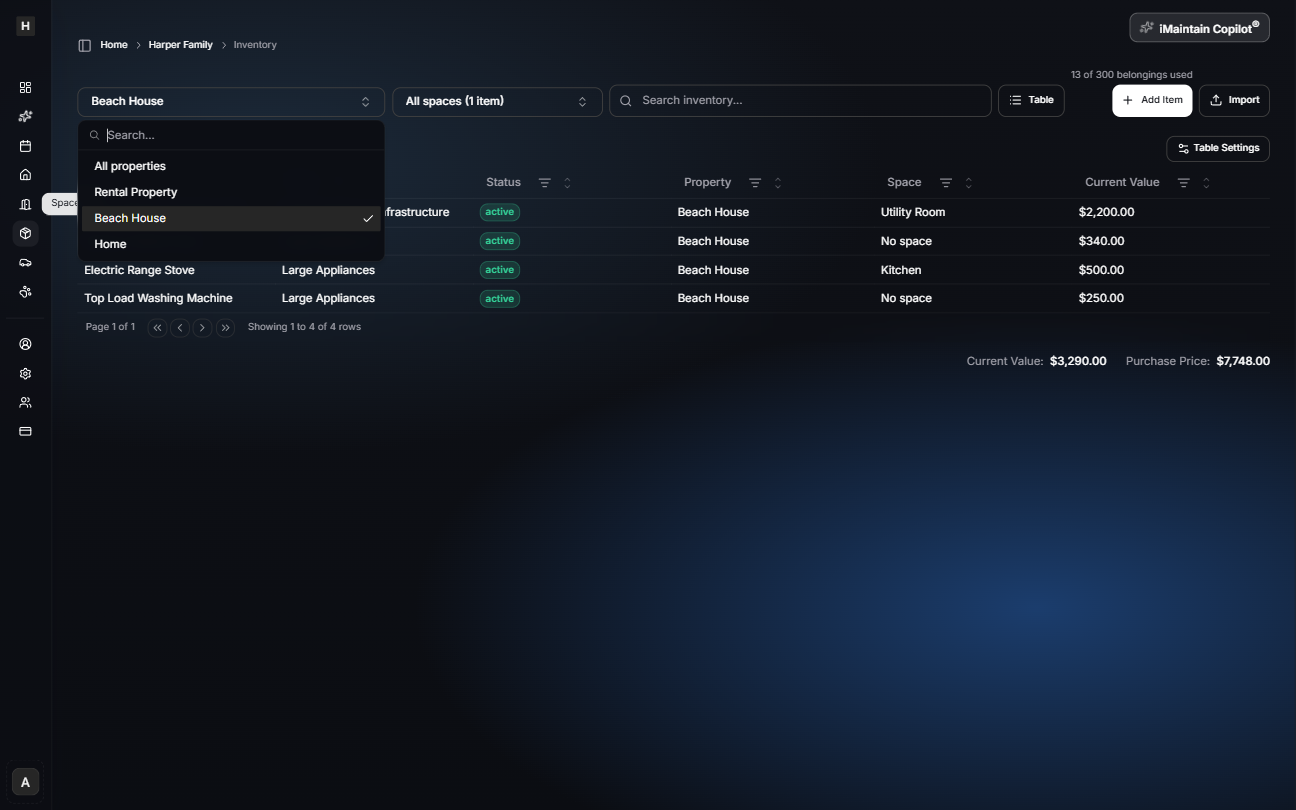
Search, filter, and sort
Use filters and search to narrow down items by:
- Category / type
- Property and Space
- Status (active, disposed, etc.)
- Manufacturer, model, serial (when available)
- Value-related fields
Sorting helps when you want to see:
- Highest-value items first
- Most recently added items
- Items grouped by location
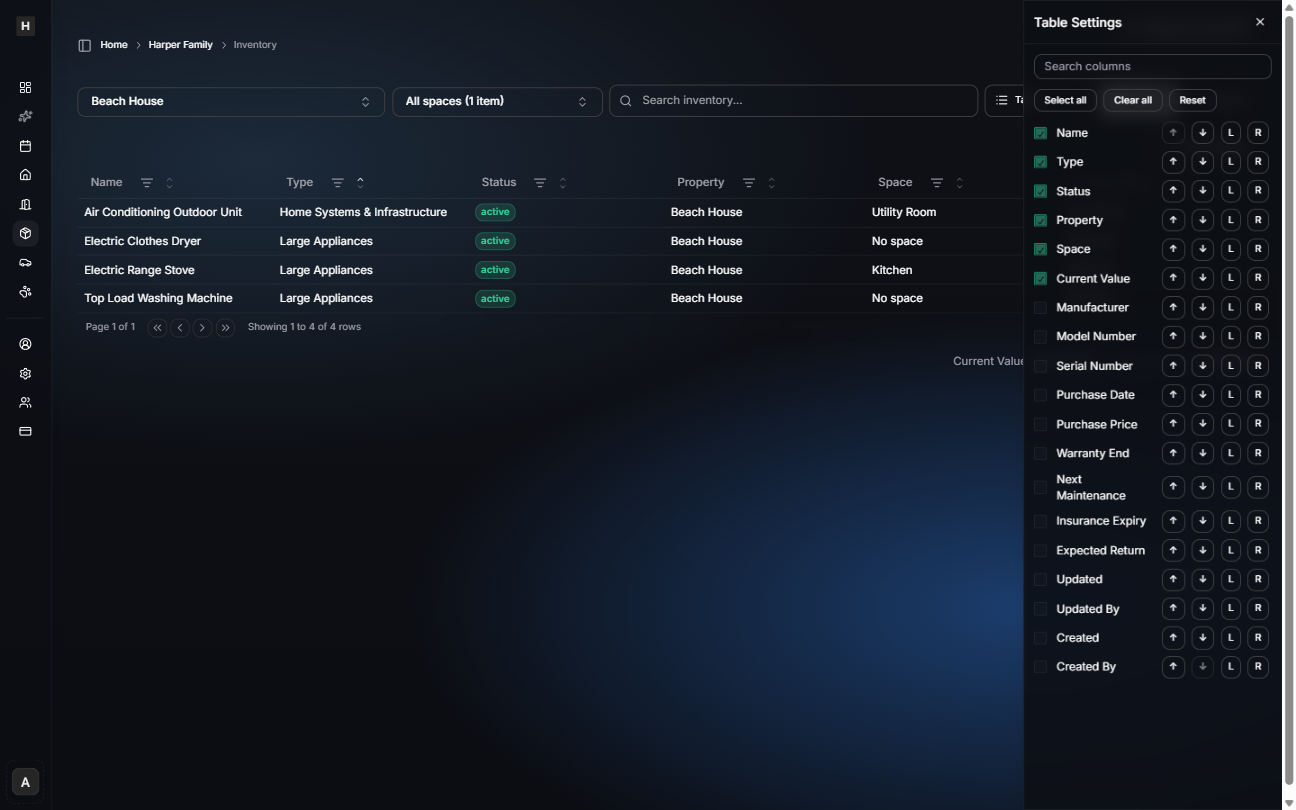
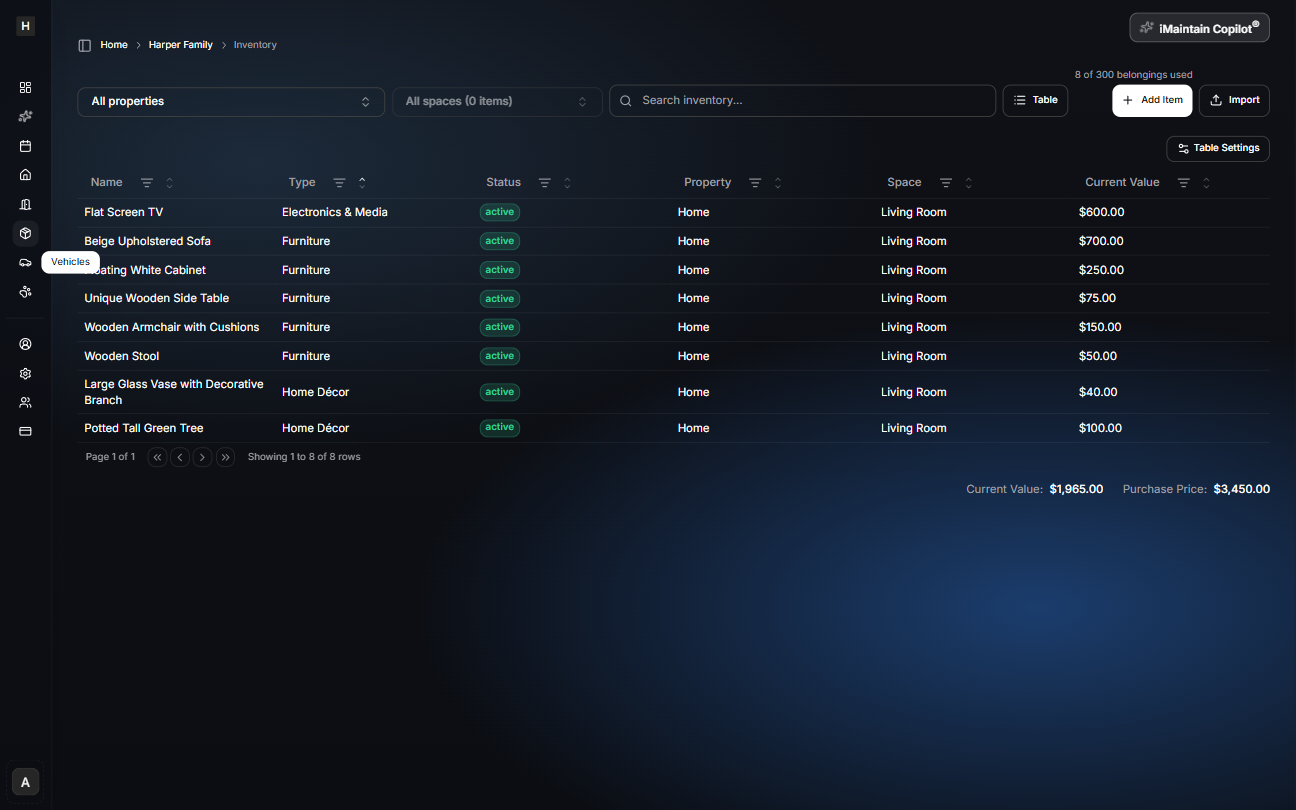
Customize table columns
In table view, you can choose which columns to show (and keep the table focused on what matters for you).
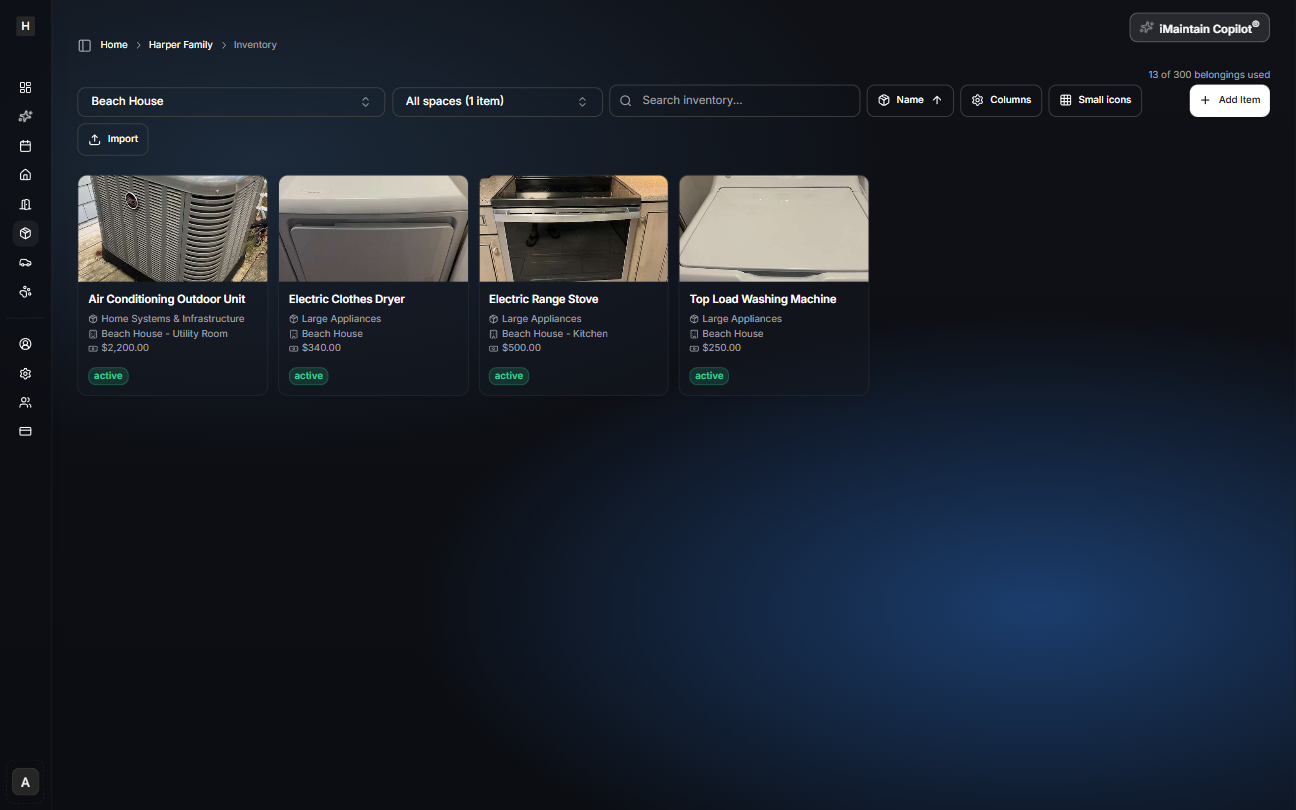
Cards vs table view
- Cards are great for visual browsing and quick scanning.
- Table view is ideal for power users, audits, and filtering across many fields.
Open an item for details
Select any belonging to open its detail page. This is where you’ll find everything connected to the item over time—including schedules, reminders, history, files, and notes.