Overview
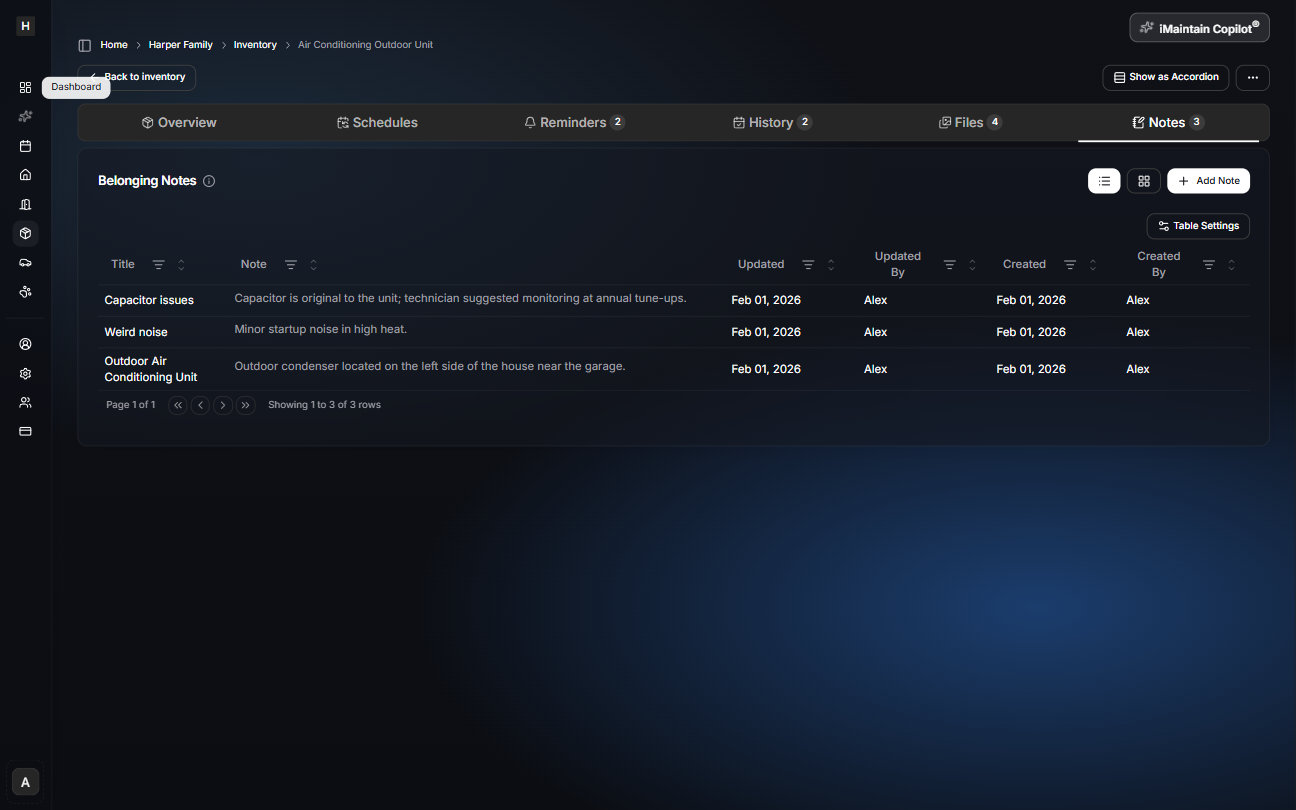
Notes are for information you want to remember, even if it doesn’t fit a specific field.
Examples:
- “Use HEPA filter size 20x25x4”
- “Paint color: SW 7005 Pure White”
- “Replacement part number: XYZ-123”
- “Stored in Garage cabinet (top left)”
- “Needs service if it makes a rattling sound”
Notes vs history
- Notes are timeless reference information.
- History is a timeline of changes and completed work (often tied to maintenance tasks).
If you’re documenting work that happened (date, cost, what was done), that belongs in maintenance history. If you’re capturing helpful context, use notes.
Copilot can use your notes
Notes give Copilot more context so it can help you faster. For example, Copilot can:
- answer questions using the details you’ve captured (“what filter size does this use?”)
- suggest updates to item details when something changes
- help you set up maintenance schedules and reminders based on your notes (and adjust them later)