

Create your account
Sign up, confirm your email, and start onboarding.
Overview
Create your account in under 2 minutes. After you confirm your email, you’ll continue to a short onboarding flow to set up your workspace.
Steps
1) Create your account
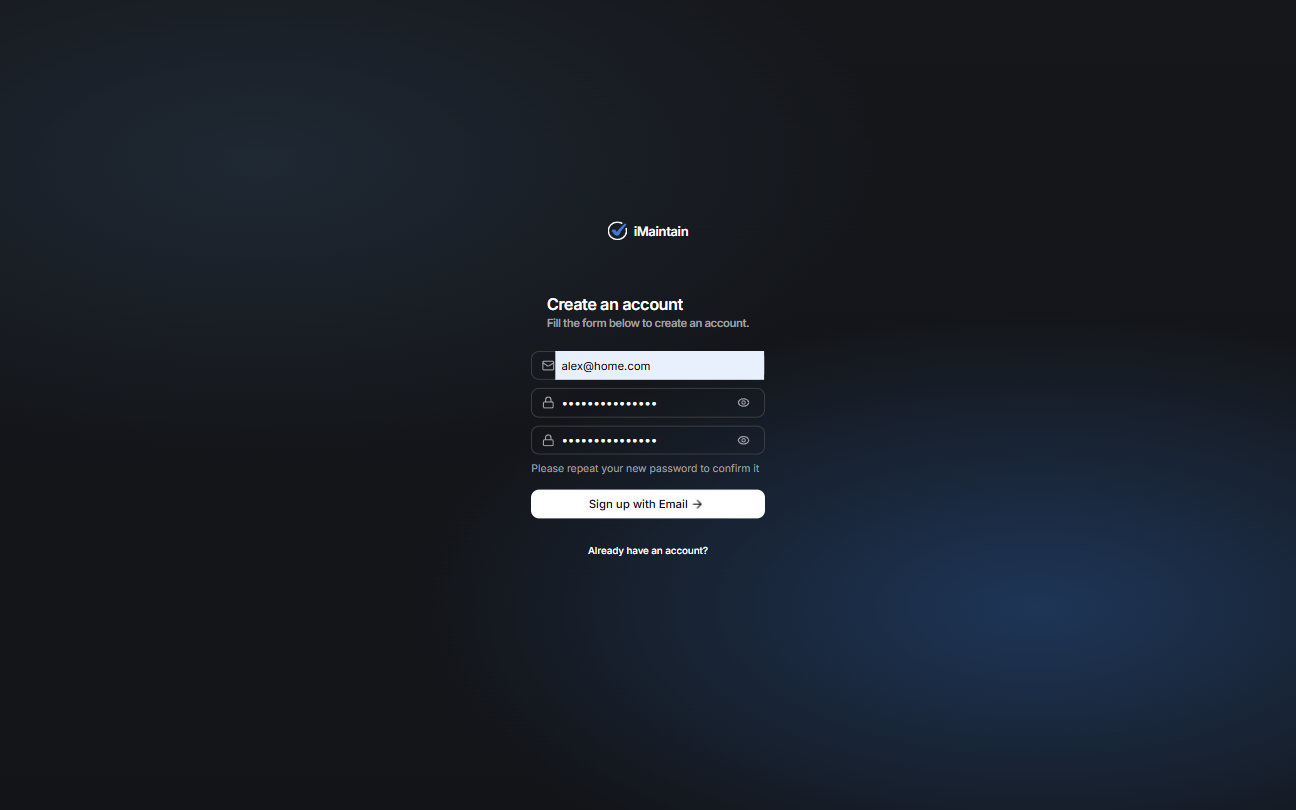
Go to the sign‑up page and create your account.
2) Confirm your email
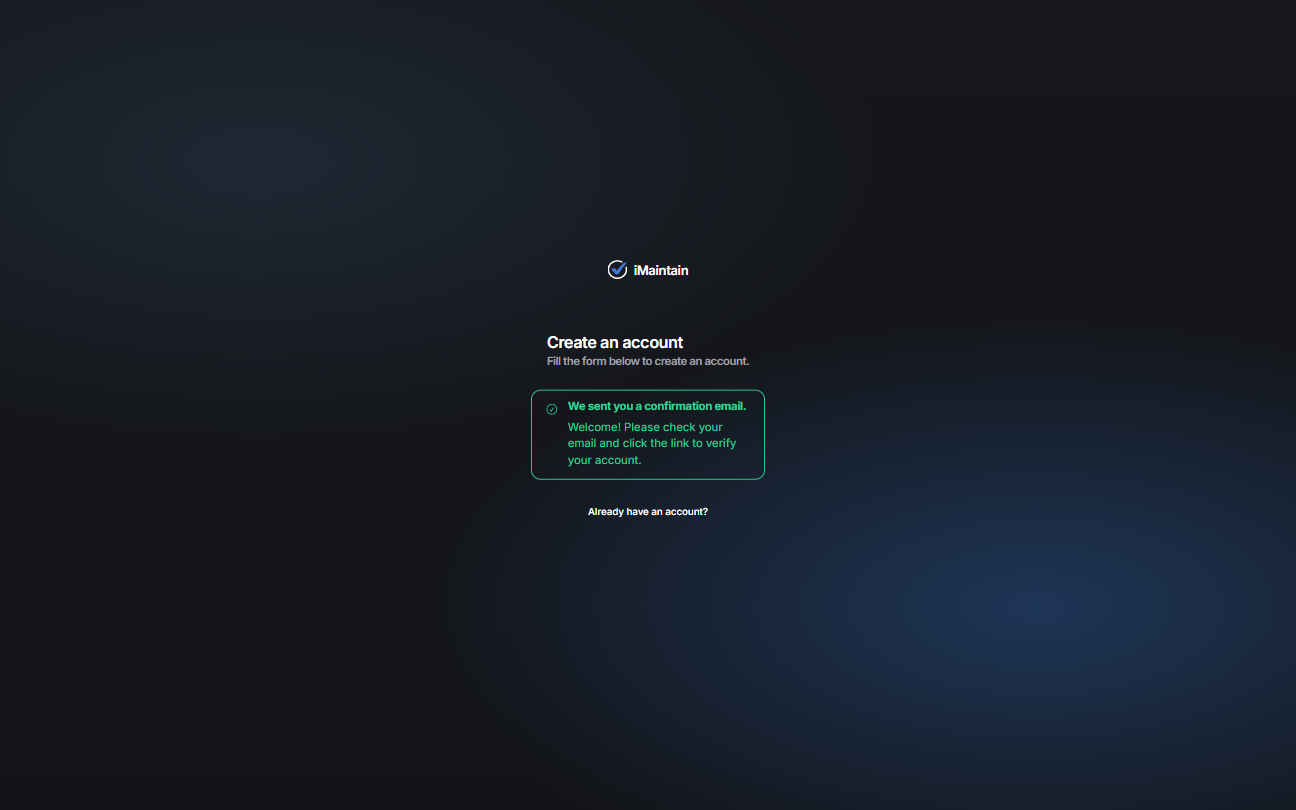
Open the email iMaintain sends and click the confirmation link. After you confirm, you’ll continue onboarding in iMaintain.
Tips
- Didn’t get the email? Check spam/promotions; you can resend from sign‑in.
- Each person should create their own account with their own email. Workspace owners can invite family members or teammates later.
- You can invite others later from Settings.