Navigating iMaintain
Learn the main navigation on desktop and mobile.
Overview
iMaintain is designed so you can move quickly between what you manage (properties, spaces, inventory, vehicles, pets) and what’s next (calendar, reminders, history).
Desktop navigation
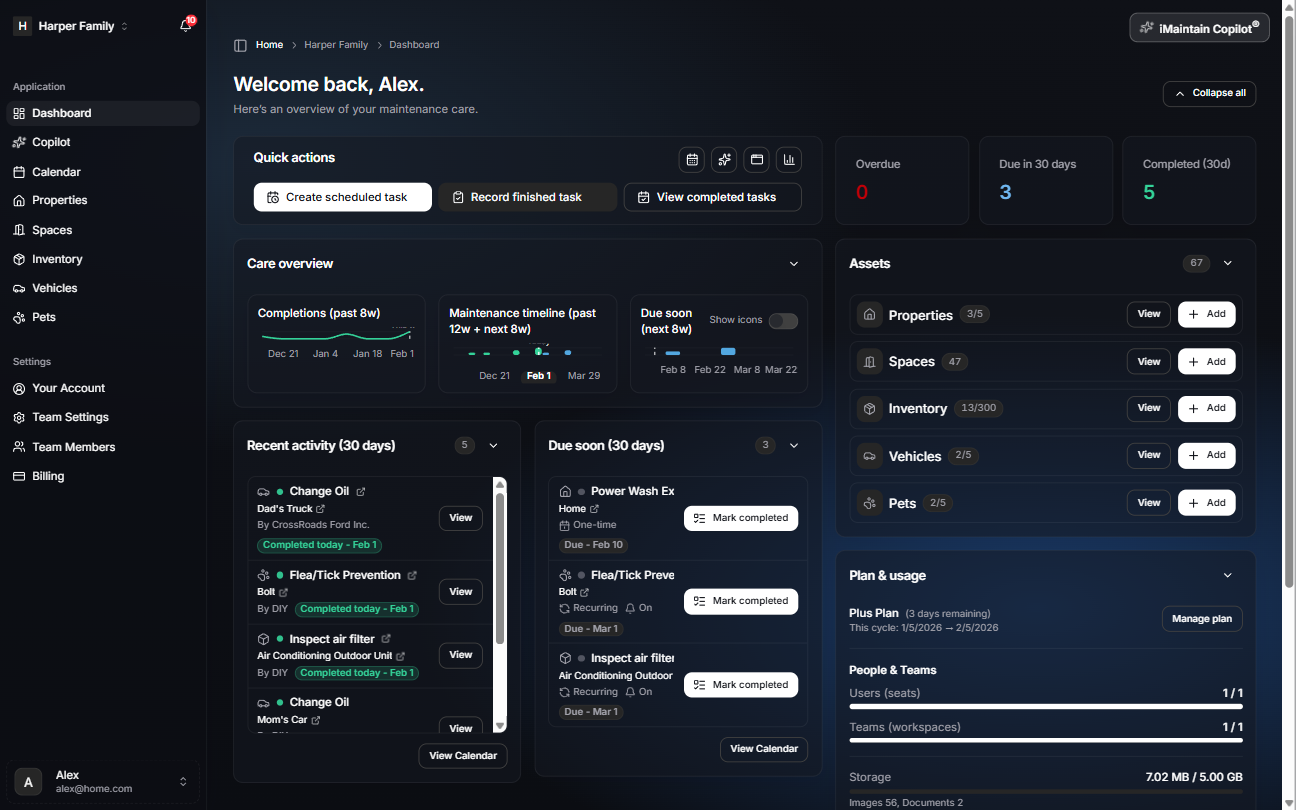
On desktop, use the left navigation to jump between sections. You can collapse or expand it at any time.
Breadcrumbs
At the top of most pages you’ll see breadcrumbs showing where you are (for example: Home → workspace → Dashboard).
Assets shortcuts
The Assets panel on the Dashboard includes View and Add actions for Properties, Spaces, Inventory, Vehicles, and Pets. These take you to the same place as using the left navigation.
Mobile navigation
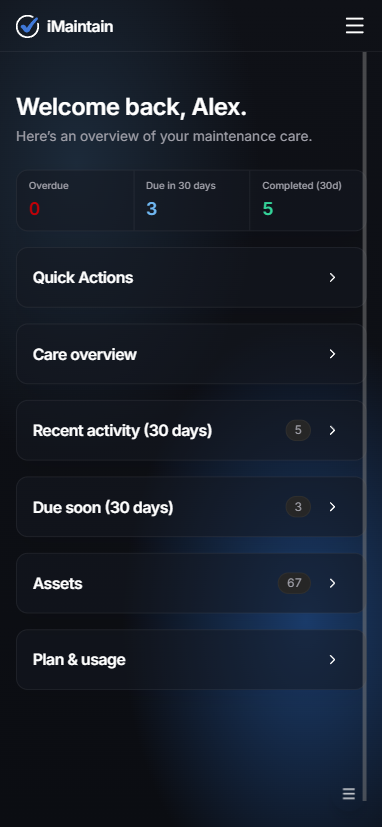
On mobile, use the menu button in the top-right to open navigation.