

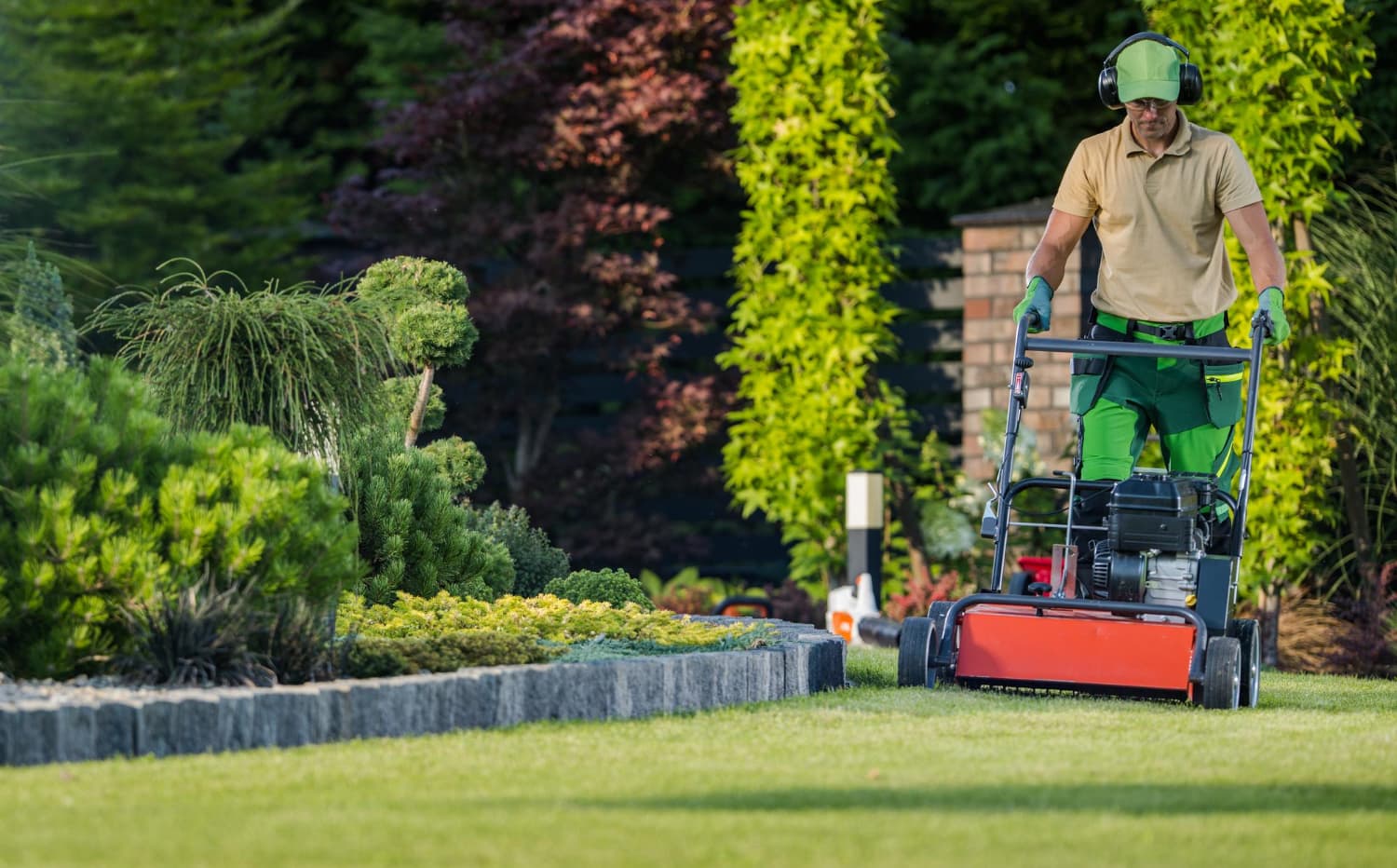
Running a landscaping company is not just about booking jobs.
It is about keeping the moving parts behind those jobs organized.
Those moving parts include:
- trucks and work vehicles
- trailers and attachments
- mowers and large equipment
- small tools and handheld gear
- the shop or yard where everything lives
- licenses, insurance, and compliance documents
- the crews who use all of the above
When that information lives in separate systems — or in one person's head — things start to slip.
And in landscaping, slips are expensive.
The real problem is not caring about maintenance — it is keeping track of everything
Most landscaping owners care a lot about maintenance and safety.
The challenge is that there is rarely one clear place for:
- when each truck was last serviced
- which mower needs blades sharpened next
- where the warranty for a specific trimmer lives
- when the pesticide applicator license expires
- which crew reported an issue on which job
- how much a specific machine has cost this season
Pieces of the story end up spread across:
- text threads with crew leads
- email receipts from mechanics and dealers
- paper invoices in a file cabinet
- spreadsheets someone started but stopped updating
- a whiteboard in the shop
That scattering is what makes it hard to answer simple questions quickly.
Why this hurts most during peak season
In the middle of spring or summer, downtime is not just inconvenient.
It means:
- canceling or rescheduling jobs
- sending out half-crews because a truck is down
- paying rush fees for repairs
- overworking the remaining equipment
- scrambling to remember what was already done
- taking calls from clients asking why a job slipped
On top of that, compliance has its own deadlines:
- business license renewals
- pesticide or herbicide applicator licenses
- commercial vehicle registrations
- liability and workers' comp insurance
- DOT requirements when trucks cross certain thresholds
When those renewals are not tracked alongside equipment maintenance, it is easy for something important to sneak up in the middle of the season.
A better way to keep trucks, equipment, and compliance in one place
Instead of treating vehicles, equipment, and paperwork as separate problems, iMaintain gives landscaping companies one structure:
- trucks and work vehicles as vehicles
- mowers, blowers, trimmers, and tools as belongings
- the shop or yard as a property
- licenses and certificates as documents with expiry dates
- crew tasks and issues as work tied to specific assets
That means:
- each truck keeps its own service history, registrations, and repair costs
- each mower has its own record for blades, belts, oil changes, and issues
- each trailer has a place for hitch checks, lighting, and tie-down condition
- each license has an expiry date, renewal cost, and attached certificate
- each crew-reported issue is linked back to the right asset
The goal is simple: one system where the story of every asset lives, instead of piecing it together from memory.
What to track for a typical landscaping operation
For most landscaping companies, the useful asset list looks like this:
1. Trucks & work vehicles
- oil changes and inspections
- tire rotations and replacements
- registrations and inspections
- major repairs and costs
- photos of plates, VINs, and key paperwork
2. Mowers & large equipment
- blade sharpening and replacements
- belt and cable changes
- oil and filter changes
- pre-season and post-season checklists
- hours or mileage where it matters
3. Trailers & attachments
- hitch and coupler condition
- lighting and wiring checks
- tire condition and pressure
- tie-down and strap inventory
- annual inspections or safety checks
4. Small equipment & tools
- trimmers, blowers, edgers, and sprayers
- serial numbers and purchase details
- warranty and service information
- notes on condition and issues
5. The shop & yard
- where equipment is stored
- basic upkeep tasks (lighting, security, utilities)
- files that belong to the property (leases, insurance, inspections)
6. Licenses & compliance
- business licenses
- pesticide or herbicide applicator licenses
- liability and workers' comp insurance
- DOT and commercial vehicle requirements
When each of these has a clear "home," it becomes much easier to see what is due, what is overdue, and what has already been handled.
Treat licenses and insurance like assets with expiry dates
Licenses and compliance paperwork often live in a drawer or email folder until renewal season.
That is when surprises show up.
In iMaintain, landscaping companies treat licenses and certificates the same way they treat equipment:
- each item has an expiration date
- each item has a record of what it cost to renew
- each item has attached documents and photos
- reminders surface before expiry, not after
Under the hood, this is powered by providers — the entities that issue or manage those licenses and policies. You add the state agriculture department, your insurer, or your city licensing office as providers, and each provider keeps its own schedule, renewal reminders, attached documents, and cost history. Renewals become part of a structured provider record instead of a sticky note or one-off calendar event.
For example:
- state or county business license with its renewal date and certificate
- pesticide applicator license with expiry, CE hour requirements, and receipts
- liability insurance certificate with coverage details and policy period
- workers' comp certificate ready to share with commercial clients
- commercial vehicle registrations and inspection dates for each truck
That way, compliance deadlines show up on the same calendar as equipment service — not in a separate mental inbox.
Use QR codes so crews can report issues from the field
Even the best plan falls apart if issues never make it back to the office in a structured way.
QR codes help close that gap.
With QR labels on trucks, mowers, and key equipment, crews can:
- scan a code on the asset
- submit a quick issue or maintenance request
- attach photos from the job site
- send it straight into iMaintain without an account
Owners and managers can then:
- review incoming issues in one Inbox
- attach them to the right asset
- create trackable tasks with due dates
- keep a record of what was reported, when, and by whom
This keeps field reporting simple for crews while keeping records complete for the business.
Ask Copilot instead of digging through folders
Once trucks, equipment, licenses, and tasks live in one system, AI Copilot can answer practical questions from your records.
For example:
- "Which mowers need blades sharpened before next week?"
- "When is Truck 3 due for an oil change?"
- "What have we spent on repairs this season?"
- "When does our pesticide applicator license expire?"
- "Which trailers are missing current registration or inspection records?"
Instead of rebuilding a spreadsheet or hunting through email, you get answers that pull from the history you have already logged.
Where to start if everything feels scattered
If your records feel all over the place today, you do not need to organize everything at once.
A practical starting point is:
1. Add your trucks and main work vehicles
Capture registrations, current mileage, last service, and any major repairs this season.
2. Add your primary mowers and large equipment
Start with the machines that would hurt the most to lose for a week.
3. Add your core licenses and insurance certificates
Business license, applicator license, liability, and workers' comp go first.
4. Attach the most recent receipts and documents
You do not have to go back ten years. Start with this and last season.
5. Set up QR codes for field reporting
Pick a handful of high-value assets and let crews start scanning issues in.
Once those pieces are in place, the pattern becomes much easier to repeat across the rest of your operation.
Give your equipment — and your records — the same level of care
Landscaping equipment works hard.
So do the people using it.
Keeping trucks, mowers, tools, licenses, and crew records organized in one place is what lets a landscaping company:
- stay ahead of breakdowns
- avoid preventable compliance surprises
- answer questions quickly
- onboard new crew leads without losing history
- make smarter decisions about repair vs. replace
If you want a more organized season around your fleet, equipment, and compliance, the next step is simple.