

Adding pets
Add pets with optional photos (AI-assisted) and keep care details organized.
Overview
Pets are easiest to manage when important details stay connected over time—care schedules, reminders, history, files, and notes.
Adding a pet is simple: optionally add photos for AI suggestions, review the details, then create the pet. Nothing is saved until you confirm.
Step 1 — Photos (optional)
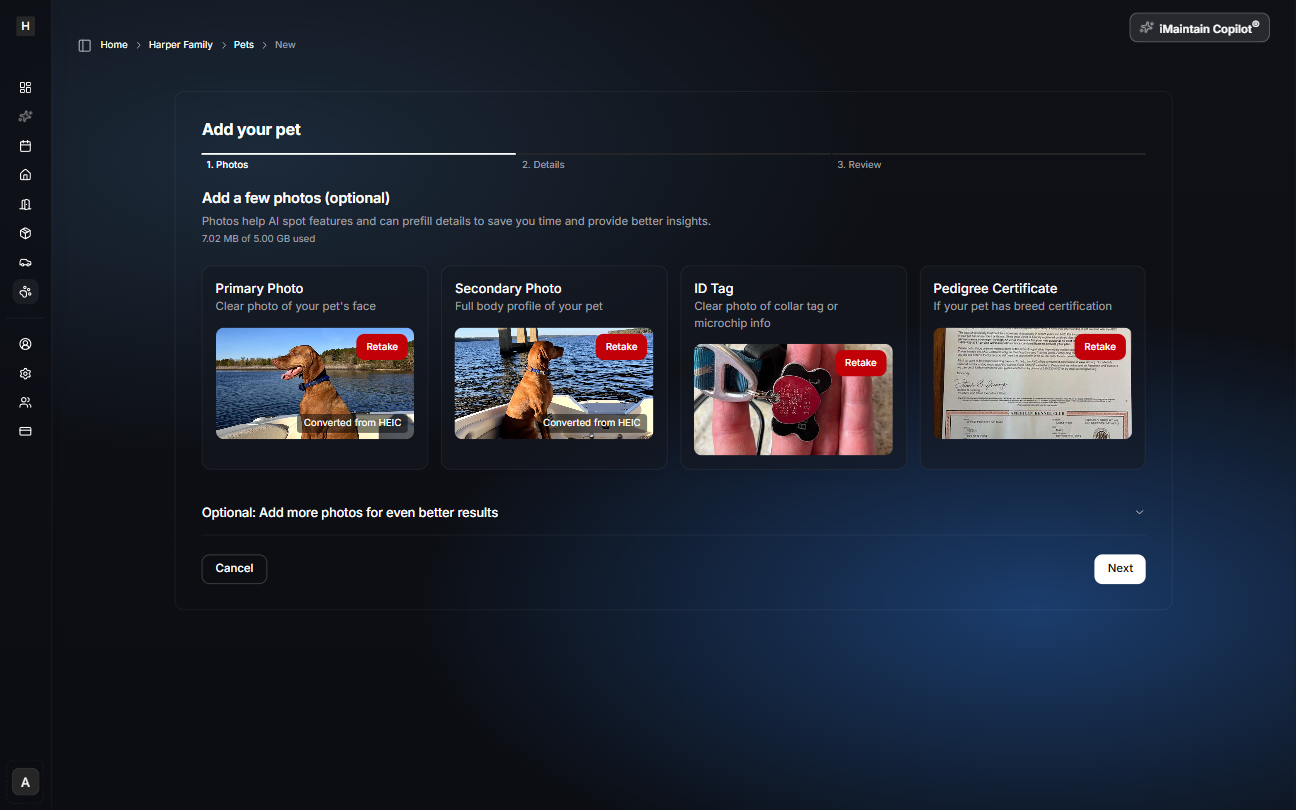
Add a few photos to help iMaintain identify your pet and prefill details.
Recommended photos:
- Primary photo (clear photo of your pet’s face)
- Secondary photo (full body)
- ID tag (collar tag or microchip info)
- Pedigree certificate (if applicable)
If you don’t have photos yet, you can skip this step and still add the pet.
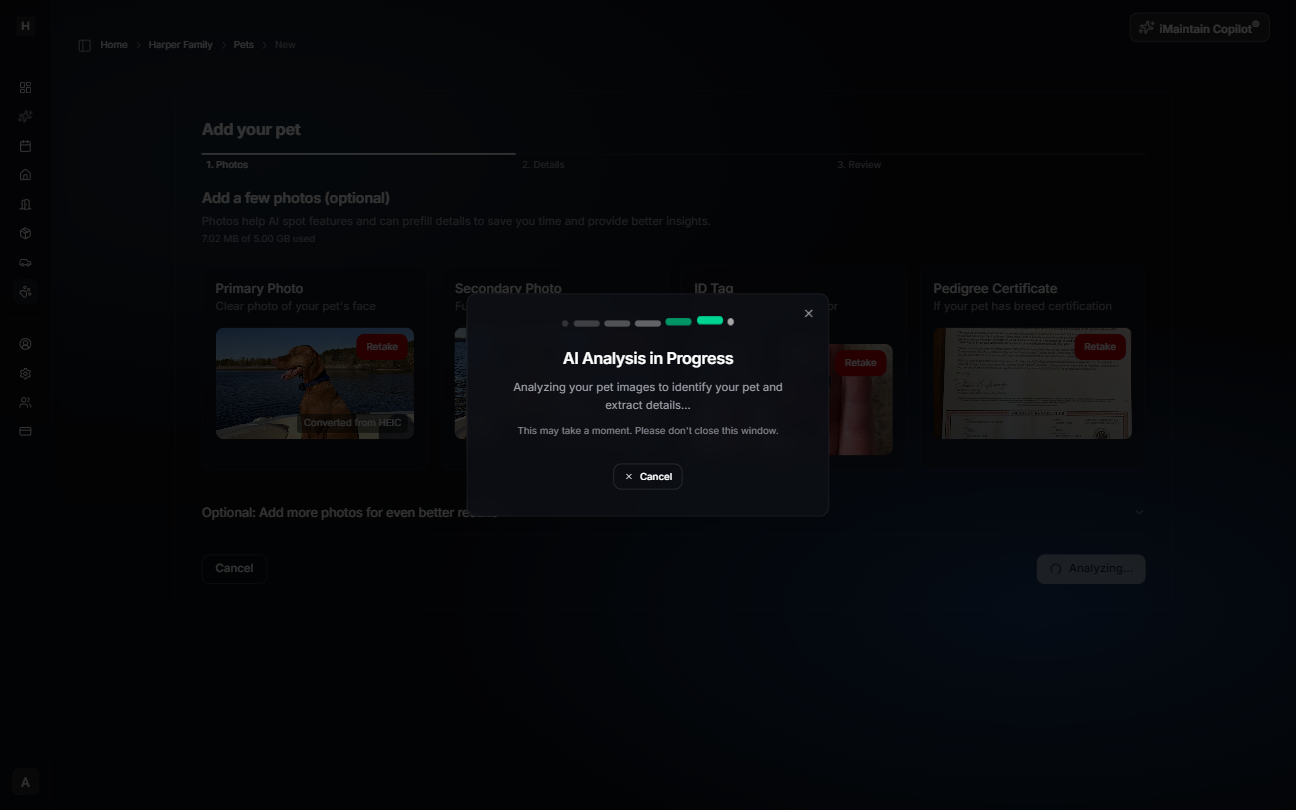
AI analysis (optional)
If you add photos, iMaintain will analyze them. This may take a moment.
Step 2 — Details
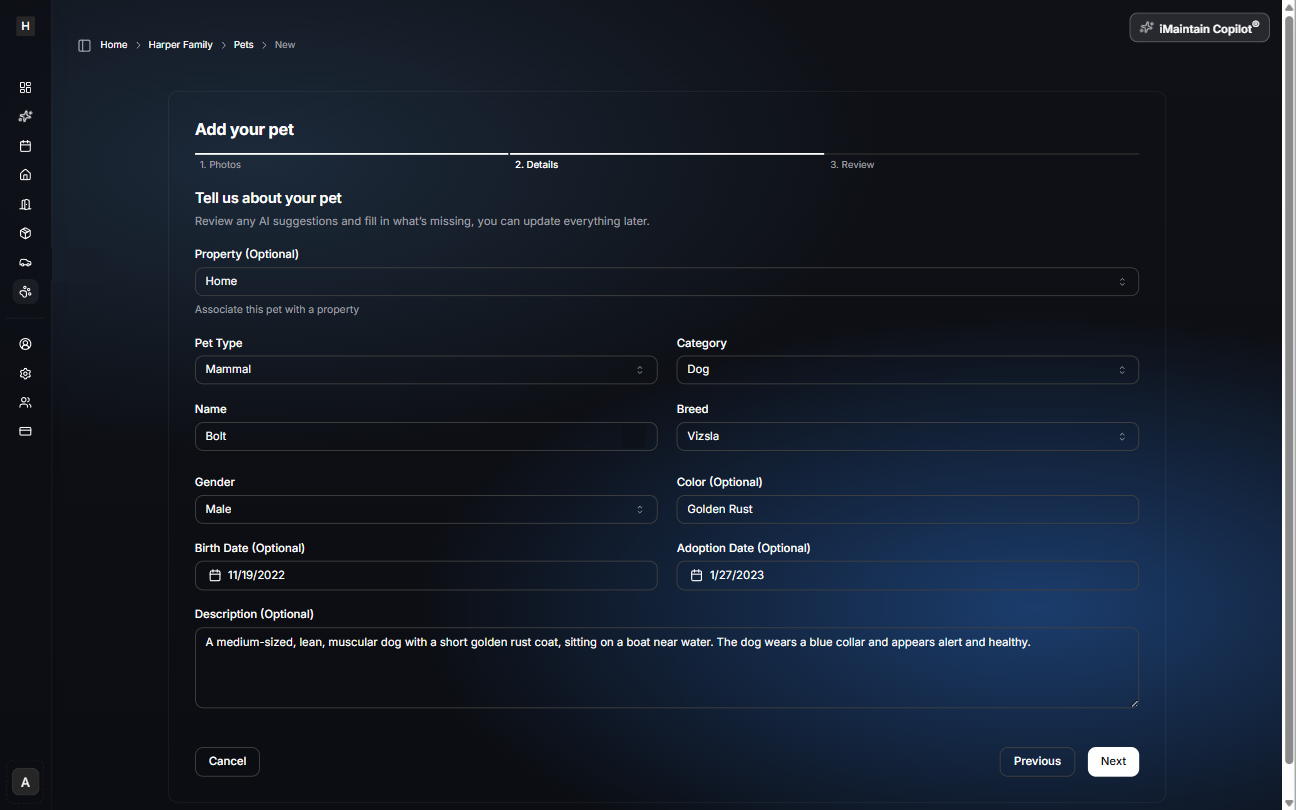
Review any AI suggestions and fill in what’s missing. You can update everything later.
Common details include:
- Pet type and category (for example: Mammal → Dog)
- Name, breed, gender, color
- Birth date and adoption date (optional)
- A short description (optional)
You can also optionally associate the pet with a property.
Step 3 — Review & create
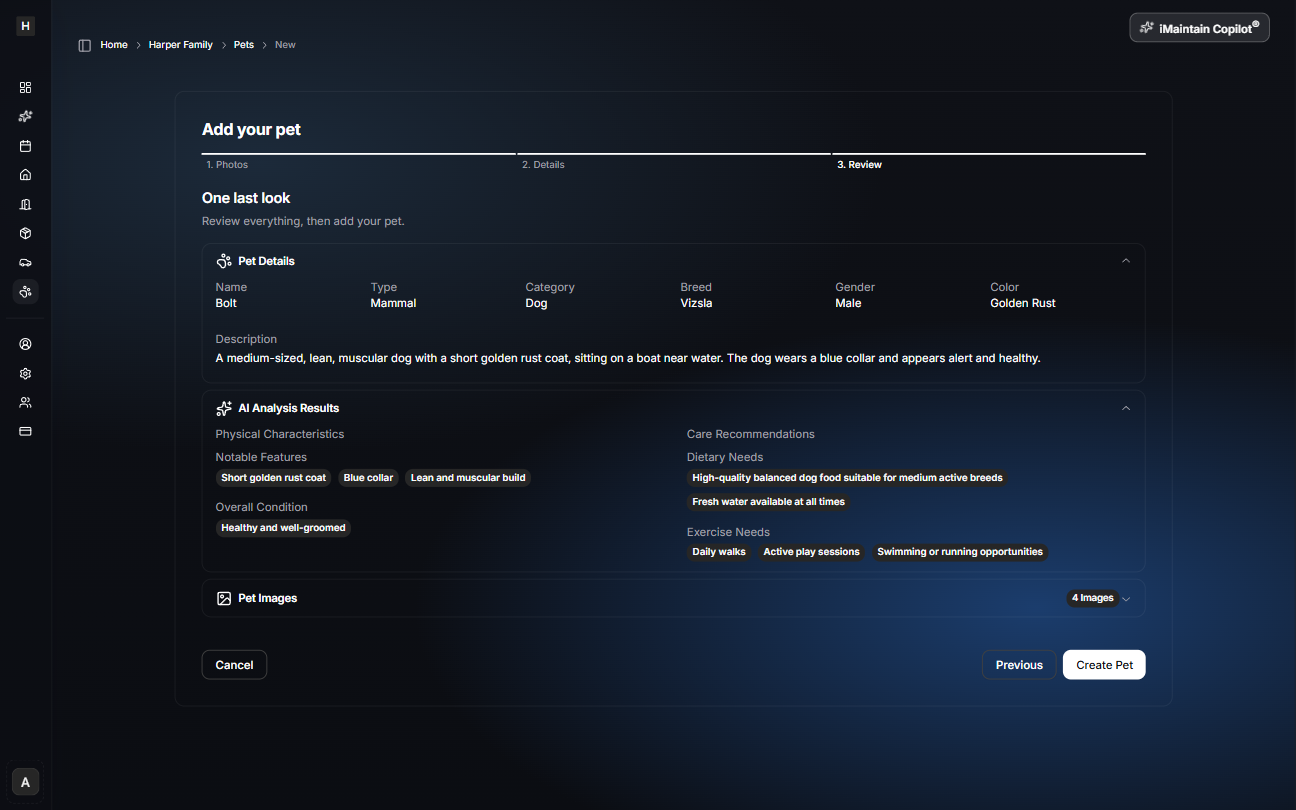
In the final step, confirm everything before creating the pet.
This step also shows AI analysis results (like physical characteristics and care recommendations) when photos are provided.
After saving
Once created, you can:
- Track care schedules, reminders, and history
- Upload vet records, vaccination documents, and photos
- Keep notes (meds, allergies, behaviors, preferences)
- Use iMaintain Copilot to summarize what’s coming up and what’s been done