Viewing pets
Browse pets using cards or a table view.
Overview
Pets are easiest to manage when you can quickly answer:
- Who are we caring for?
- What’s due soon?
- Where are the records?
iMaintain gives you multiple ways to view pets—whether you’re doing a quick scan on mobile or a deeper review on desktop.
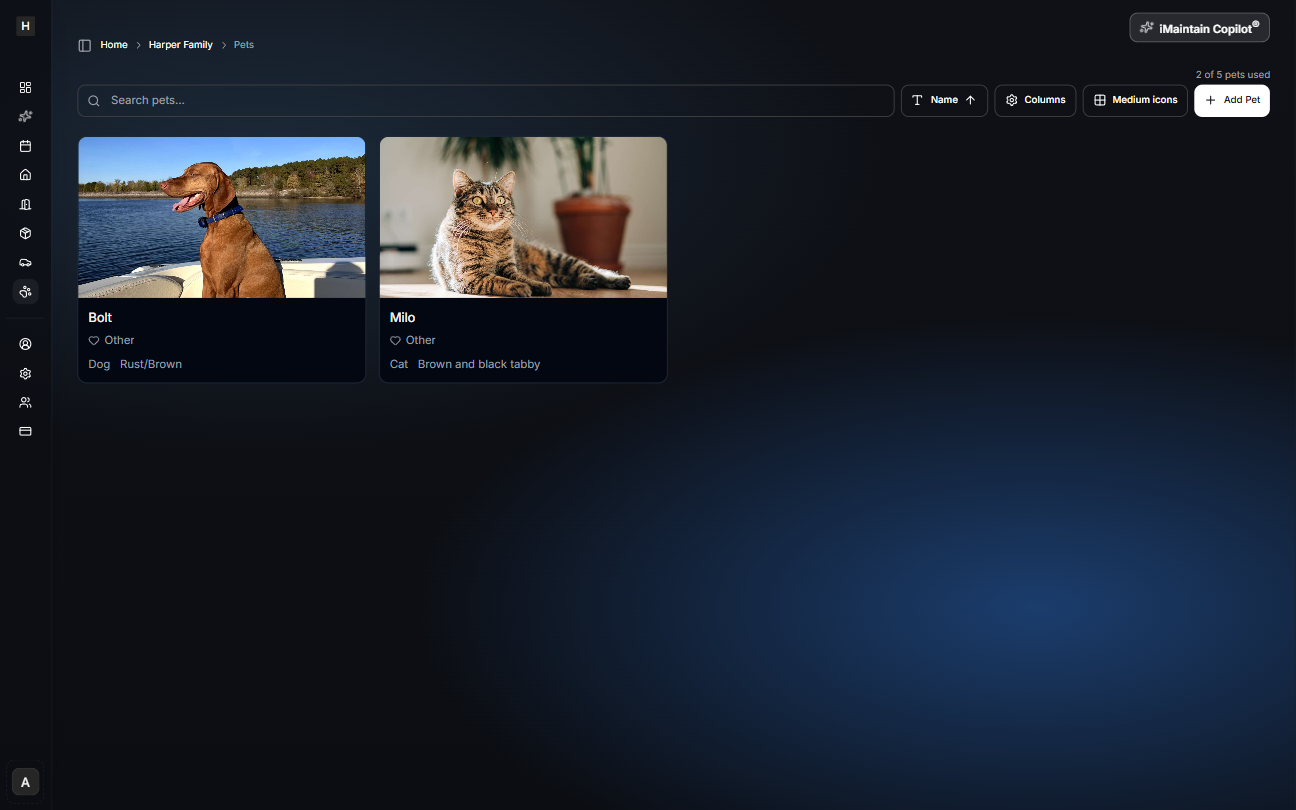
Cards vs table view
- Cards are great for visual browsing and quick scanning.
- Table view is ideal for sorting and auditing across multiple fields.
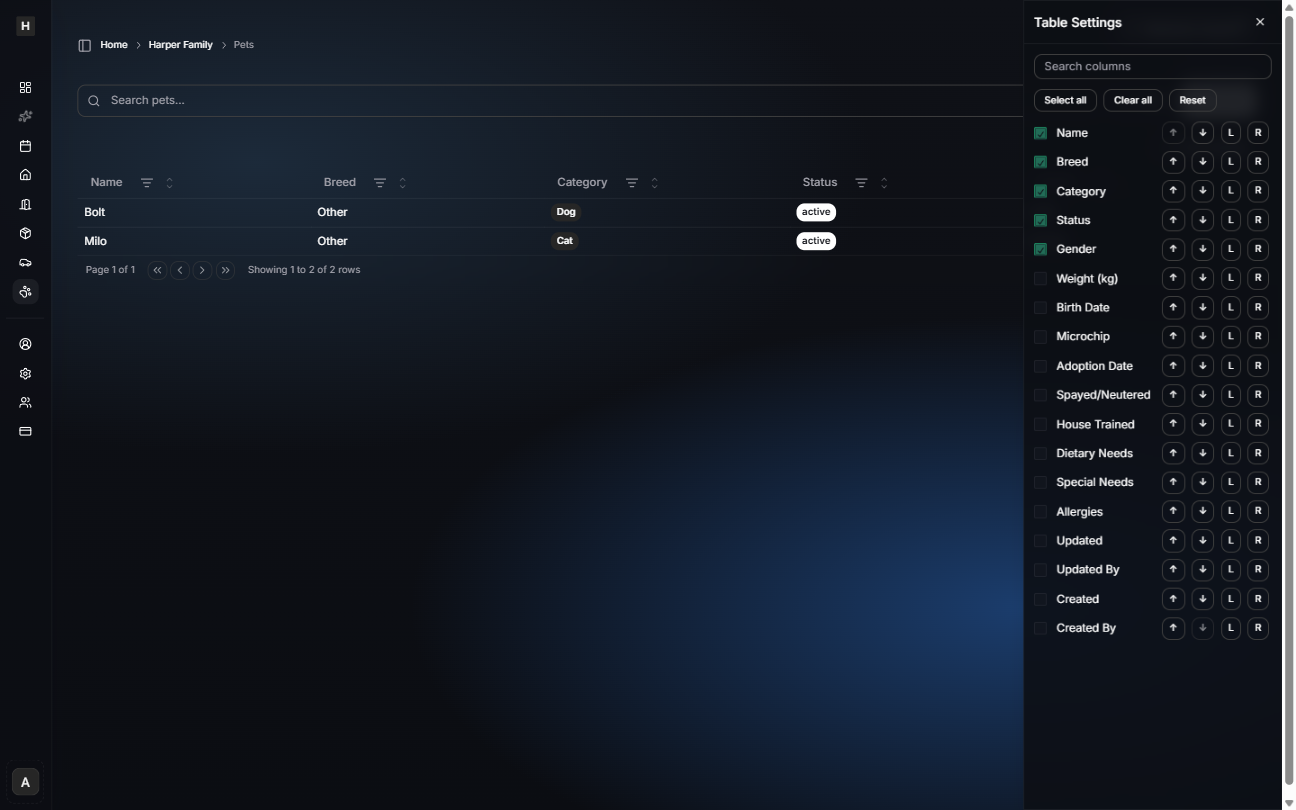
Customize table columns
In table view, you can choose which columns to show (and keep the table focused on what matters for you).
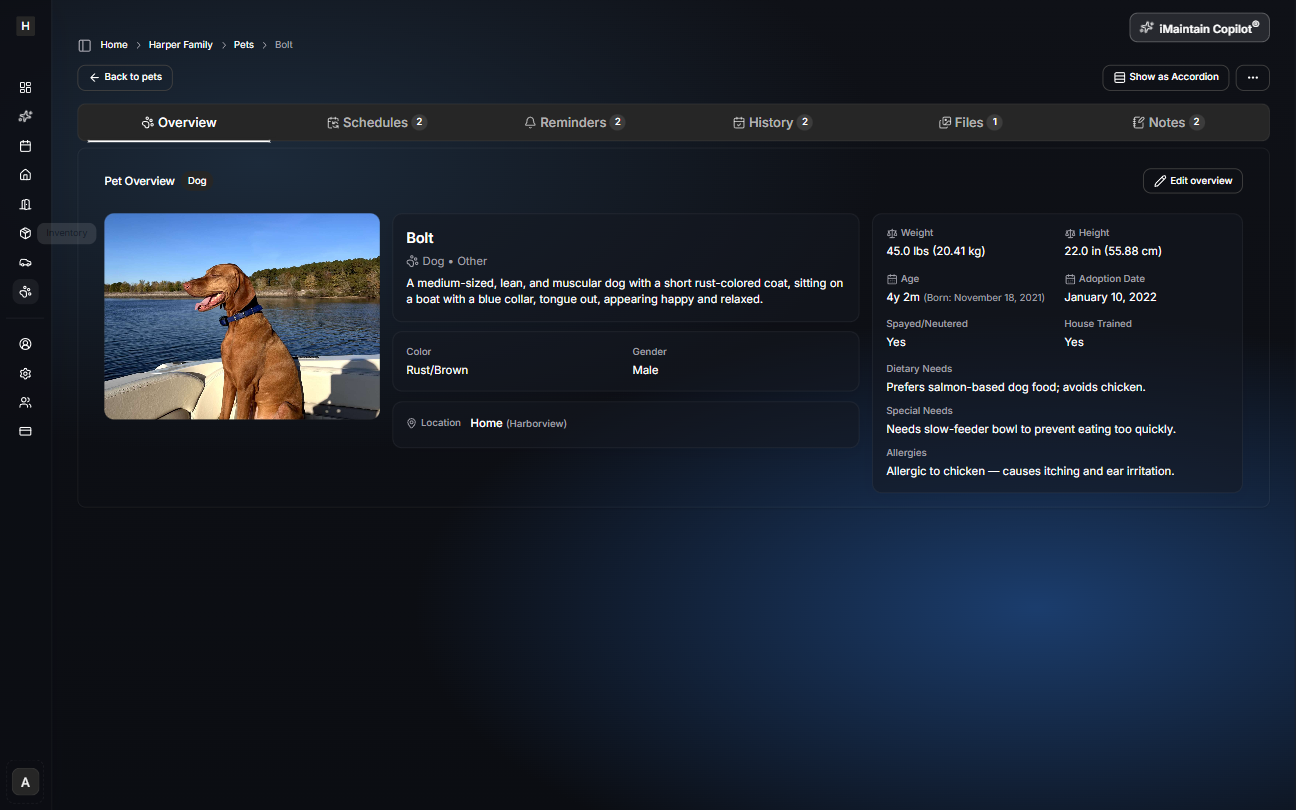
Open a pet for details
Select any pet to open its detail page. This is where you’ll find everything connected to your pet over time—including schedules, reminders, history, files, and notes.