

All features in iMaintain
A complete system for everything you manage
What you can manage
Built for everything you manage
Four pillars cover everything in your world — from the roof over your head to the pets, vehicles, and belongings you depend on.
1 of 4
Homes & properties
Maintenance schedules, service records, documents, and costs — organized by property and room.

What's inside
Your records, reminders, and history, finally connected.
iMaintain is a connected memory layer for your assets — what happened, what's due, where the proof lives, and who needs access. These pillars describe what the system actually does for you.
One source of truth
Receipts, warranties, service history, notes, and documents stay attached to the asset they belong to.
Stay ahead of maintenance
Upcoming, overdue, and completed care live in one view so small issues surface before they get expensive.
Answers from your own data
Ask plain questions and get context from your actual records, not generic advice from the internet.
One shared system
Invite family or teammates so the history, tasks, and decisions stop living with one person.
Feature highlights
Properties & spaces
Track upkeep, service history, and documents by home, room, or system. Seasonal checklists included.
Vehicles
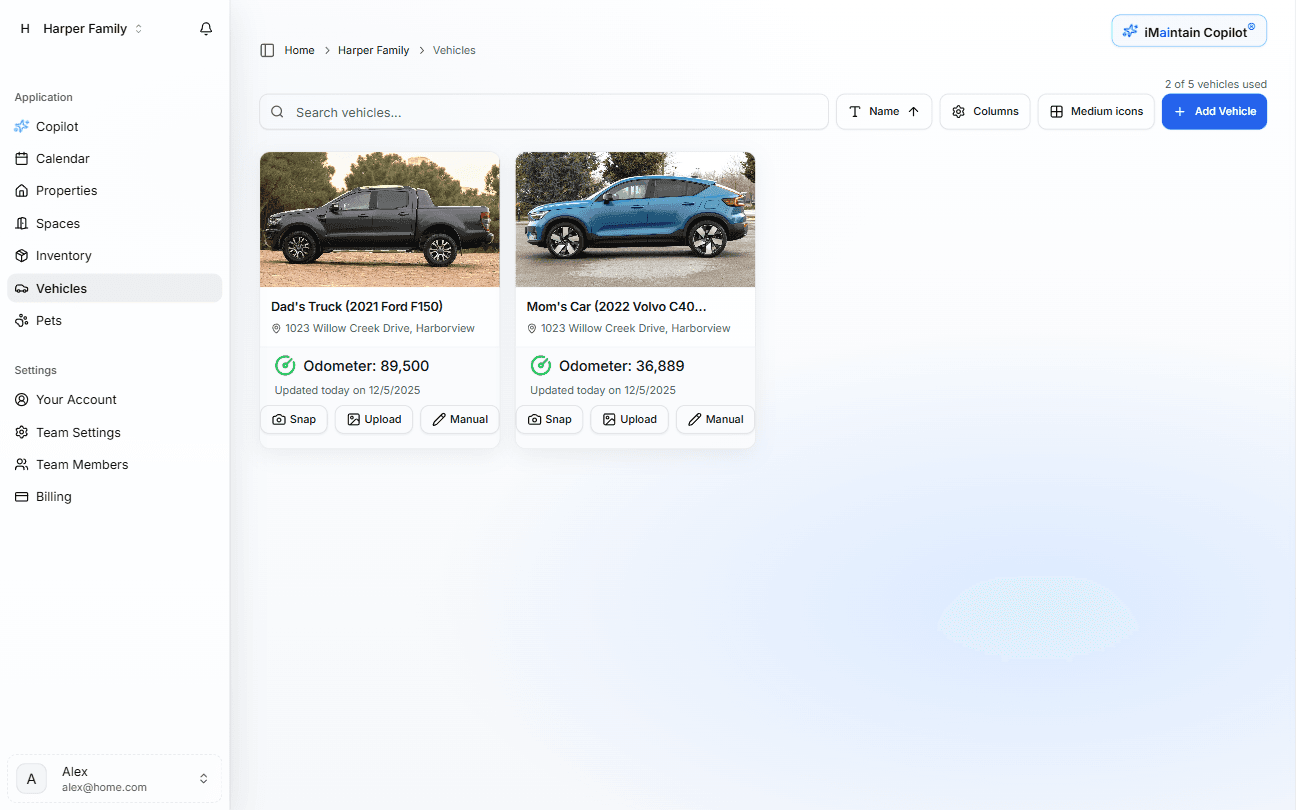
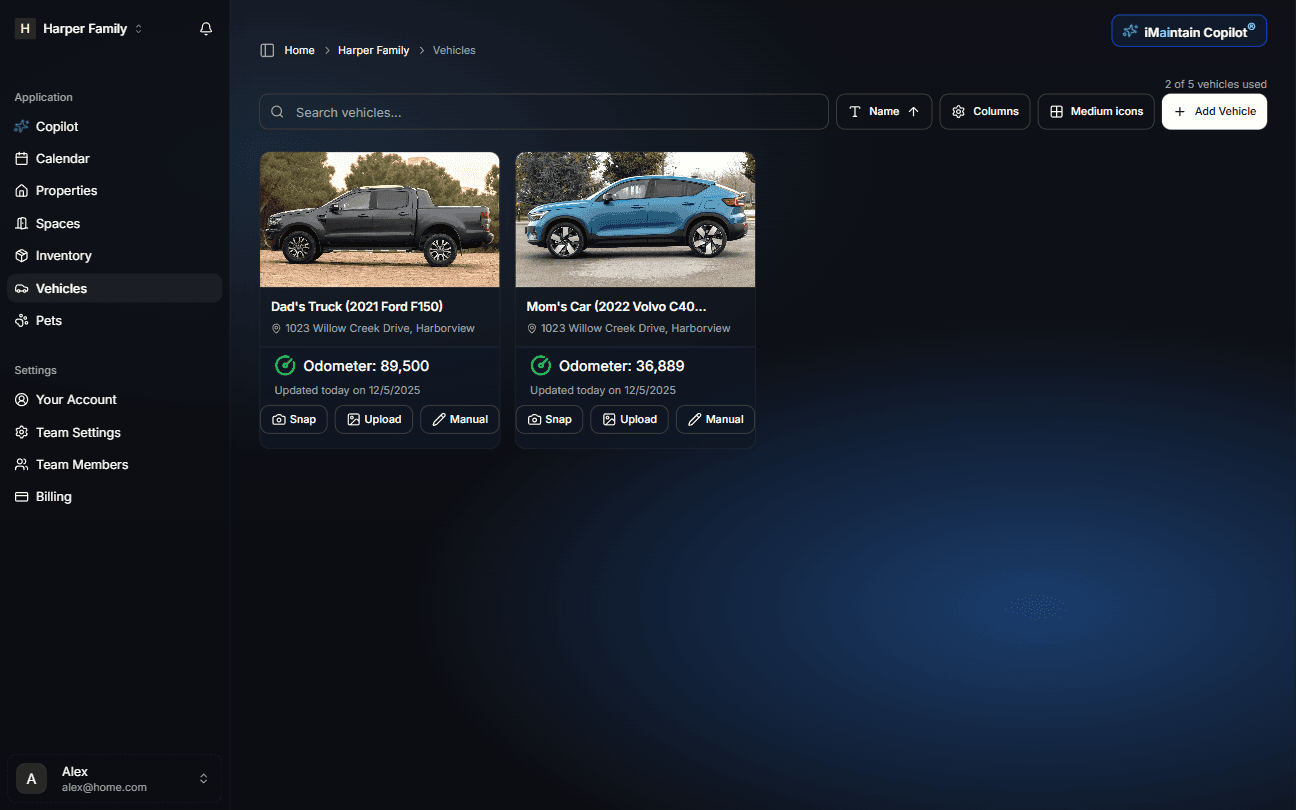
Log repairs, oil changes, mileage, costs, and warranty details. Works for cars, RVs, boats, and motorcycles.
Pets
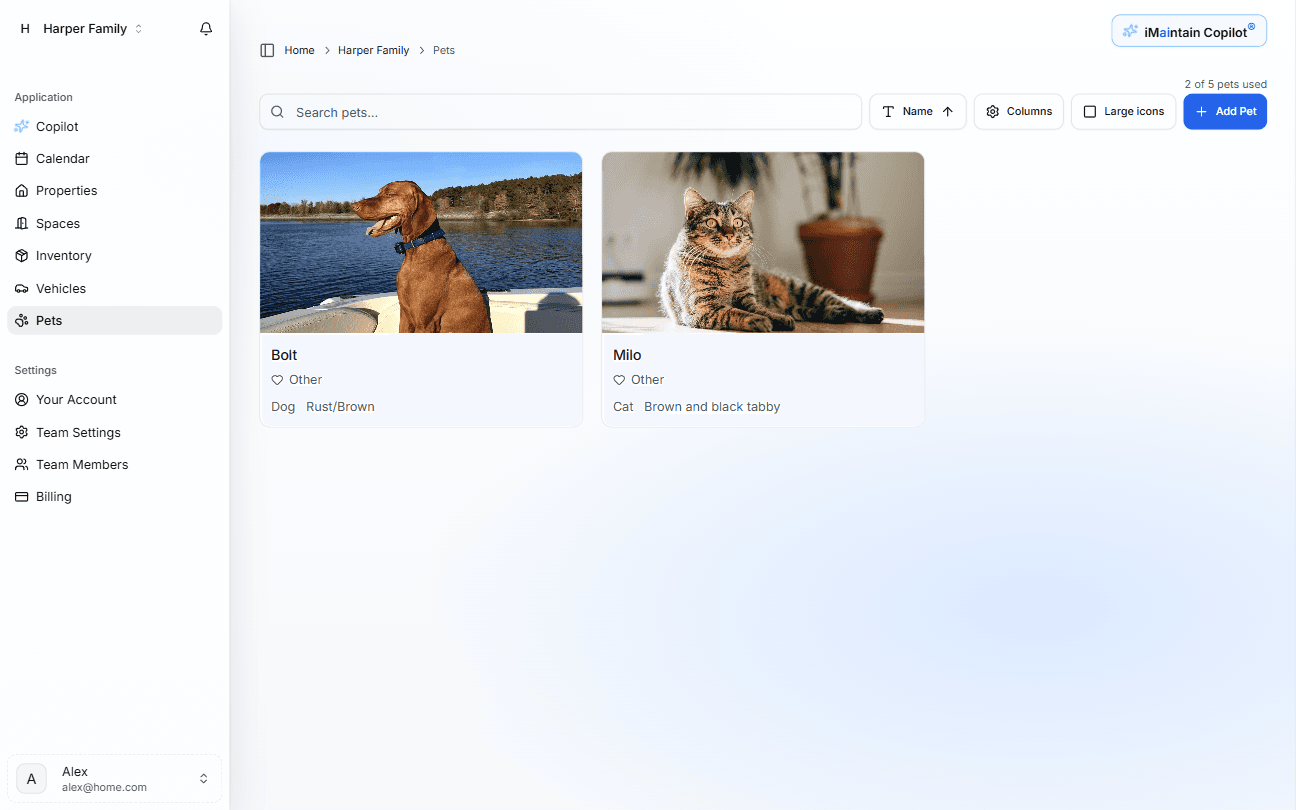
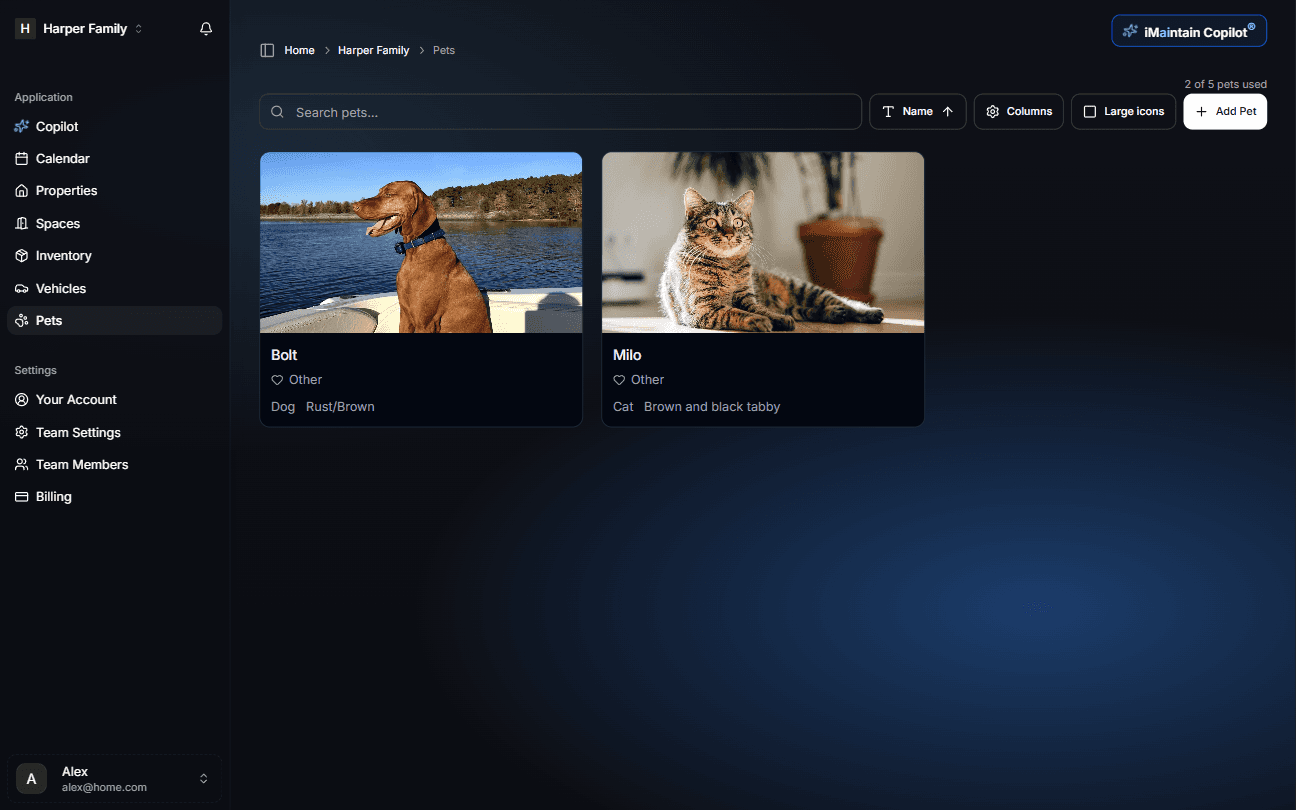
Track vaccinations, vet visits, medications, and care reminders for every pet.
Belongings & inventory
Store receipts, warranties, manuals, and replacement value. Evidence for insurance built in.
Reminders & timelines
See what is due, overdue, and already completed across every asset. Calendar, card, and table views included.
AI maintenance plans
When you add an asset, AI suggests a maintenance schedule with cost estimates and DIY vs pro guidance.
Service providers
Every maintenance record links to the provider who did the work. Build a trusted list over time.
Documents & files
Attach receipts, invoices, manuals, warranties, and photos directly to any asset or maintenance record.
Sharing & collaboration
Invite family or team members with role-based permissions. Assign tasks with clear ownership.
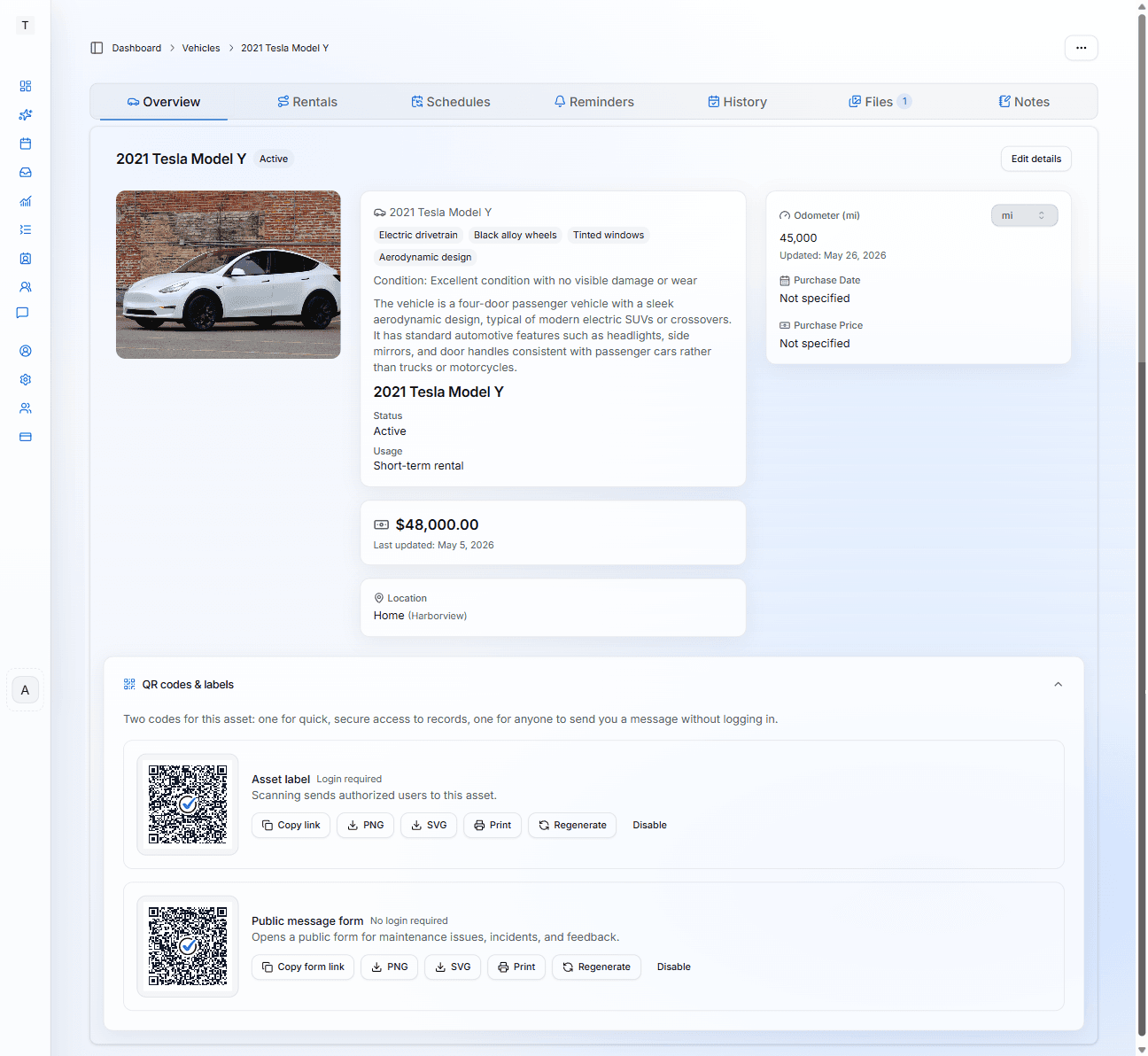
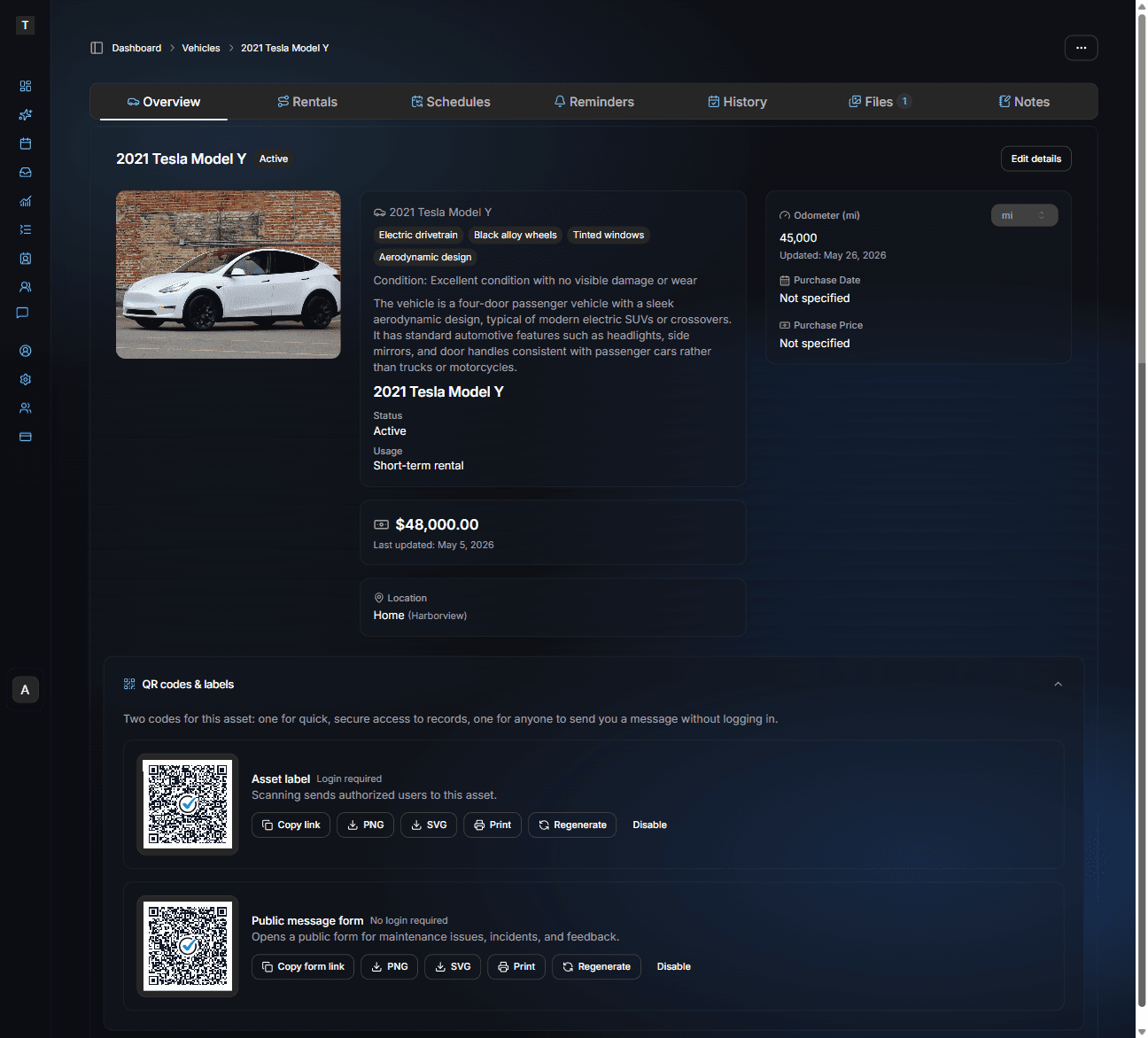
QR asset labels
Generate a QR code for any asset. Scan to jump directly to its record — maintenance history, warranty info, notes, photos, and Copilot access instantly.
Public message forms
Let anyone send a maintenance request, incident report, or feedback about an asset via QR code. No account required. Lands in your Inbox with attachments.
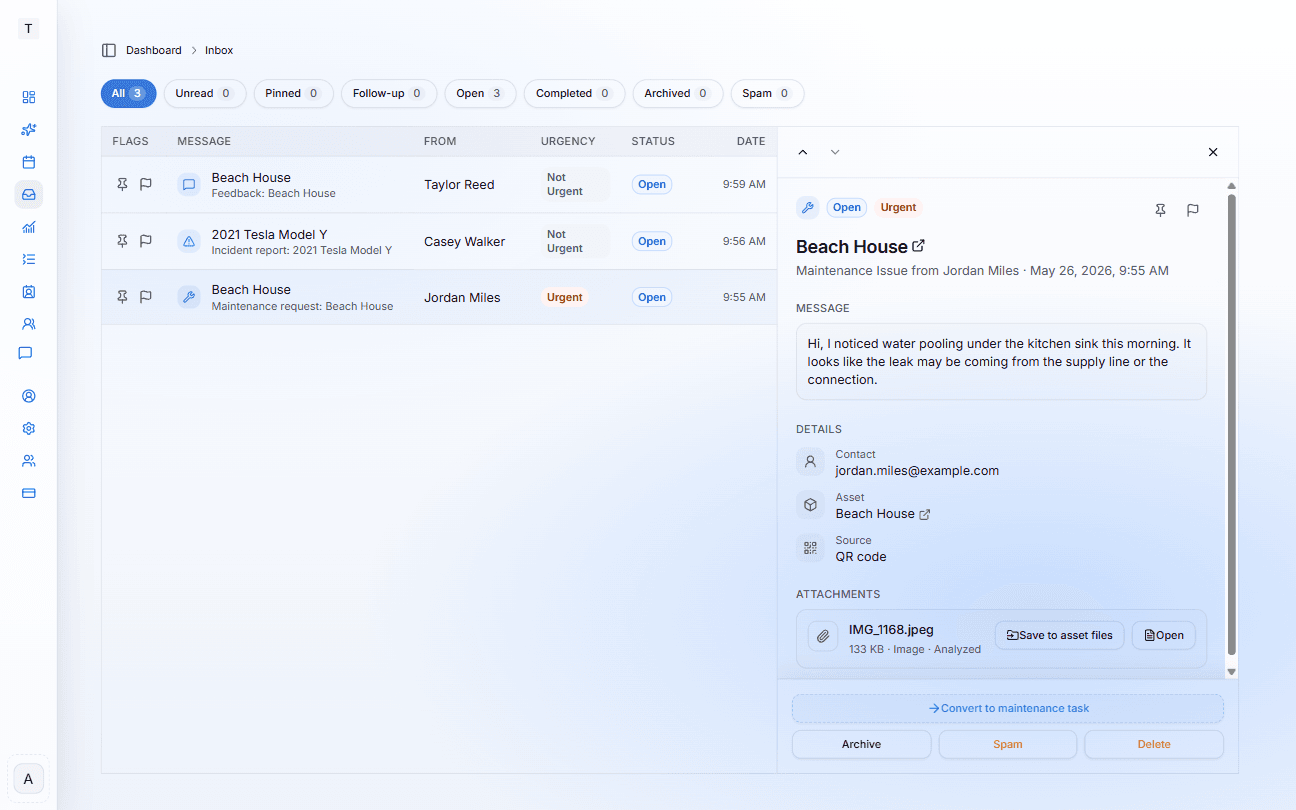
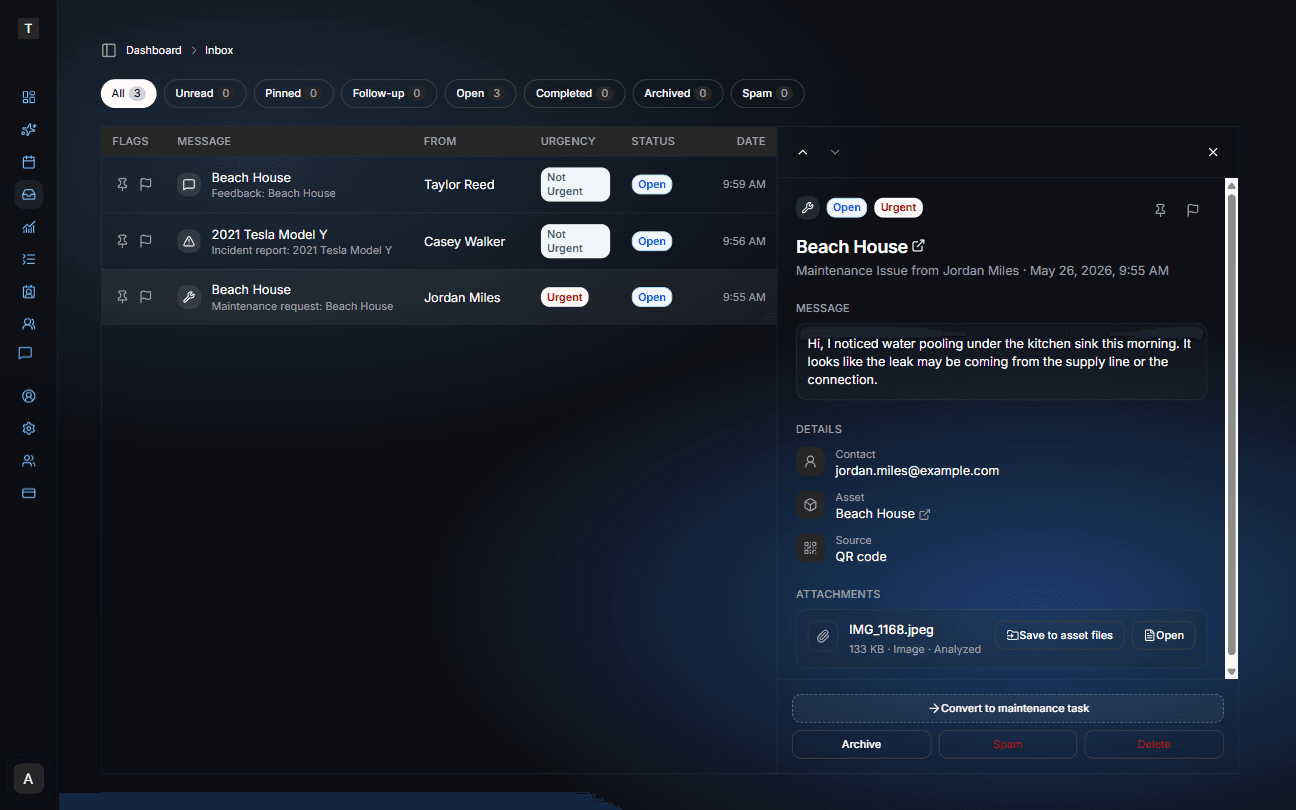
Inbox
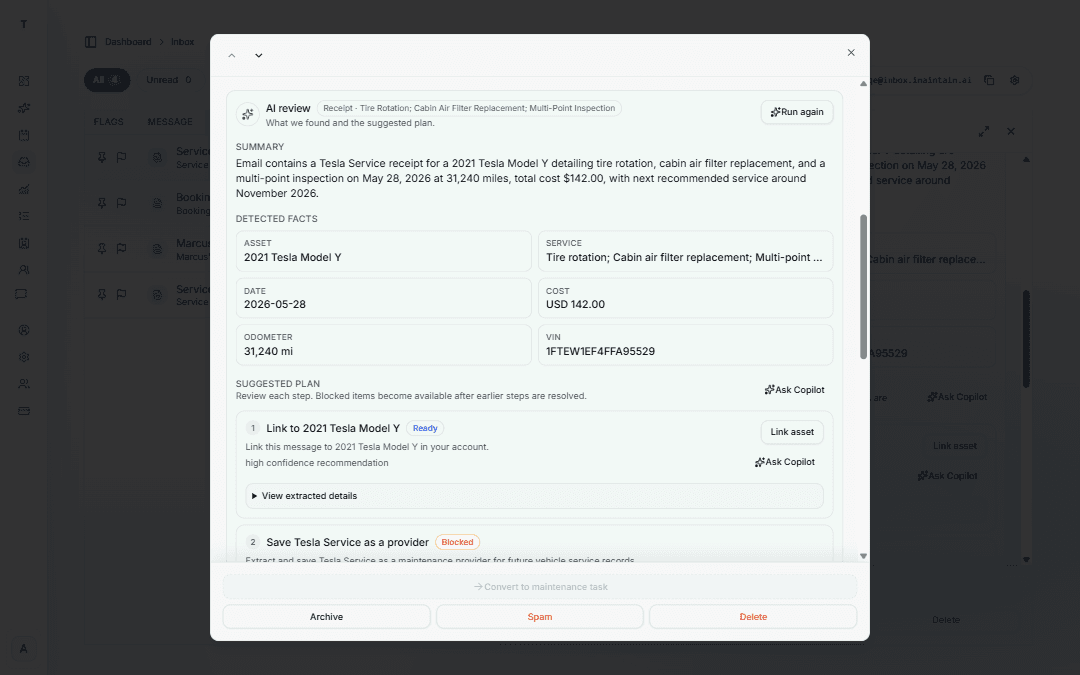
Forwarded emails and QR messages land here together. iMaintain analyzes emails and suggests next steps — you review and confirm before anything is saved.
What it looks like
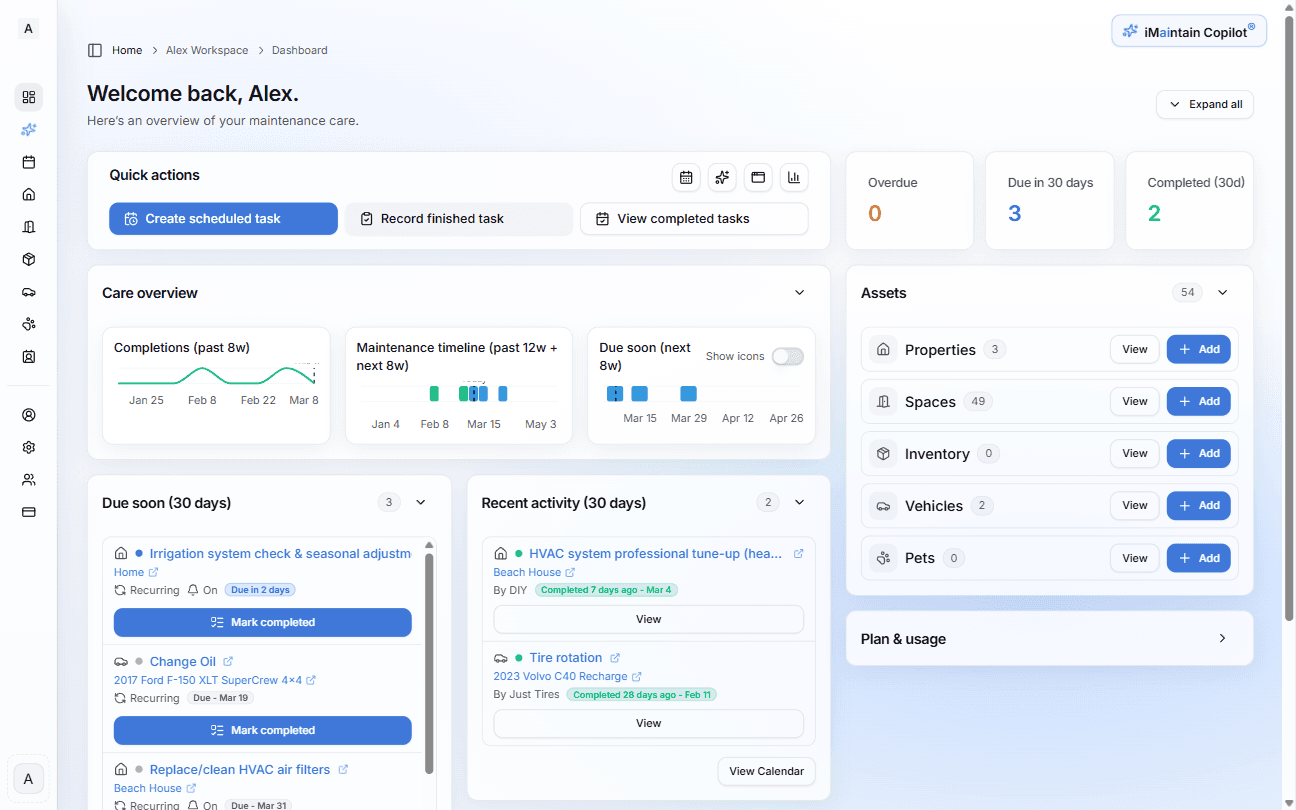
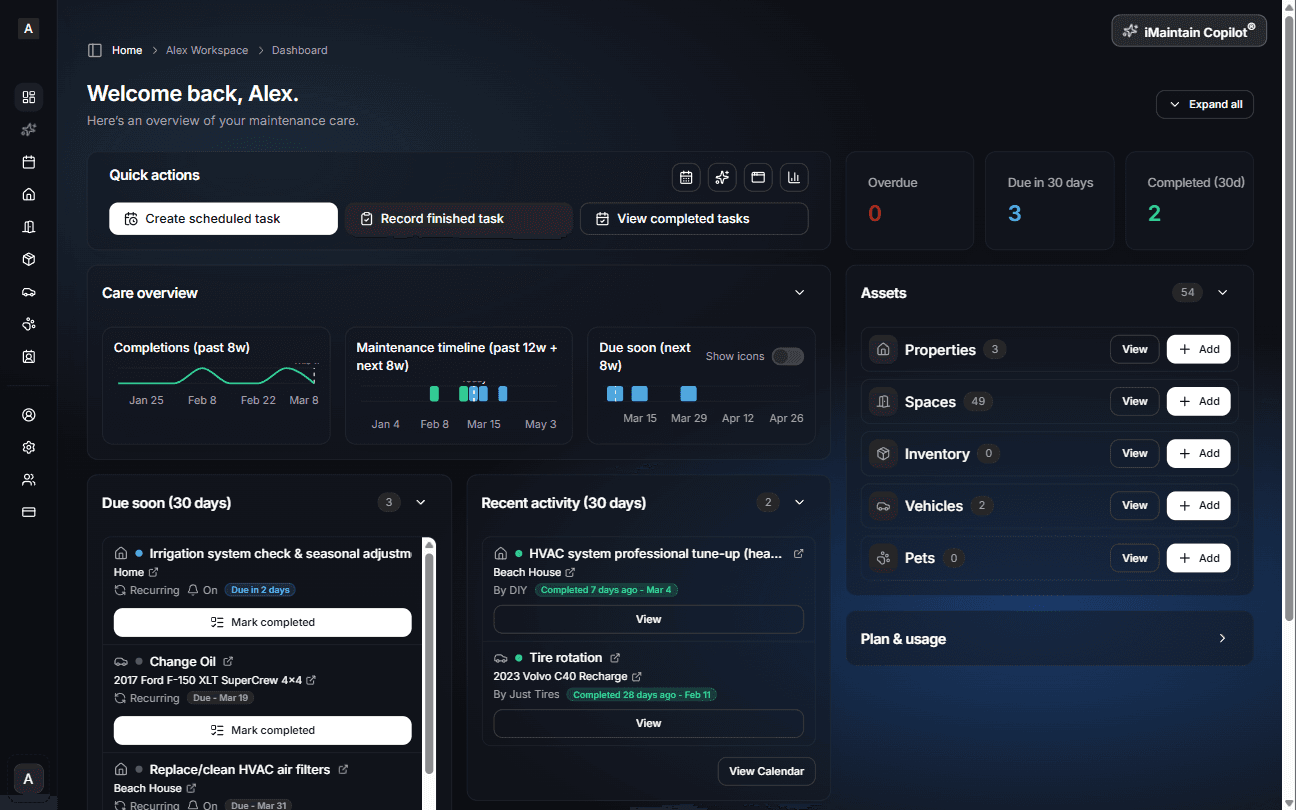
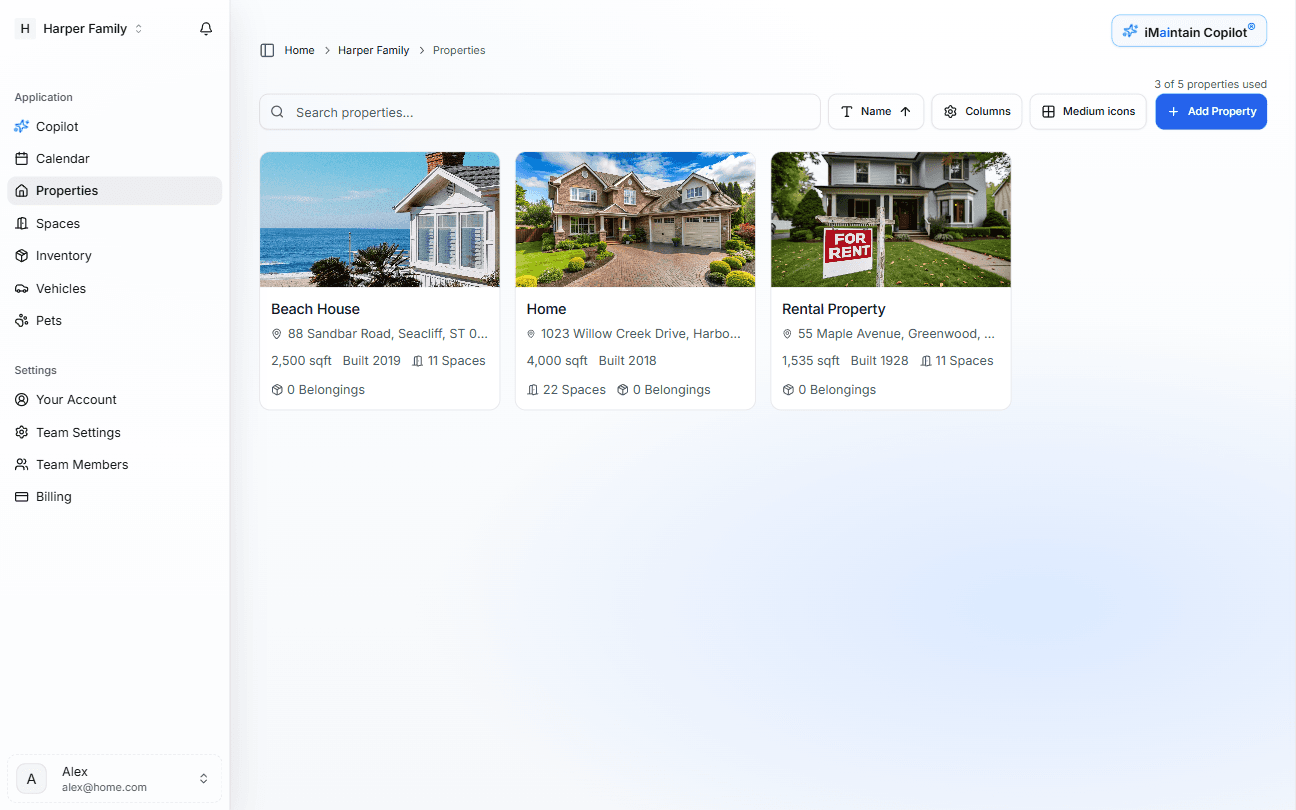
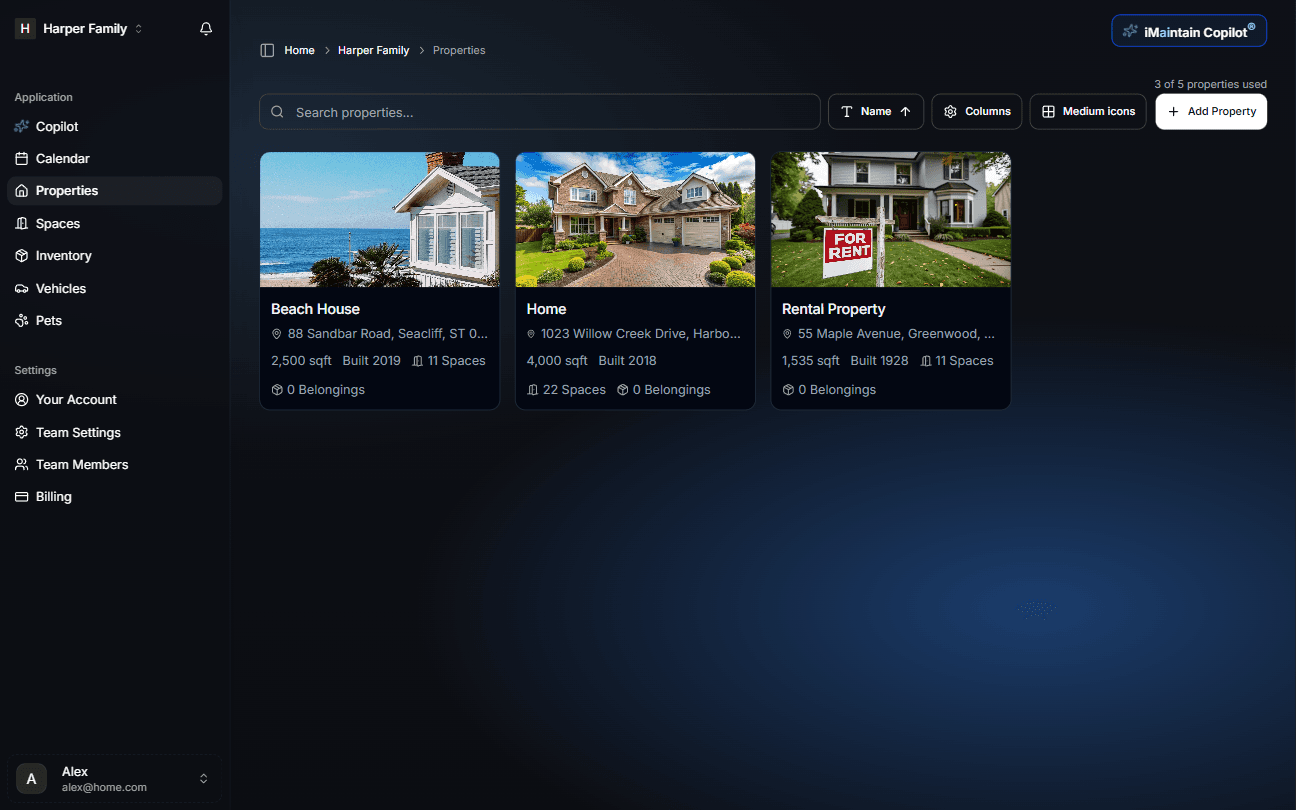
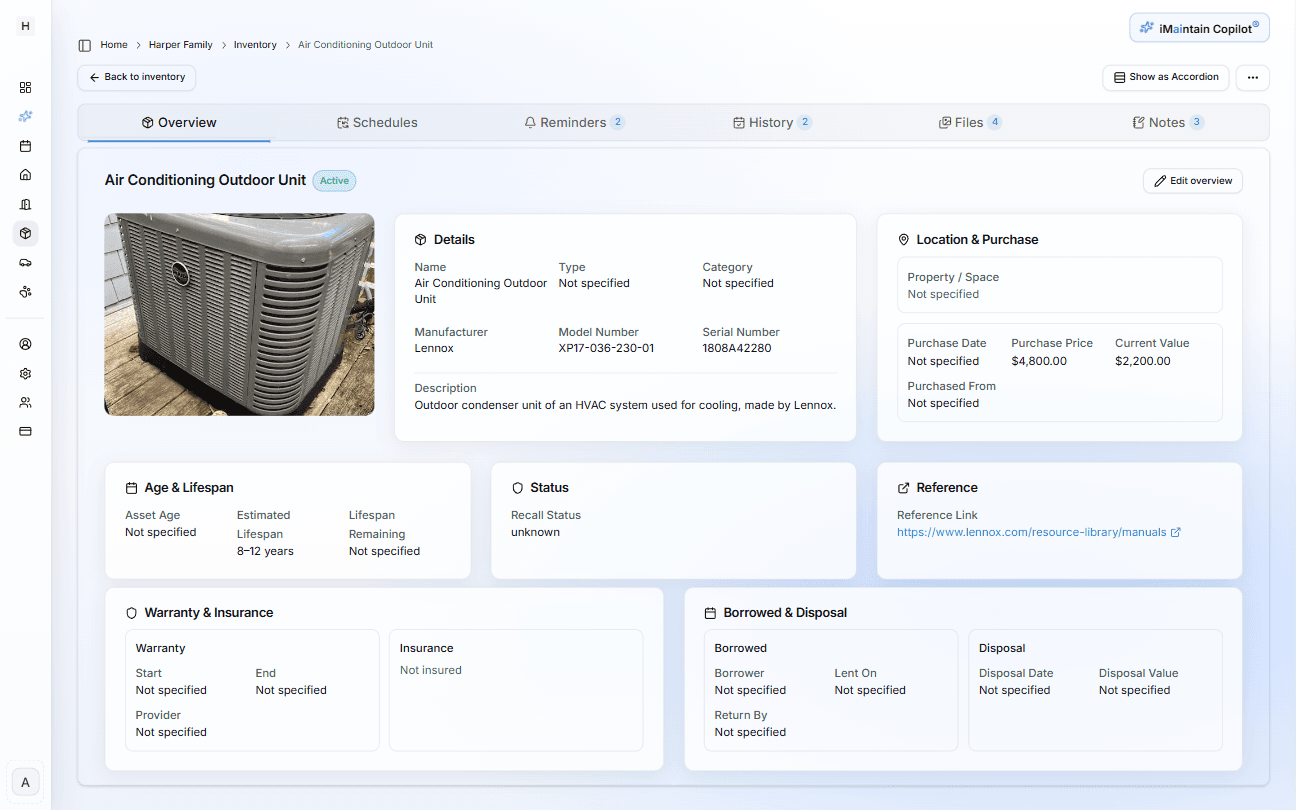
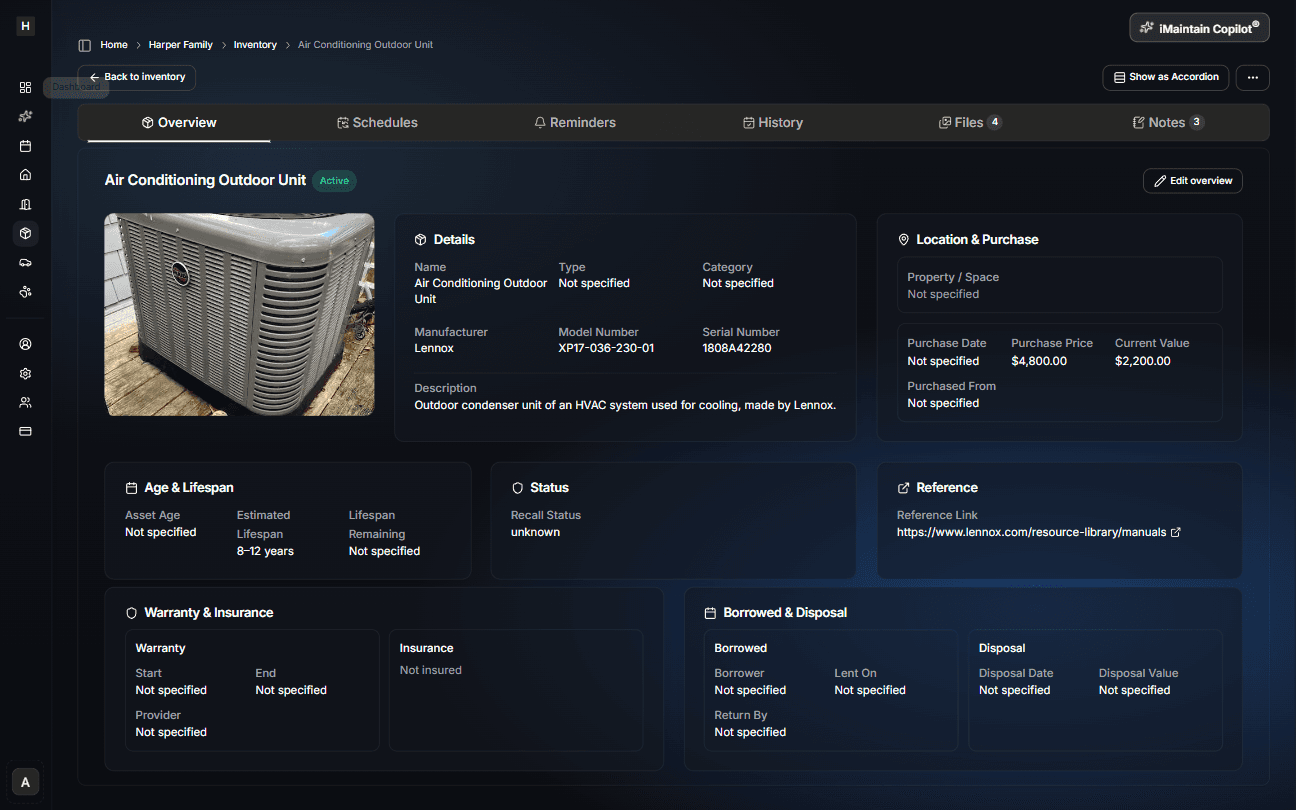
One workspace pattern, everywhere
Dashboard on top, dedicated workspaces underneath. Once you learn the pattern for one asset, the rest feel instantly familiar.
AI setup
Add an asset — get a maintenance plan
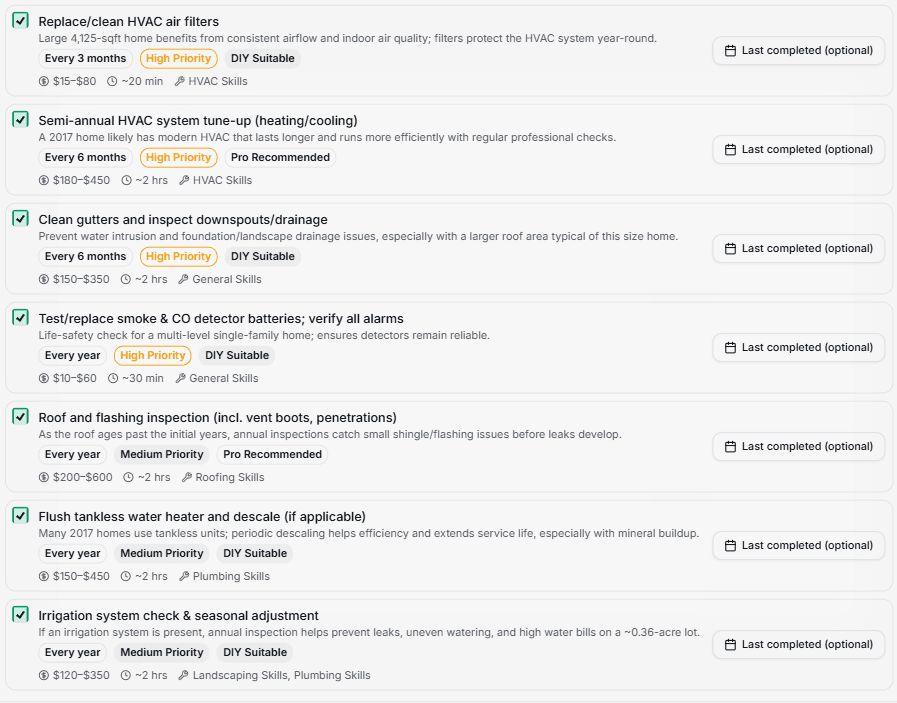
When you add a property, vehicle, pet, or belonging, AI analyzes the asset and recommends a maintenance schedule automatically. Nothing is added without your approval.
Suggested maintenance
AI recommends common maintenance tasks based on the asset type, age, and usage.
Cost estimates
See expected maintenance costs before you commit — so there are no surprises.
DIY vs professional
Each task is flagged as self-serviceable or professional-recommended.
Nothing without your approval
Review every suggested task and confirm before anything is added to your schedule.
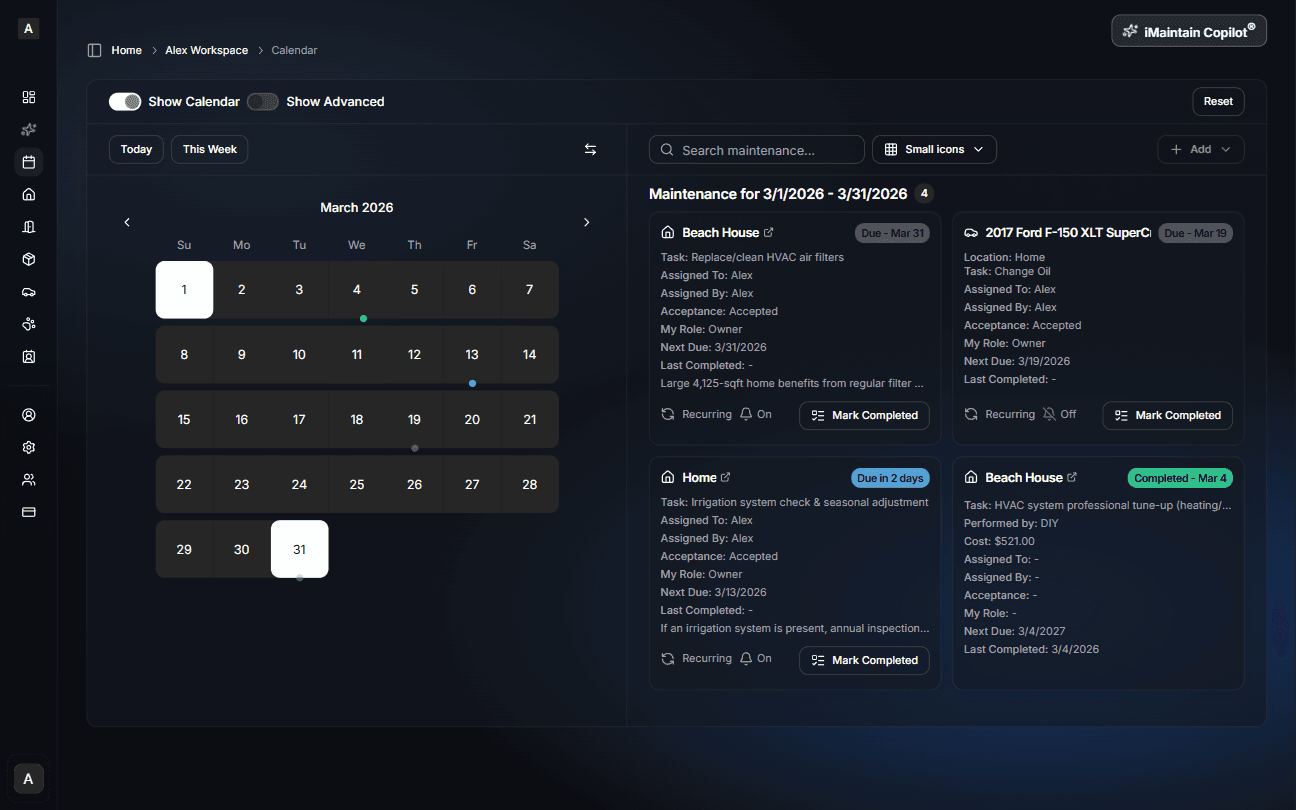
Scheduling & calendar
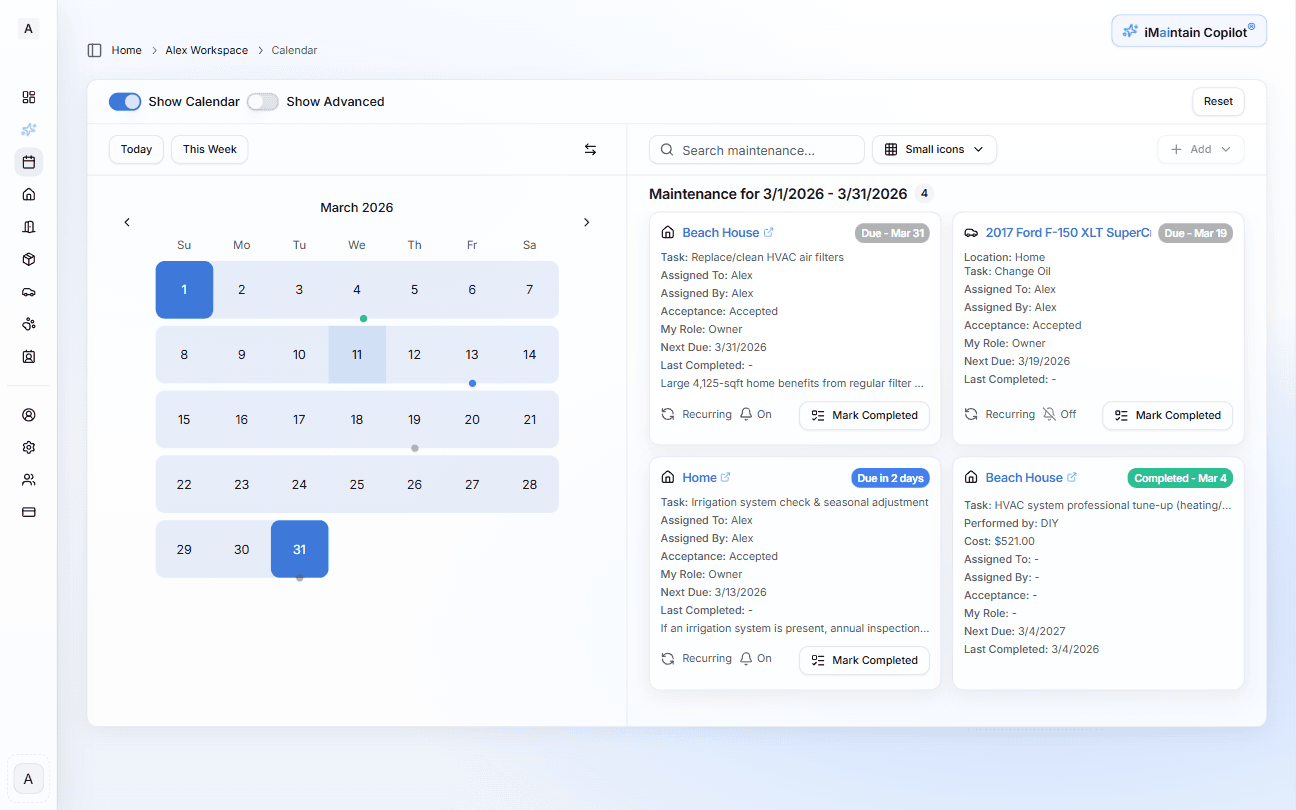
Everything due across all your assets, in one view
The unified calendar shows upcoming, overdue, and completed work across every home, vehicle, pet, and belonging — so nothing slips through.
Your Copilot
Ask anything about what you own
The iMaintain Copilot searches your own records and gives you direct answers — no generic advice, no manual searching.
When was my water heater last serviced?
Pulls the exact service record — date, technician, and cost — in one query.
What maintenance is overdue right now?
Lists every overdue task across all your assets with how many days past due.
Show the receipt for my last HVAC repair.
Finds the attached receipt instantly without manual folder searching.
When is my car's next oil change due?
Shows the upcoming service date and mileage milestone based on your records.
How much have I spent on maintenance this year?
Aggregates all logged costs across every asset for any time period you specify.
Inbox
Every message about your assets, in one place
Messages arrive two ways: forwarded emails sent to your personal iMaintain address and public QR forms tied to a specific asset. When an email arrives, iMaintain analyzes it and suggests next steps — link an asset, log maintenance, create a trip, or add a stay — so you spend less time retyping and more time confirming what belongs in your records.
Review attachments, convert maintenance requests into trackable tasks, save files directly to the asset's library, and let Copilot analyze what was submitted. Nothing saves automatically — you confirm each suggested step before anything is added.
Service receipts
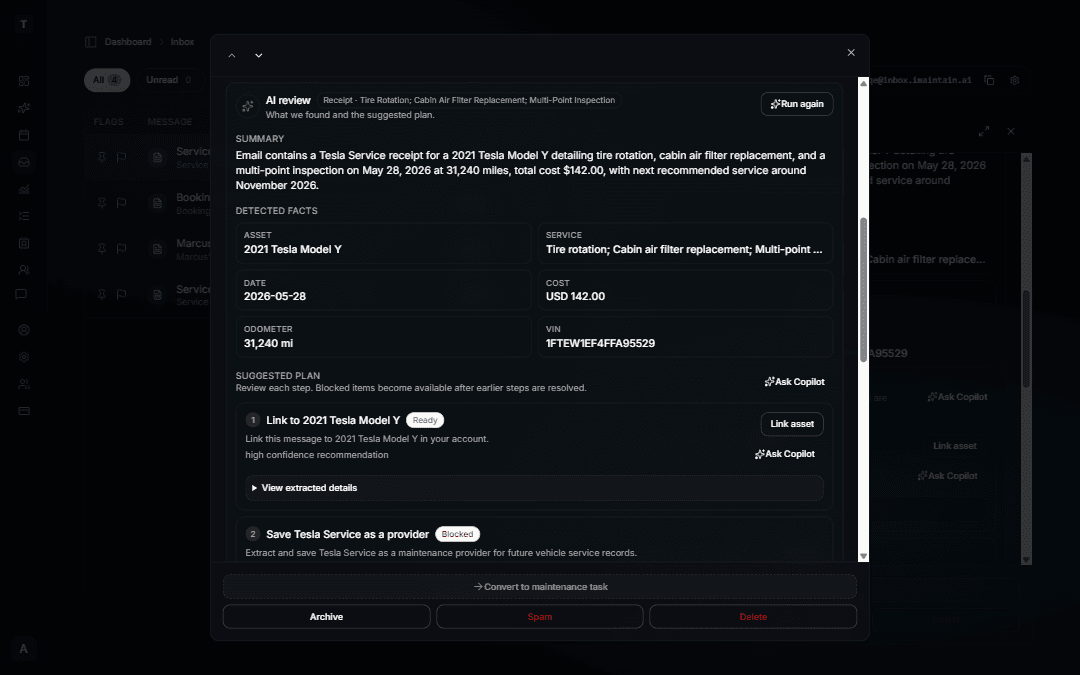
Forward an oil change or repair invoice — iMaintain suggests linking the asset and logging the service from what is already in the email.
Turo trip confirmations
Forward a booked trip email — dates, guest, and earnings are ready to review on the right vehicle without retyping.
VRBO, Airbnb, and direct stays
Forward a booking confirmation — guest, dates, and payout are prefilled on the property you choose. Re-forward updates without duplicating the stay.
History & costs
A permanent record — and a clear cost picture
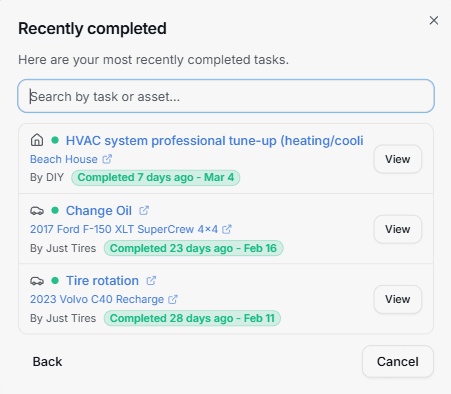
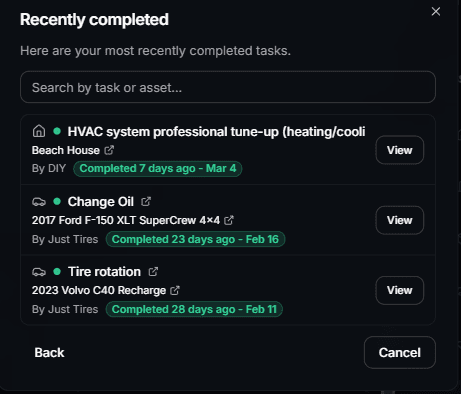
Every repair, service, and maintenance task becomes part of the asset history. Every task can include costs — so over time you build a clear financial picture of what ownership actually costs.
Full service history
Every completed task is logged with date, notes, and who did the work.
Cost tracking per asset
Attach costs to tasks. See maintenance spend by asset, category, or year.
Resale documentation
When you sell, you have a documented history that increases buyer confidence.
Insurance-ready records
Pull up relevant history instantly for claims, appraisals, or disputes.
Documents & files
Everything filed where it belongs
Stop digging through email for a warranty or invoice. Files live on the asset or task they belong to — so you can pull up proof in seconds when a claim, quote, or sale depends on it.
- • Search documents by asset, type, or keyword.
- • Keep receipts and warranties together for insurance.
- • Capture condition photos before and after work.
Receipts & invoices
Attach receipts directly to the maintenance task they belong to.
Manuals & guides
Store product manuals and instructions with the asset itself.
Warranties
Keep warranty documents in one place — searchable when you need them.
Photos
Upload before/after photos and condition records for any asset.
Sharing & collaboration
Maintenance is rarely a solo effort
Invite family members, partners, or teammates so the history, tasks, and decisions stop living with one person. Everyone sees the same record, with clear roles and responsibilities.
- • Shared views of tasks and history across the household.
- • Assignments so it's clear who is on point.
- • Permissions that keep sensitive data locked down.
Multiple users
Invite family members or team members to share access to your assets.
Task assignments
Assign maintenance tasks to specific people — with visibility for everyone.
Permissions
Control who can view, edit, or manage each category of assets.
Built on trust
Your data stays yours.
Four promises that don't change — no matter how you use iMaintain or how long you stay.
Privacy by default
Records kept secure, never sold or shared with advertisers.
Export anytime
Download your full records as a human-readable ZIP. No lock-in.
AI that doesn't train on you
Copilot uses your data to answer questions. It never trains on it.
Controlled sharing
Role-based access. Invite family or teammates with clear permissions.
Get started
Stop keeping it all in your head
One avoided repair easily pays for years of iMaintain. Start free and let your ownership record build itself from day one.
14-day free trial · No credit card · Export your data anytime