

Overview
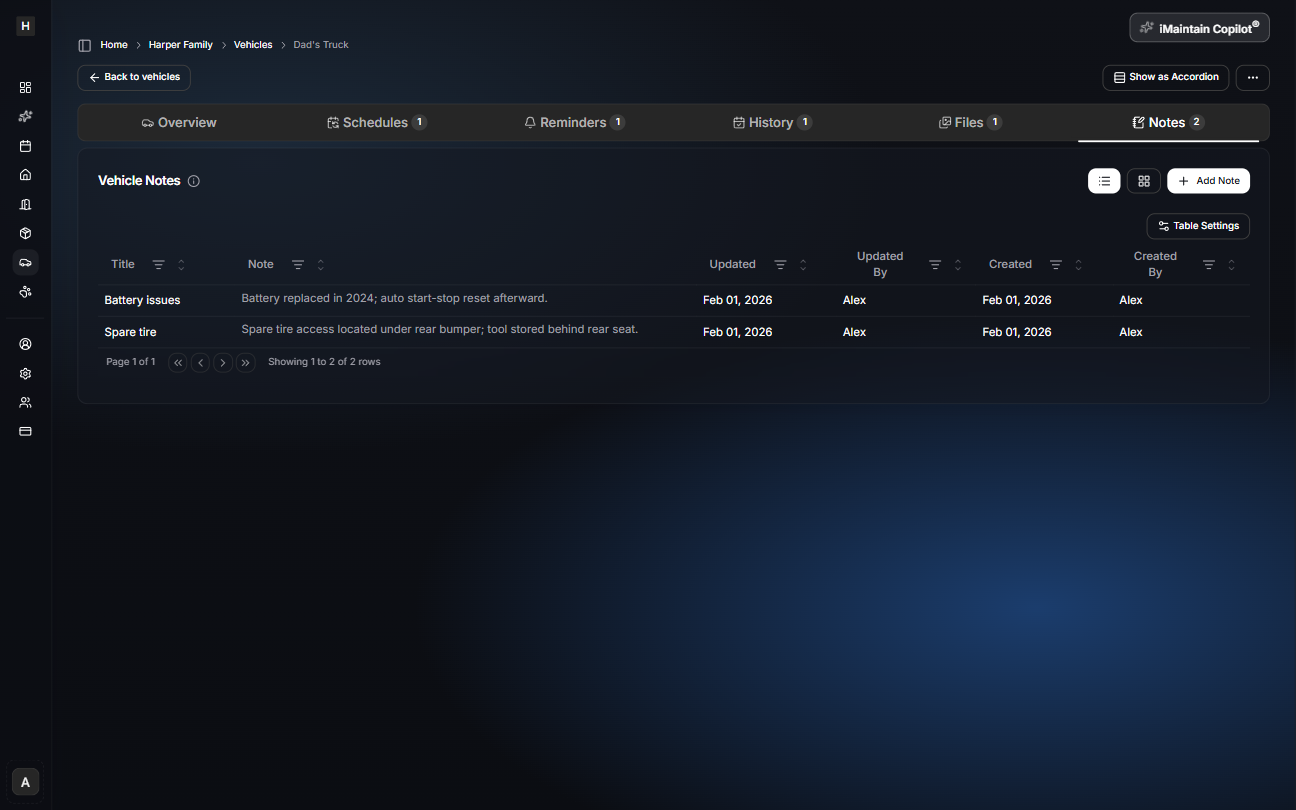
Notes are for vehicle-specific details that don’t belong in a schedule or a file name—things you’ll want later when troubleshooting, planning service, or remembering what changed.
Common examples:
- Battery replacement notes
- Part numbers (filters, wipers)
- Tire details and pressures
- Where the spare tire and tools are stored
Add and manage notes
Open a vehicle and go to the Notes tab. Notes stay attached to the vehicle and remain searchable.
Copilot can use your notes
iMaintain Copilot can use your vehicle notes as context to help you:
- Answer questions faster (“Where is the spare tire tool?”)
- Summarize known details before a service appointment
- Turn notes into a checklist