

Overview
Vehicle files keep important documents tied to the vehicle—so you can stop digging through email, glovebox photos, and folders later.
Common examples:
- Service receipts and invoices
- Warranty documents
- Manuals and reference docs
- Photos (condition, VIN plate, odometer, modifications)
Uploading and organizing files
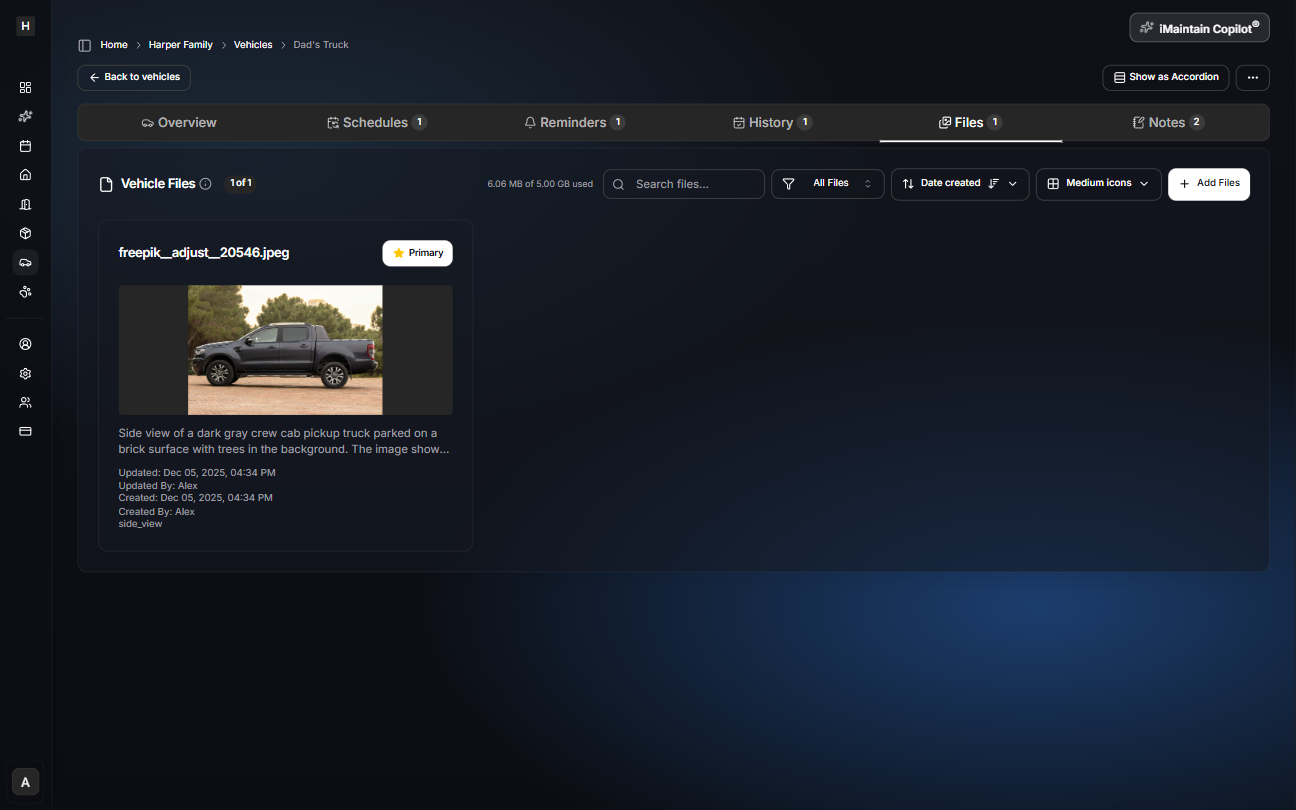
Open a vehicle and go to the Files tab to upload images and documents. You can search, filter, sort, and choose a primary image.
Copilot can use your files
iMaintain Copilot can use your vehicle files as context to help you:
- Find the right document quickly
- Summarize what’s in attachments
- Pull details into a report (when available)