

Property notes
Add and manage notes for your properties.
Overview
Notes are for the “extra details” you don’t want to lose—paint colors, contractor details, measurements, access instructions, DIY steps, and anything else that matters later. Notes stay attached to the property and are searchable through iMaintain Copilot.
Accessing Property Notes
To view or manage notes for a property:
- Open a property.
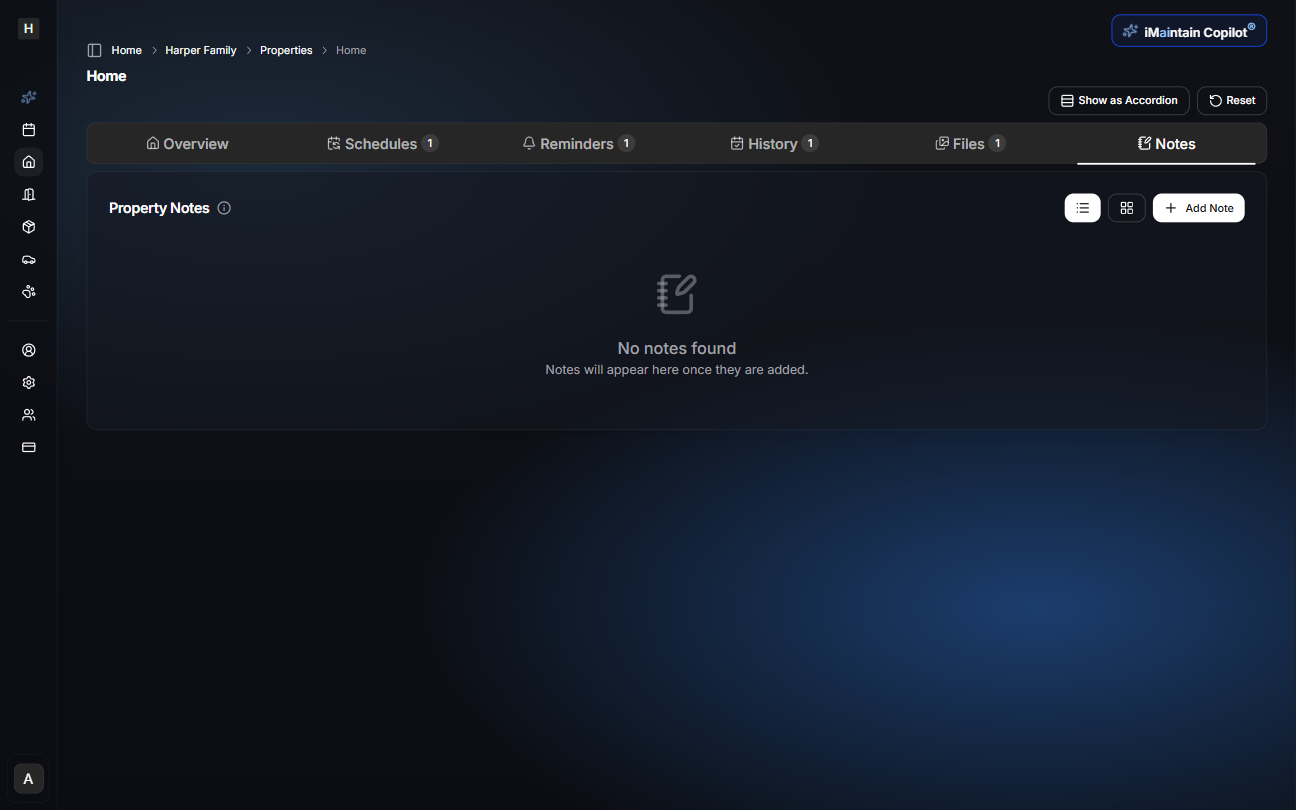
- Select the Notes tab from the property navigation bar.
Adding a Note Manually
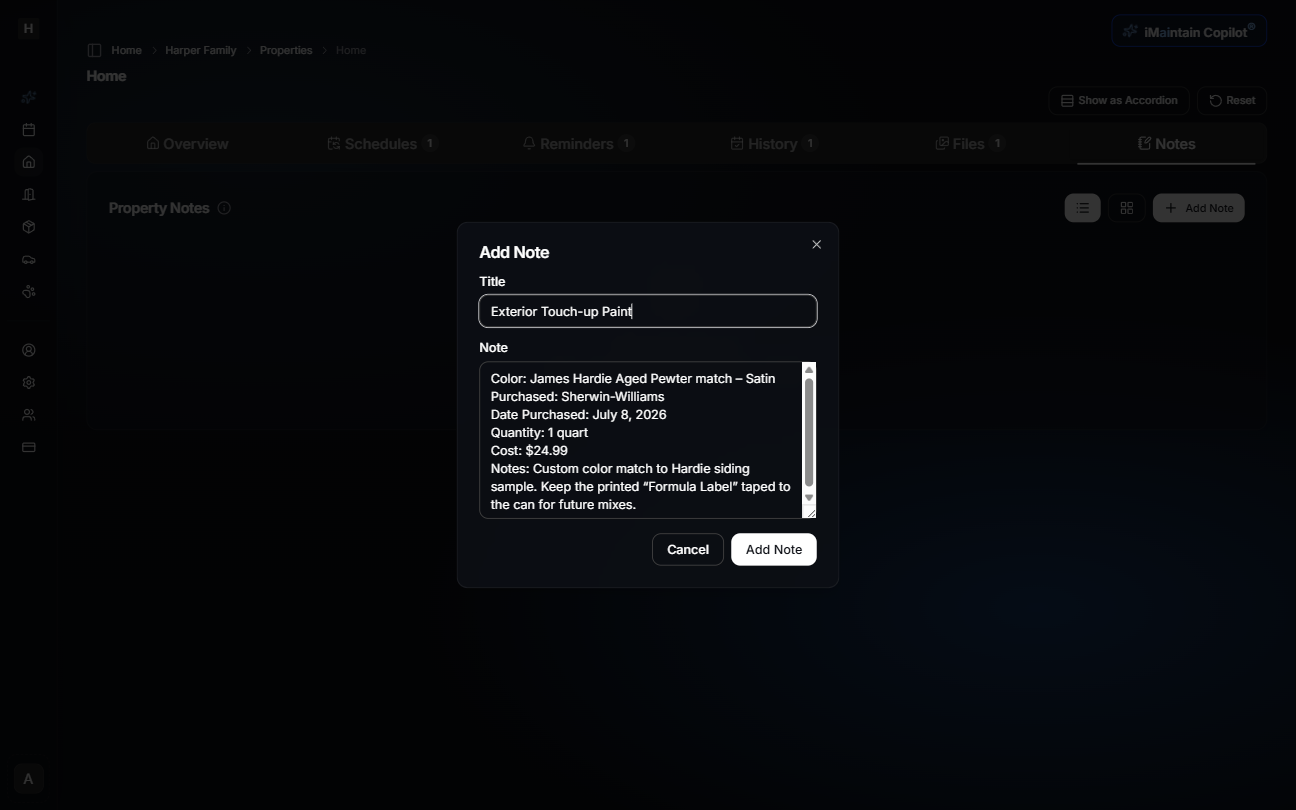
- Click Add Note.
- Enter a Title (for example: "Exterior Touch-up Paint").
- Add the content in the Note field.
- Select Add Note to save.
Notes can include any text format: lists, paragraphs, bullet points, or copied details from invoices and labels.
Viewing Notes
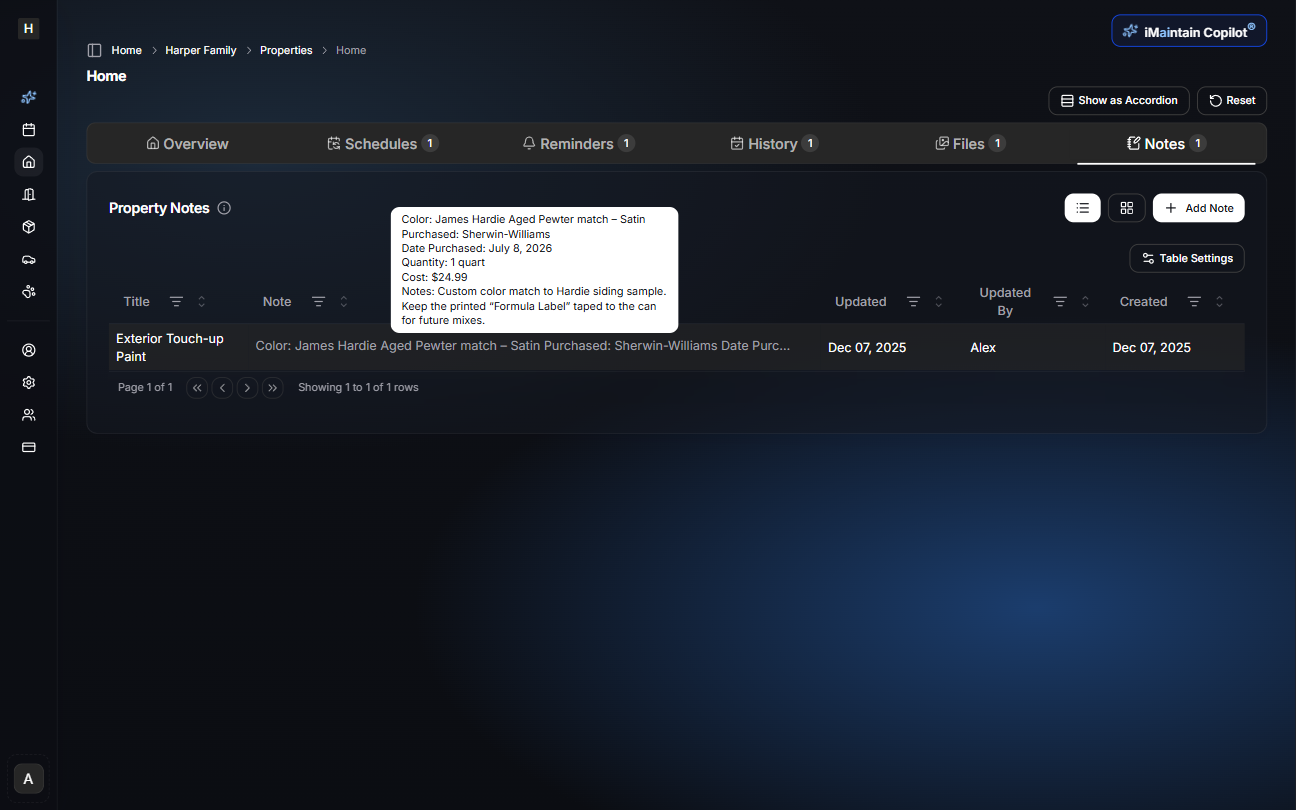
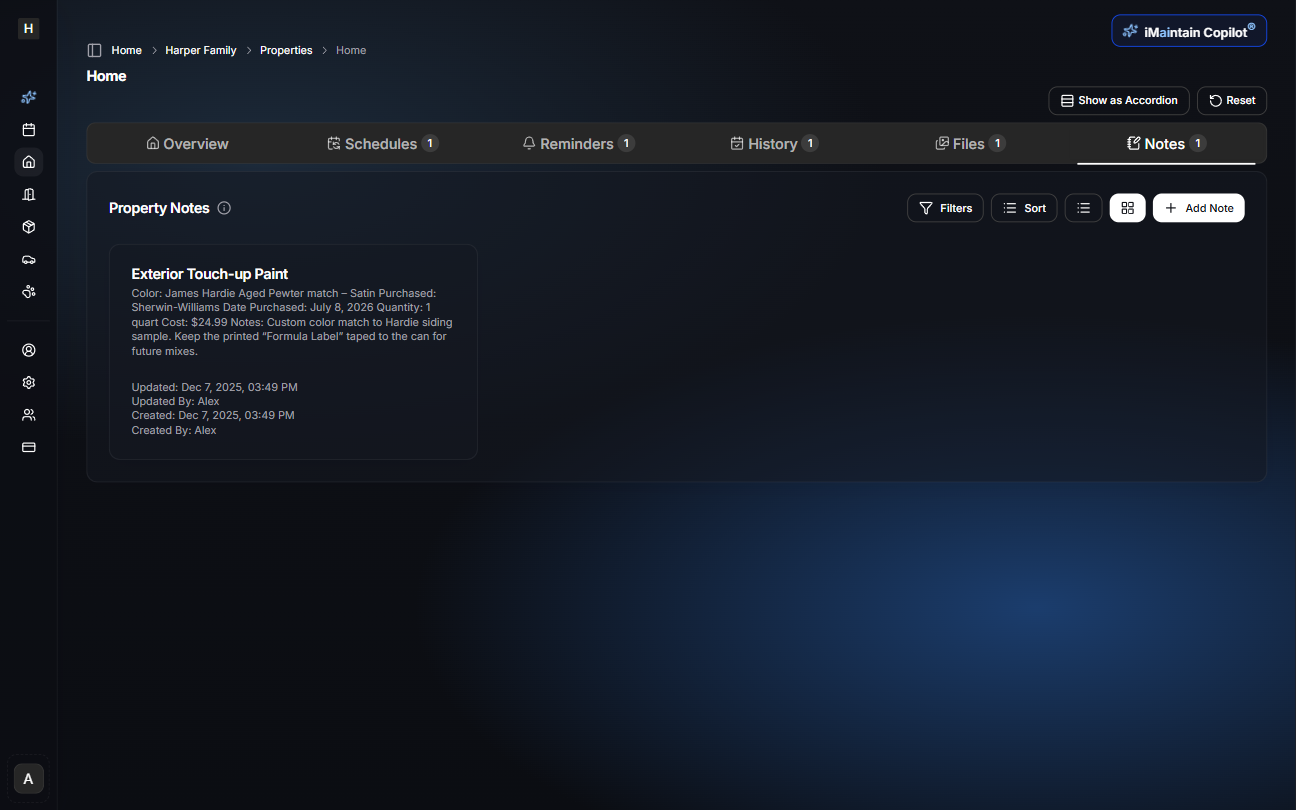
Property Notes support two display modes: Table View and Card View.
Both modes contain the same information, but each serves different workflows.
Table View
The table view displays notes in a structured grid with sortable columns.
Users can:
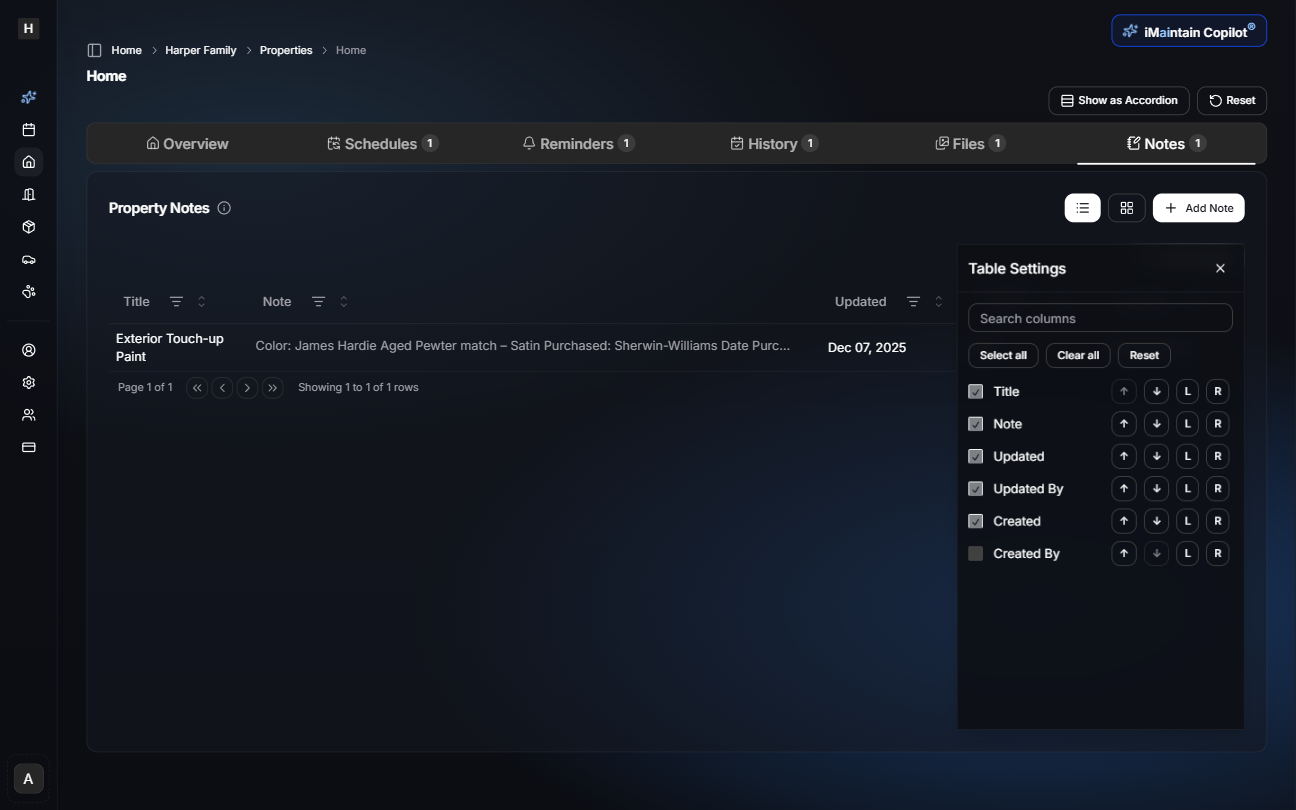
- Show or hide columns
- Change column order
- Sort by title, note content, created date, or updated date
- Quickly scan multiple notes
Customizing Columns
You can adjust which columns appear using the Table Settings menu.
Card View
The card view focuses on readability by showing each note as an individual card.
Each card displays:
- Title
- Note content
- Created date
- Updated date
- Created By
- Updated By
This view is useful for more narrative or longer notes.
Editing or Deleting Notes
Notes can be updated or removed from either Table View or Card View.
- Select the note you wish to modify.
- Open the note actions and choose Edit or Delete.
- Save changes or confirm deletion.
Edits automatically update the semantic search index so the Copilot always reflects the latest information.
Using iMaintain Copilot with Notes
The Copilot can create, update, retrieve, and summarize property notes through natural language.
Examples
Add a note:
"Add a note to my Home documenting my living room paint color: Repose Gray from Sherwin-Williams."
Update a note:
"Update the exterior paint note and add that I purchased it at the Durham Sherwin-Williams store."
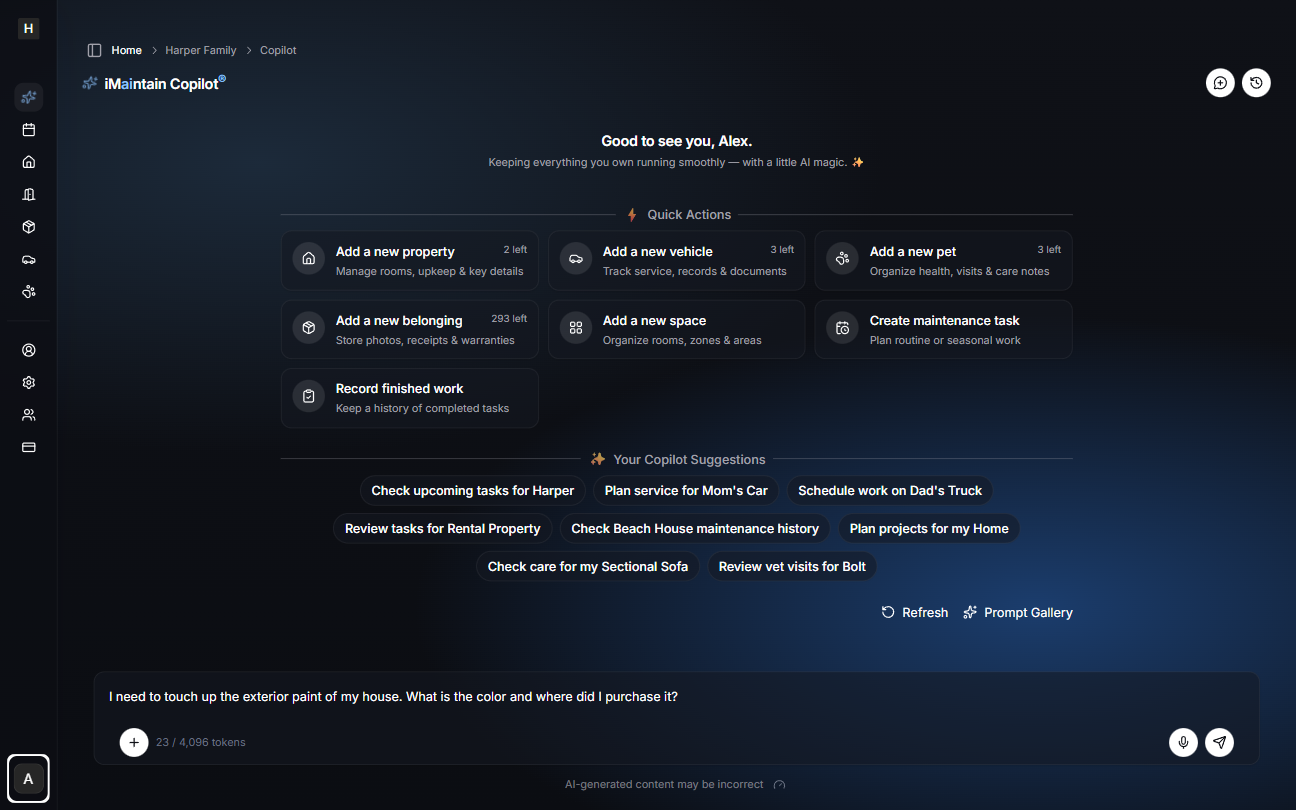
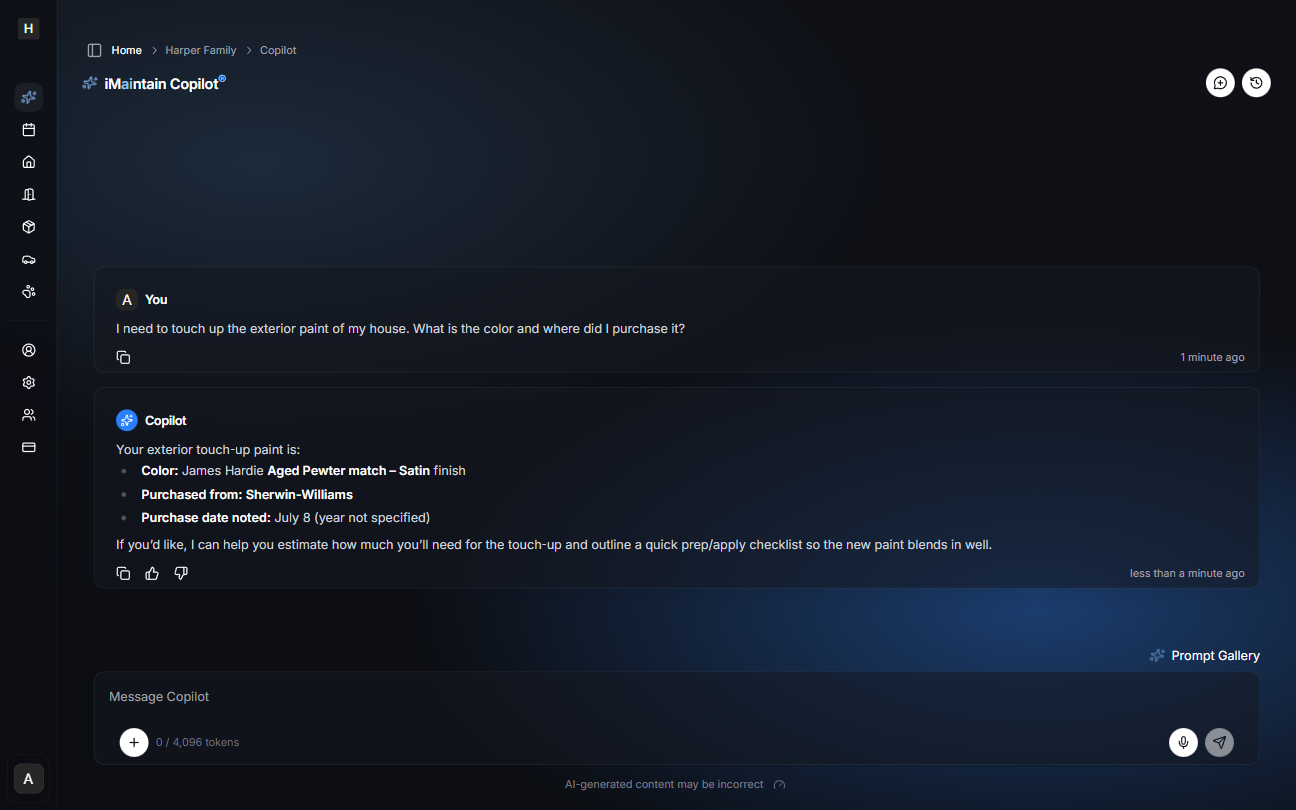
Retrieve a note:
"What color is the exterior touch-up paint for my house?"
"Where did I buy the paint for my kitchen trim?"
Related
- Adding properties - Set up your property
- Property maintenance - Add notes to maintenance tasks
- Property rentals - Keep rental context tied to the property
- Property files - Attach files to your notes
- Copilot for properties - Get AI-powered insights based on your notes