

Use iMaintain Copilot
Keep everything running smoothly with AI-powered reminders and quick actions.
Overview
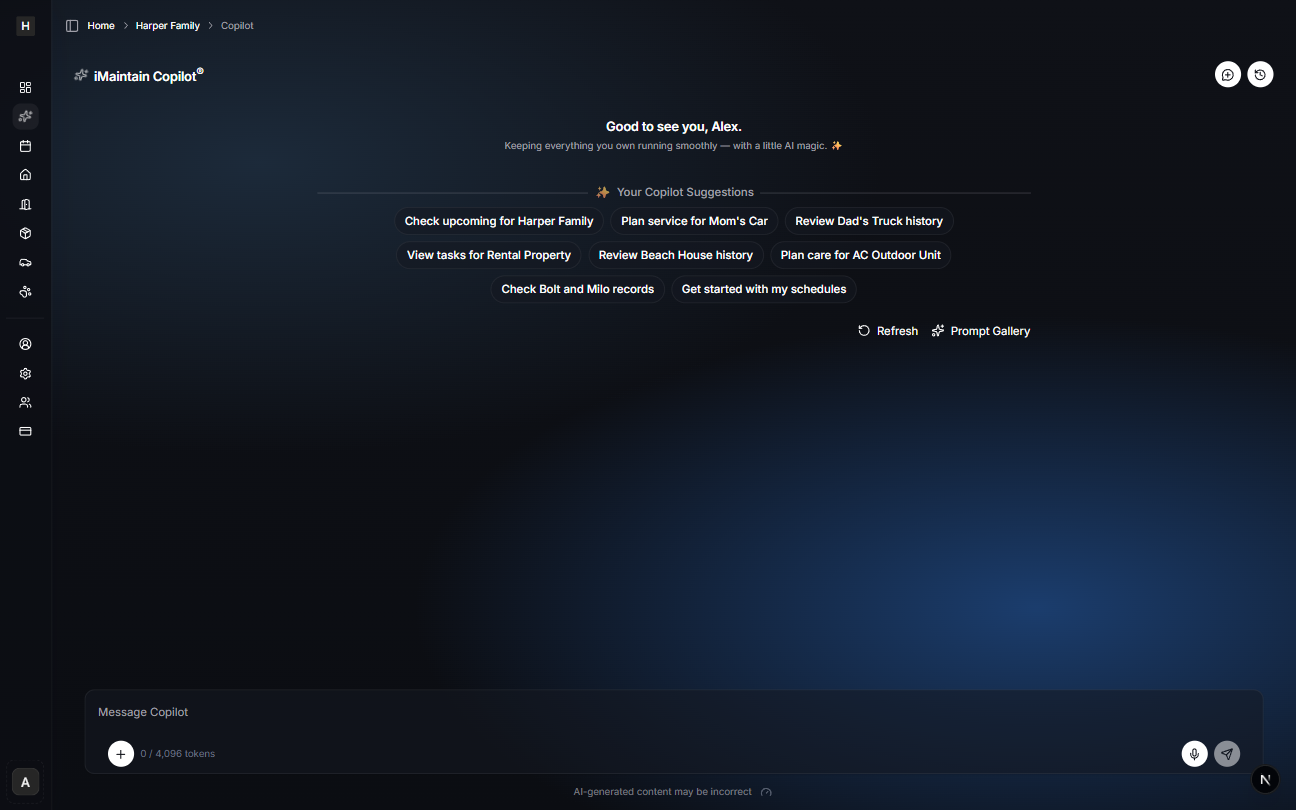
Copilot is your starting point for quick answers, quick actions, and a clear view of what’s coming up—across your home, vehicles, and belongings.
Start with suggestions
When you open Copilot, you’ll see Your Copilot Suggestions—short, high-value prompts that help you jump straight into the next useful thing:
- Check what’s upcoming
- Review history for an item
- Plan service or a checklist
- Get oriented with your schedules
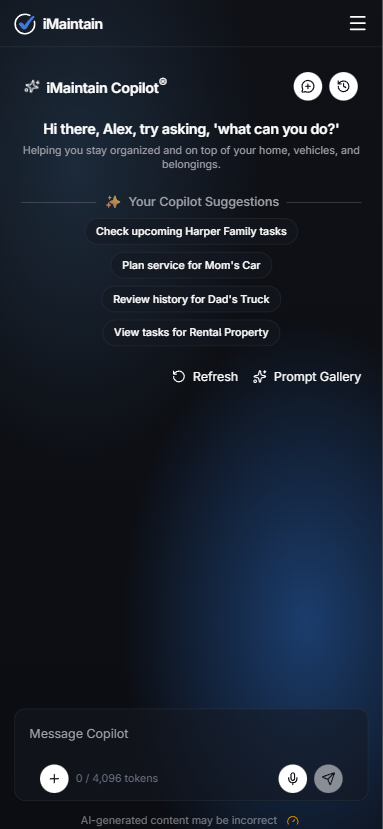
Copilot on mobile
Copilot works on mobile as well—so you can ask questions while you’re walking the property, checking a room, or looking at a label.
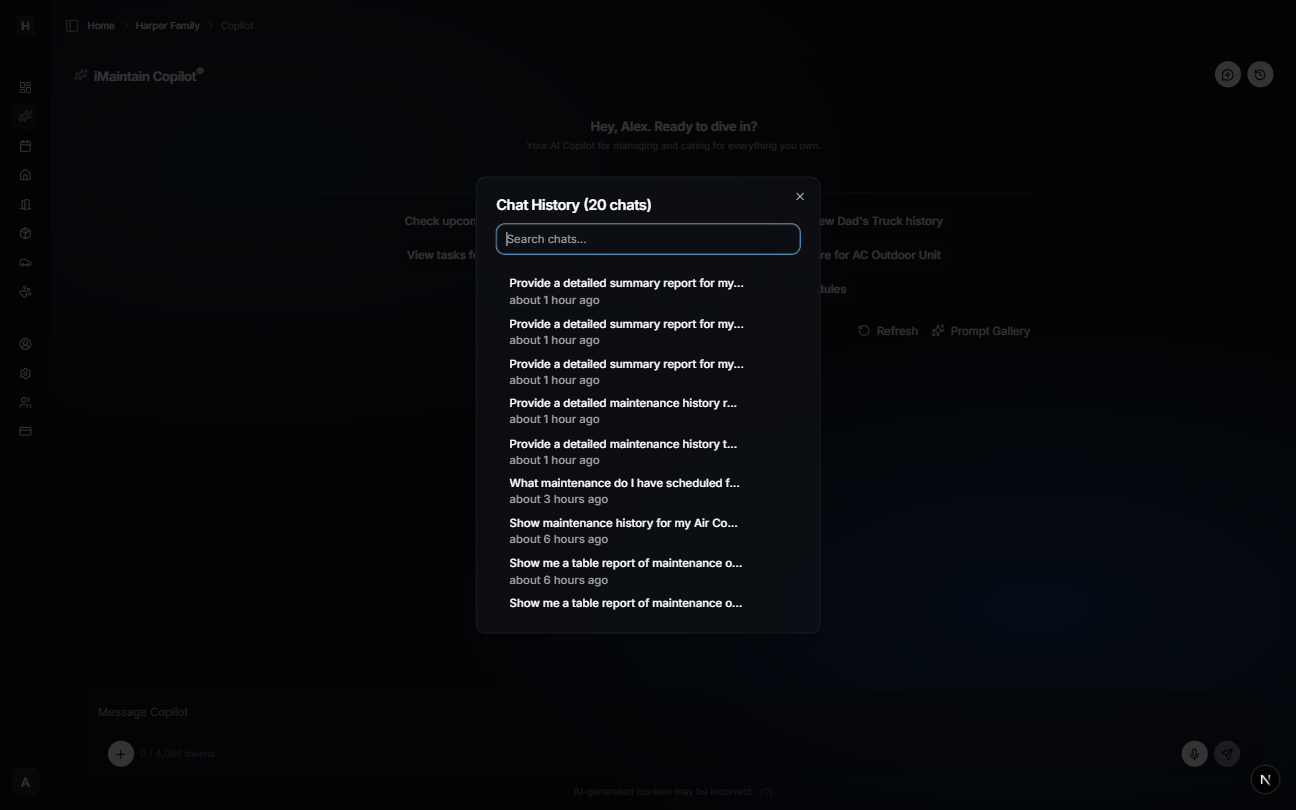
Start a new chat and open history
Use the top-right controls:
- New chat: start fresh when you’re switching topics
- History: search and reopen previous chats
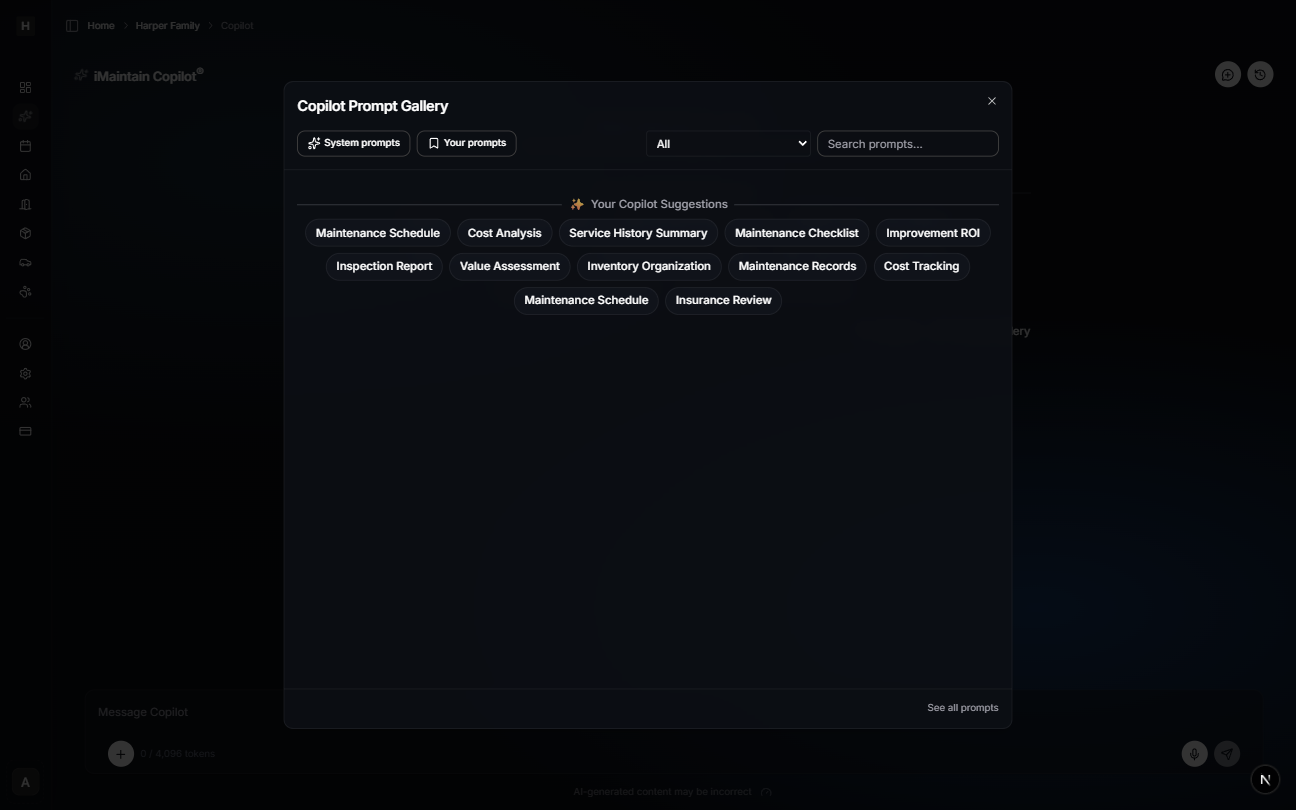
Prompt Gallery (advanced prompts)
If you’re not sure what to ask, open the Prompt Gallery for a set of advanced prompts (checklists, summaries, cost analysis, and more).
Quota and usage
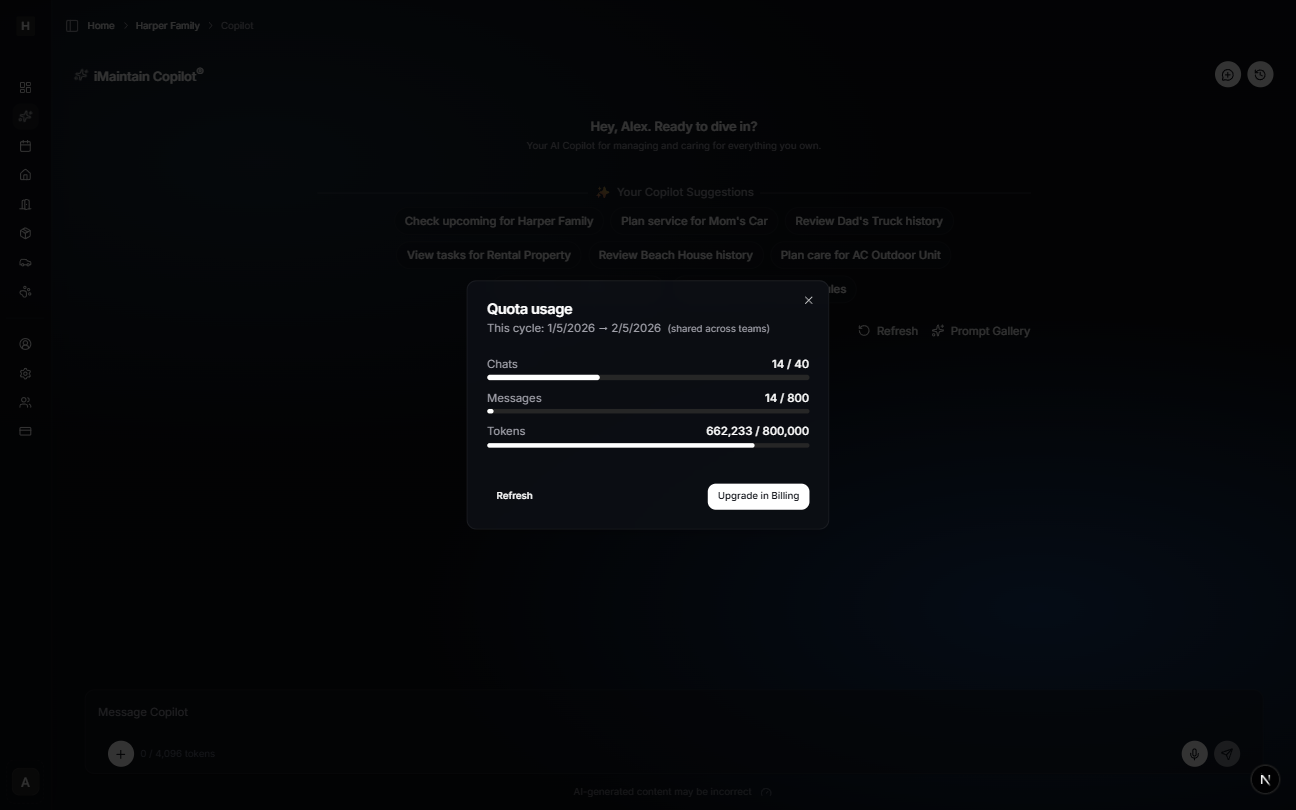
Copilot shows your current usage for the cycle (chats, messages, and tokens). This helps you understand how much you’ve used and what’s remaining.
Quick wins
- Add an asset, log a task, or upload files in seconds.
- Ask Copilot anything about your assets.