

Use the Prompt Gallery
Explore advanced prompts for common workflows.
Overview
The Prompt Gallery helps you discover what Copilot can do with your data. It includes advanced prompts for common workflows—checklists, summaries, reports, and planning.
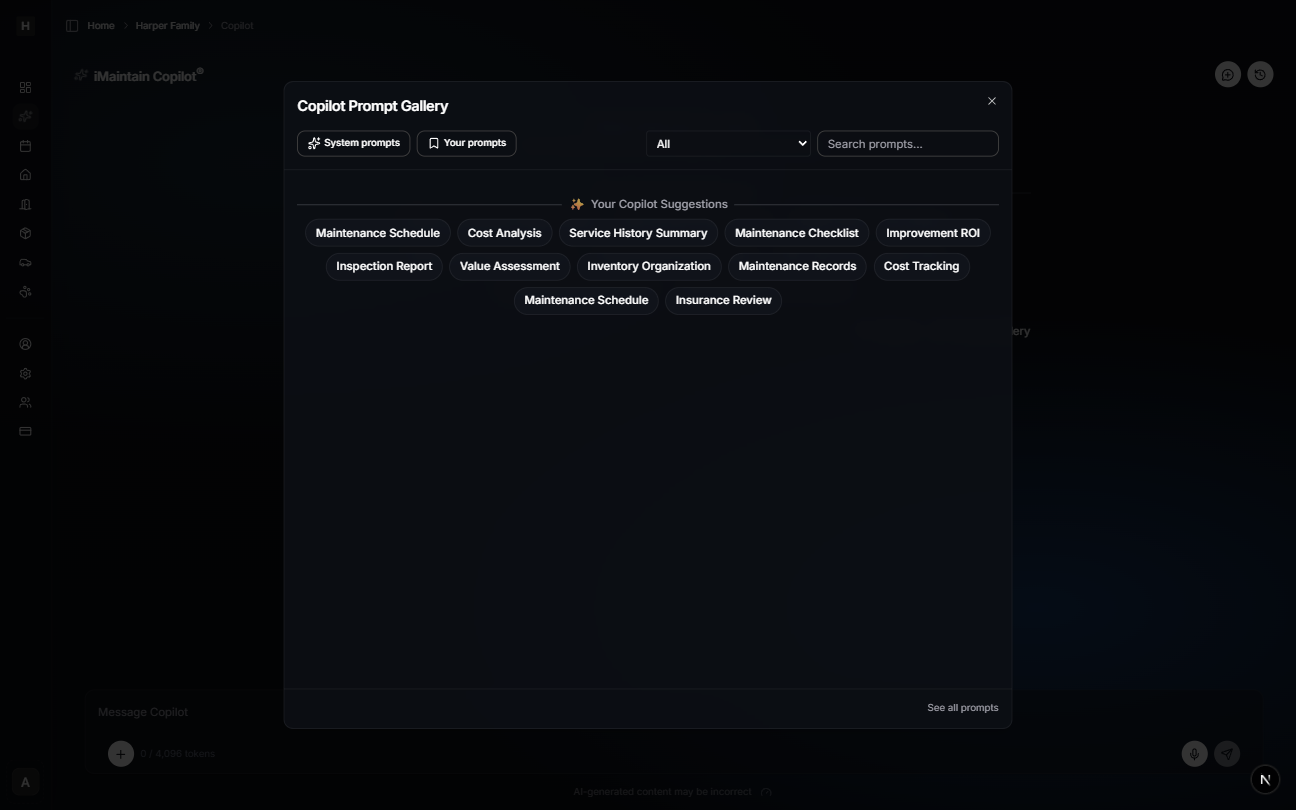
When to use it
Use the Prompt Gallery when you want:
- A structured output (checklist, table report, summary)
- A starting point for a common task (maintenance planning, records review)
- Ideas for what to ask next
Tips
- Start with a prompt, then add specifics (which property, which vehicle, which pet).
- Re-run prompts after you add history, files, or notes—answers get better as your data grows.